Show a service ratio with both units

Write 20 half-day visits per 1 month, not a bare count of 20.
What you'll make
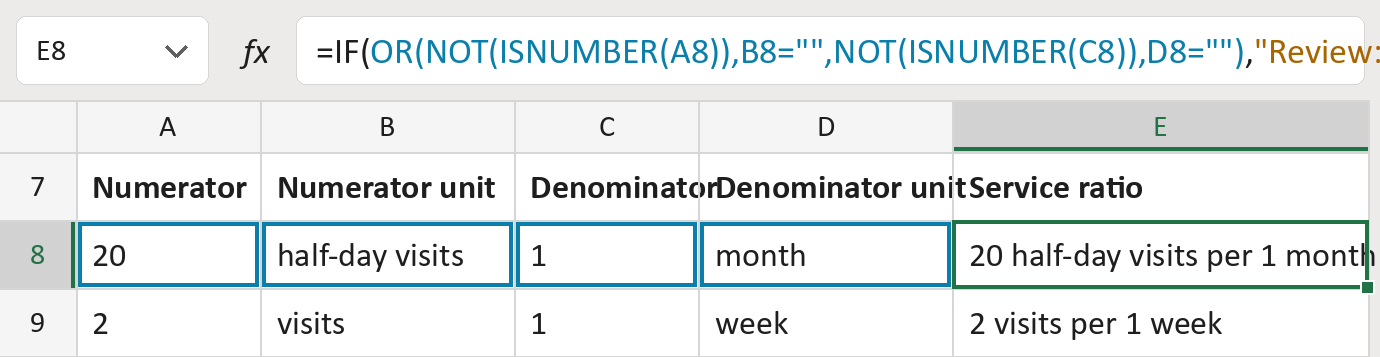
The formula
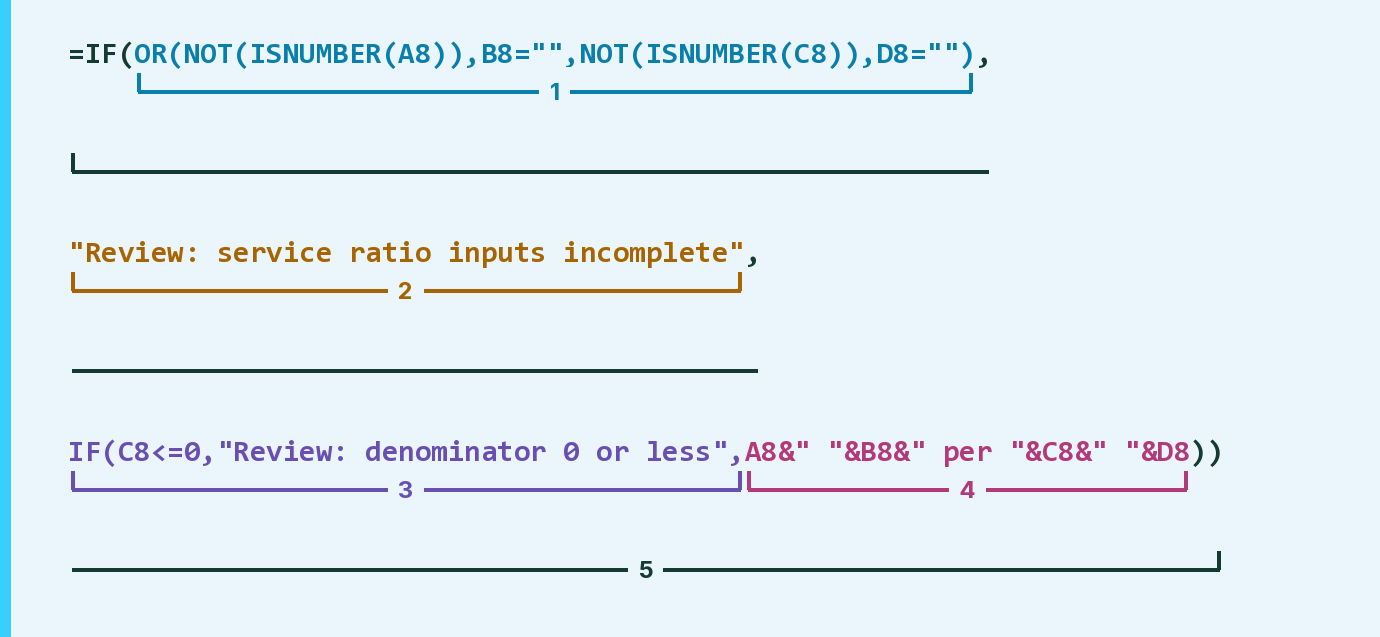
| Number | Part | What it does | Result so far |
|---|---|---|---|
| 1 | OR(NOT(ISNUMBER(A8)), … ) | Checks for a missing amount or unit. | FALSE |
| 2 | "Review: service ratio inputs incomplete" | What the cell says when part 1 is TRUE. | Not used for row 8 |
| 3 | IF(C8<=0, … , | Flags a denominator of 0 or less. | Not used for row 8 |
| 4 | A8&" "&B8&" per "&C8&" "&D8 | Writes both amounts with their units. | "20 half-day … 1 month" |
| 5 | IF( … ) | Uses part 2, part 3 or part 4. | "20 half-day … 1 month" |
Read it left to right. It shows the amounts as given and never converts the units.
=IF(OR(NOT(ISNUMBER(A8)),B8="",NOT(ISNUMBER(C8)),D8=""),"Review: service ratio inputs incomplete",IF(C8<=0,"Review: denominator 0 or less",A8&" "&B8&" per "&C8&" "&D8))How to use it
Yellow bar at the top? Click Enable Editing.
- See it work. The Example tab shows 20 made-up examples with the formula already in.
- Use your own ratios. Paste each ratio's two amounts and two units into the green columns of the Template tab. The ratio fills in by itself.
- Move them into your letter. Copy the results. Then use Paste Special and choose Values.
Before you send
Paste the amounts as numbers. This only shows what the request says; it doesn't schedule anything.
Microsoft's help: Using IF with AND, OR and NOT
OTHER ROUTES YOU MIGHT LIKE
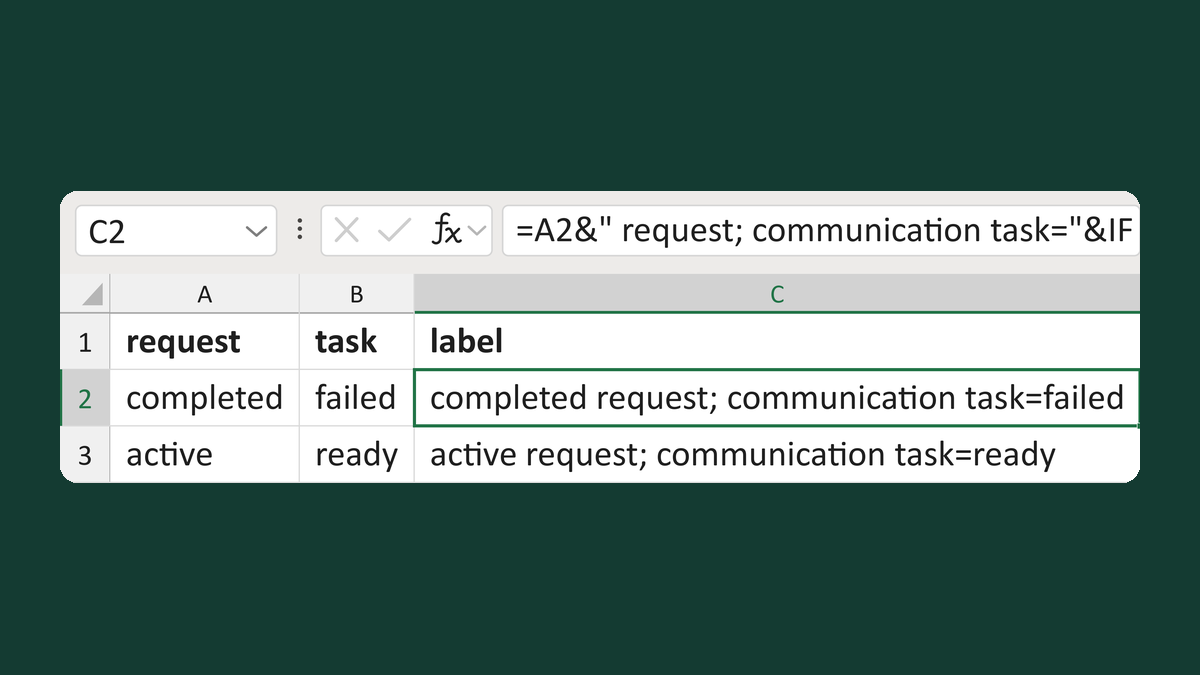
Show request and letter task status
completed + failed → completed request; communication task=failed
Get the template →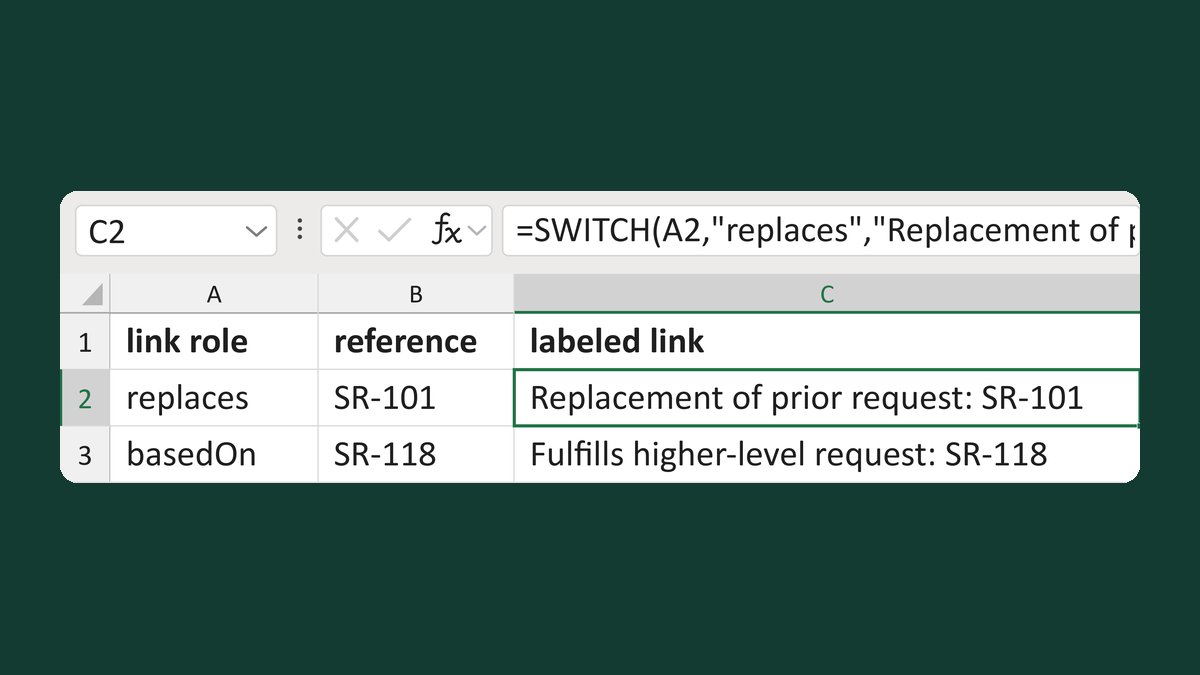
Label referral request links by role
replaces, SR-101 → Replacement of prior request: SR-101
Get the template →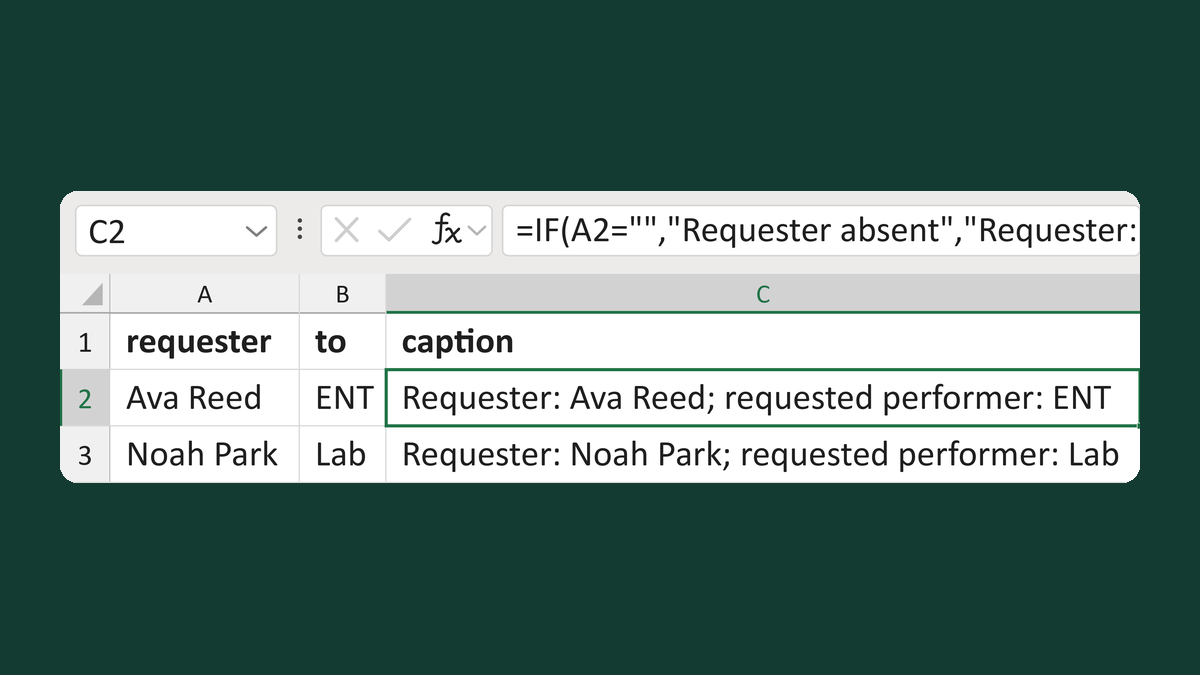
Keep requester and performer apart
Ava Reed + ENT → Requester: Ava Reed; requested performer: ENT
Get the template →
Merge a few test letters before the whole mailing
Whole mailing → records 2 to 4 only
Take this route →