Label a charge reference or billing code

Label the charge reference or the inline code, and flag a line that has both.
What you'll make
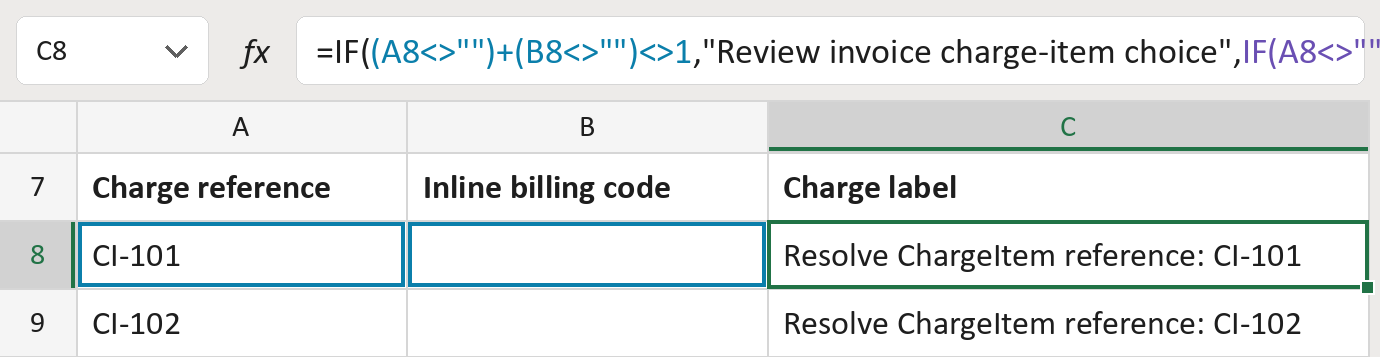
The formula
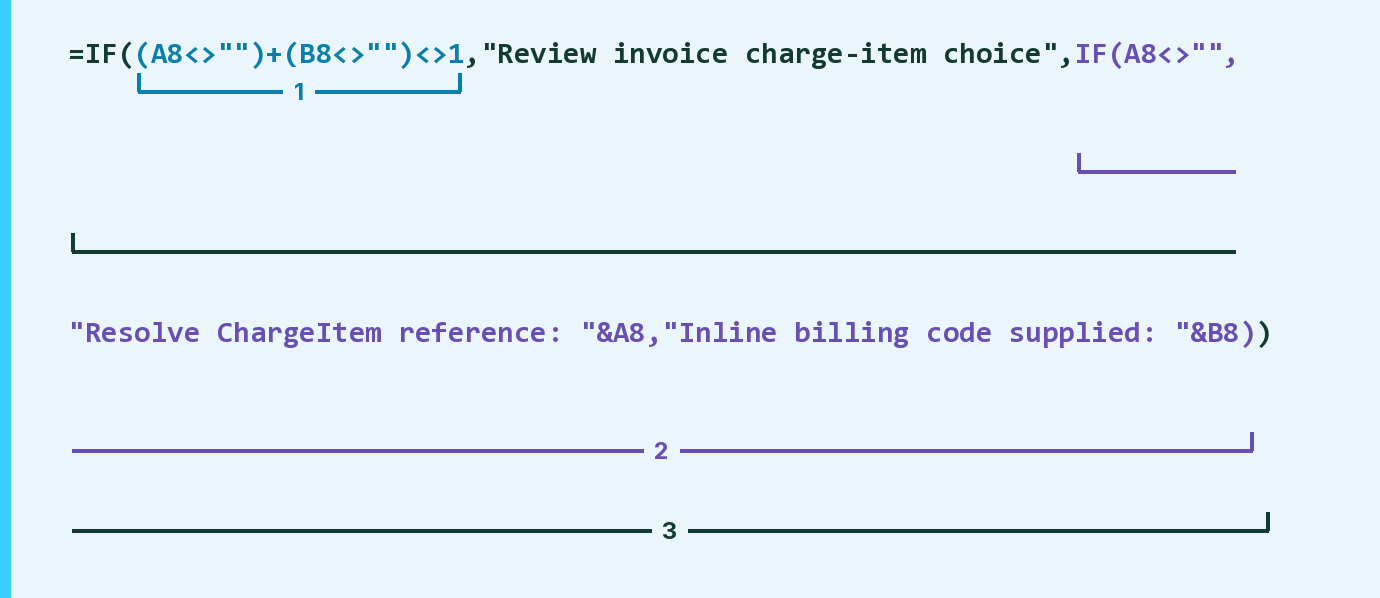
| Number | Part | What it does | Result so far |
|---|---|---|---|
| 1 | (A8<>"")+(B8<>"")<>1 | Checks that not exactly one cell is filled. | FALSE |
| 2 | IF(A8<>"", … ) | Labels the reference, or else the billing code. | "Resolve … CI-101" |
| 3 | IF( … ) | Flags both or neither filled, else uses part 2. | "Resolve … CI-101" |
Read it left to right. Each filled cell counts as 1, so part 1 adds them up.
=IF((A8<>"")+(B8<>"")<>1,"Review invoice charge-item choice",IF(A8<>"","Resolve ChargeItem reference: "&A8,"Inline billing code supplied: "&B8))How to use it
Yellow bar at the top? Click Enable Editing.
- See it work. The Example tab shows 20 made-up examples with the formula already in.
- Use your own list. Paste each invoice line's charge reference or inline billing code into the green columns of the Template tab. Leave the other cell empty.
- Move them into your letter. Copy the results. Then use Paste Special and choose Values.
Before you send
An inline code doesn't give the service date or price. Look those up in the source before writing a letter.
Microsoft's help: IF function
OTHER ROUTES YOU MIGHT LIKE
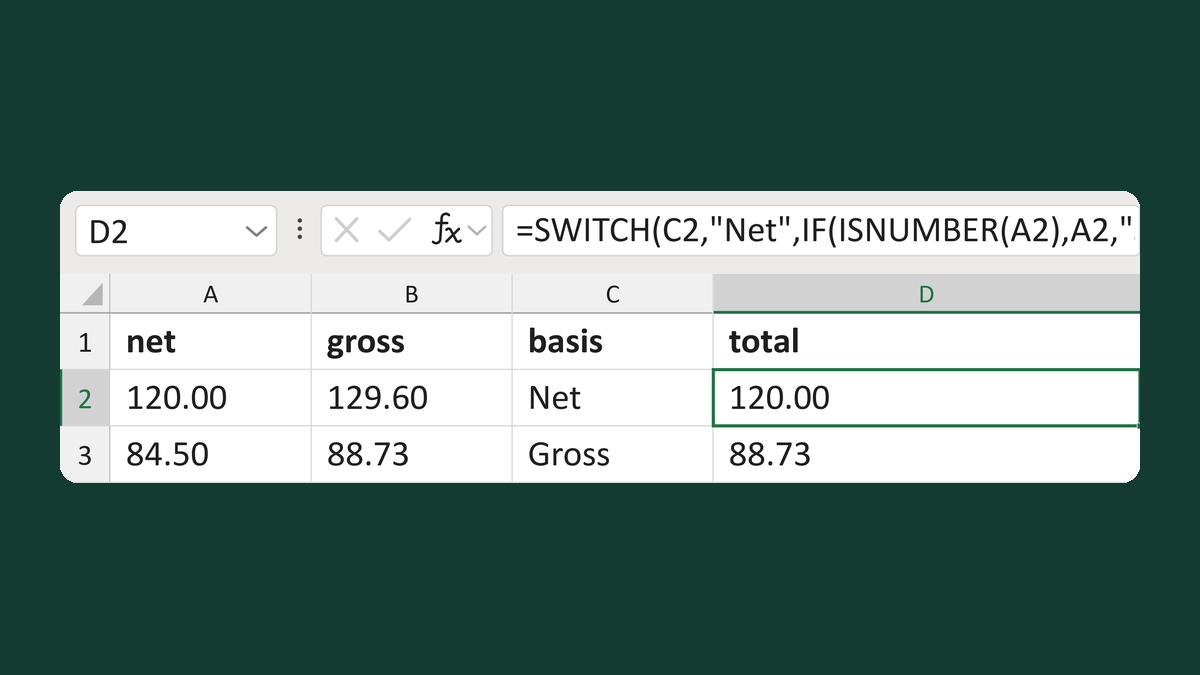
Pick the net or gross invoice total
120.00 net, 129.60 gross, Net → 120.00
Get the template →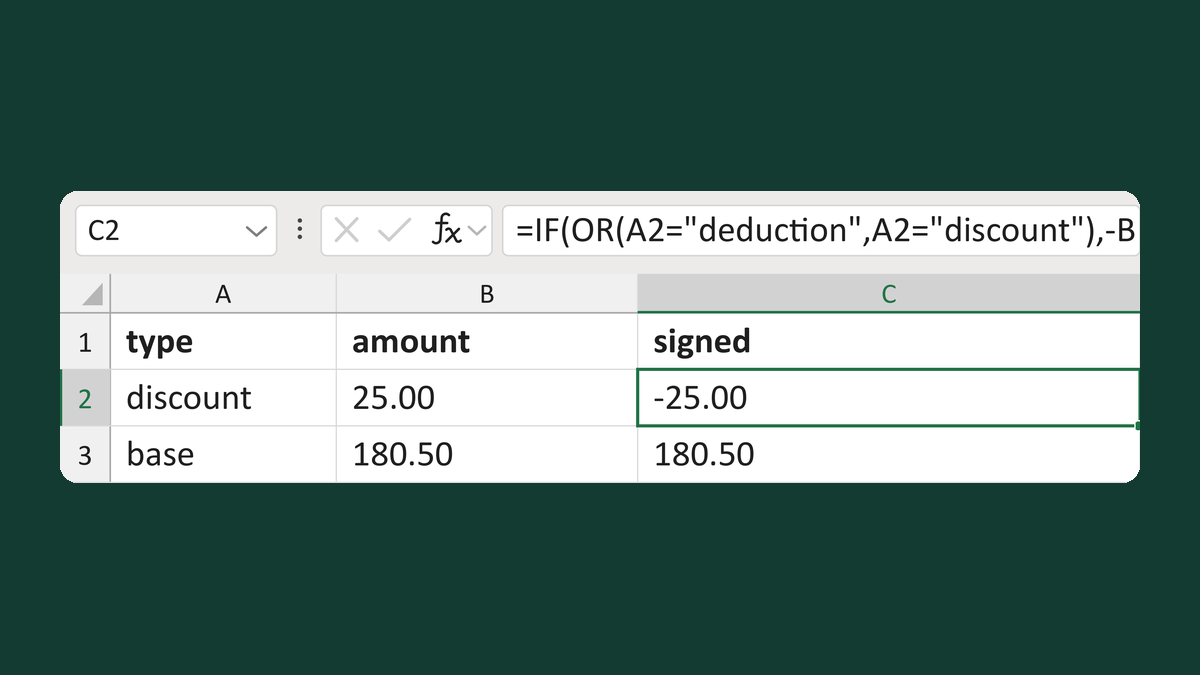
Sign invoice amounts by type
discount 25.00 → -25.00
Get the template →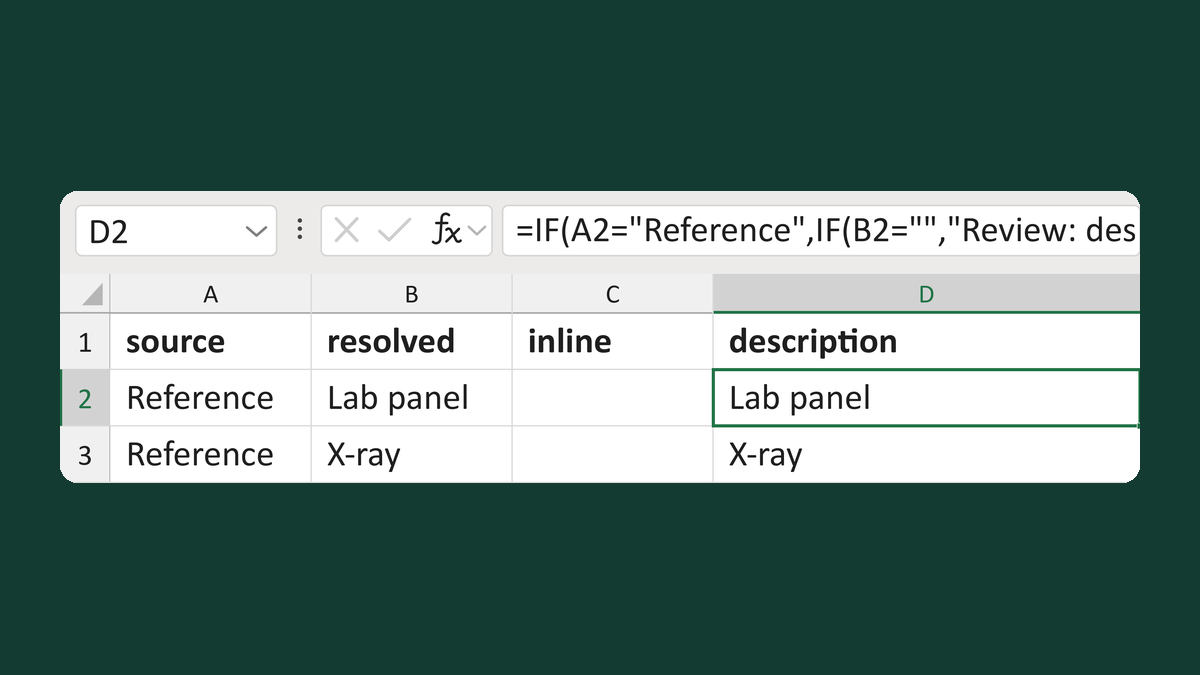
Pick a charge description by its source
Reference + Lab panel → Lab panel
Get the template →
Merge a few test letters before the whole mailing
Whole mailing → records 2 to 4 only
Take this route →