Pick a charge description by its source

Take the description from the source the line uses, never from a guess.
What you'll make
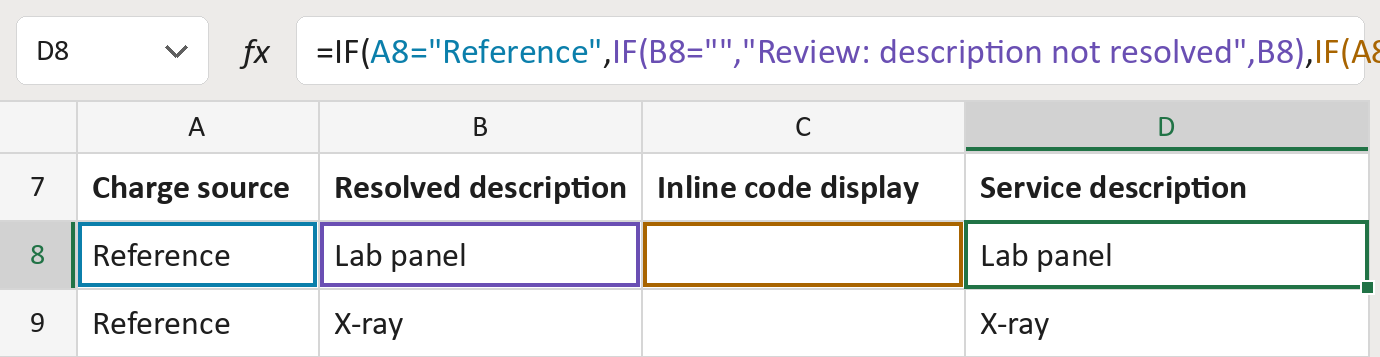
The formula
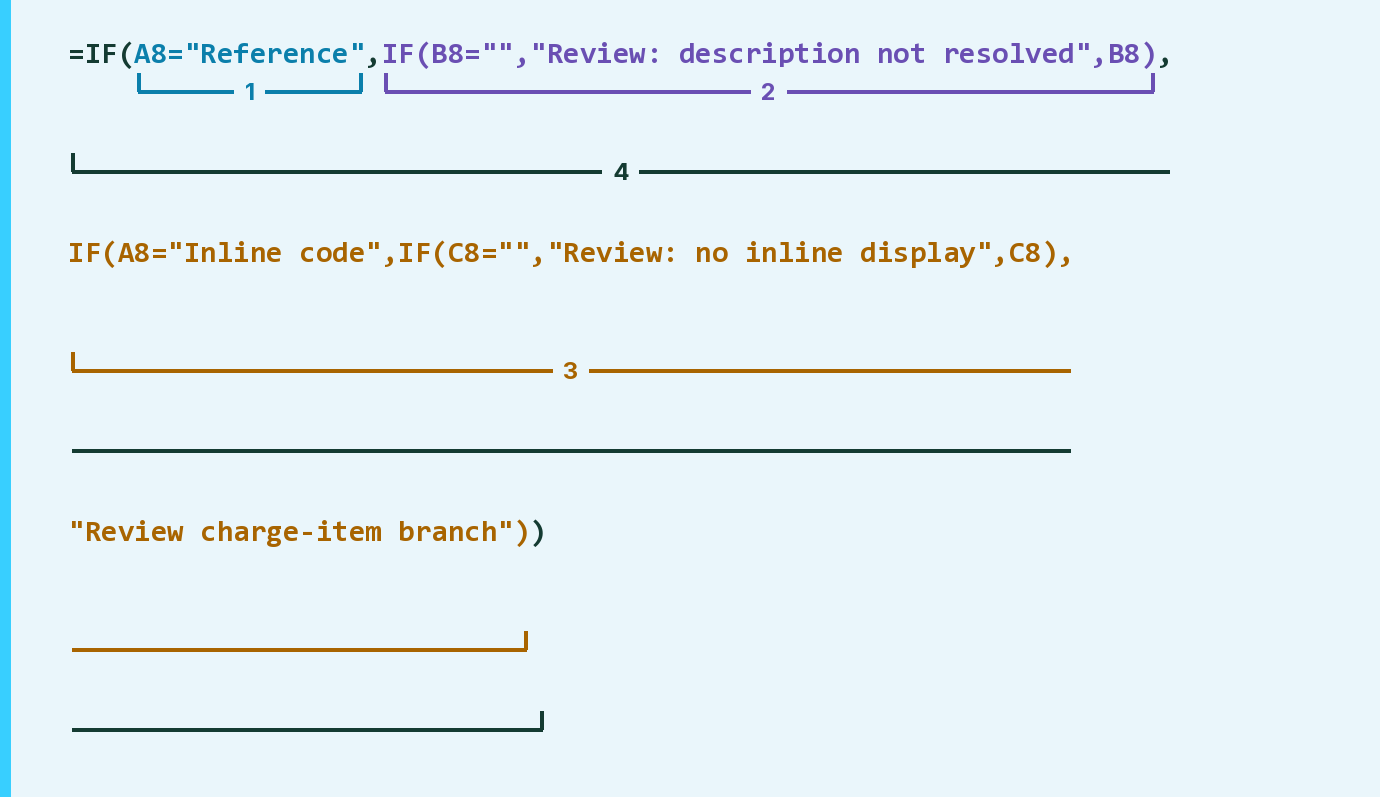
| Number | Part | What it does | Result so far |
|---|---|---|---|
| 1 | A8="Reference" | Checks if the line uses a charge reference. | TRUE |
| 2 | IF(B8="", … ,B8) | Takes the resolved description, or flags it as missing. | "Lab panel" |
| 3 | IF(A8="Inline code", … ) | Takes the inline code display, or flags the row. | Not used for row 8 |
| 4 | IF( … ) | Uses part 2 for a reference, else part 3. | "Lab panel" |
Read it left to right. Part 3 gives Review charge-item branch for any other source word.
=IF(A8="Reference",IF(B8="","Review: description not resolved",B8),IF(A8="Inline code",IF(C8="","Review: no inline display",C8),"Review charge-item branch"))How to use it
Yellow bar at the top? Click Enable Editing.
- See it work. The Example tab shows 20 made-up examples with the formula already in.
- Use your own list. Paste each line's charge source (Reference or Inline code) and its descriptions into the green columns of the Template tab.
- Move them into your letter. Copy the results. Then use Paste Special and choose Values.
Before you send
Resolve each charge reference in the source first. Don't write a reference number or a billing code as the description.
Microsoft's help: IF function
OTHER ROUTES YOU MIGHT LIKE
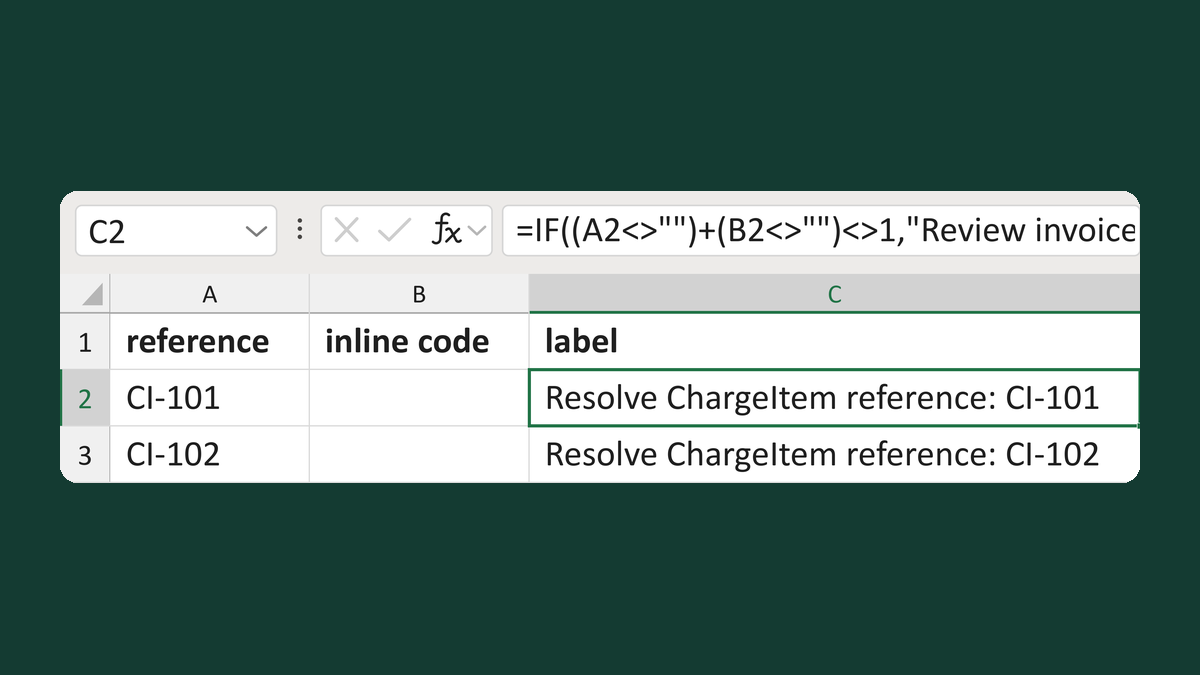
Label a charge reference or billing code
CI-101 → Resolve ChargeItem reference: CI-101
Get the template →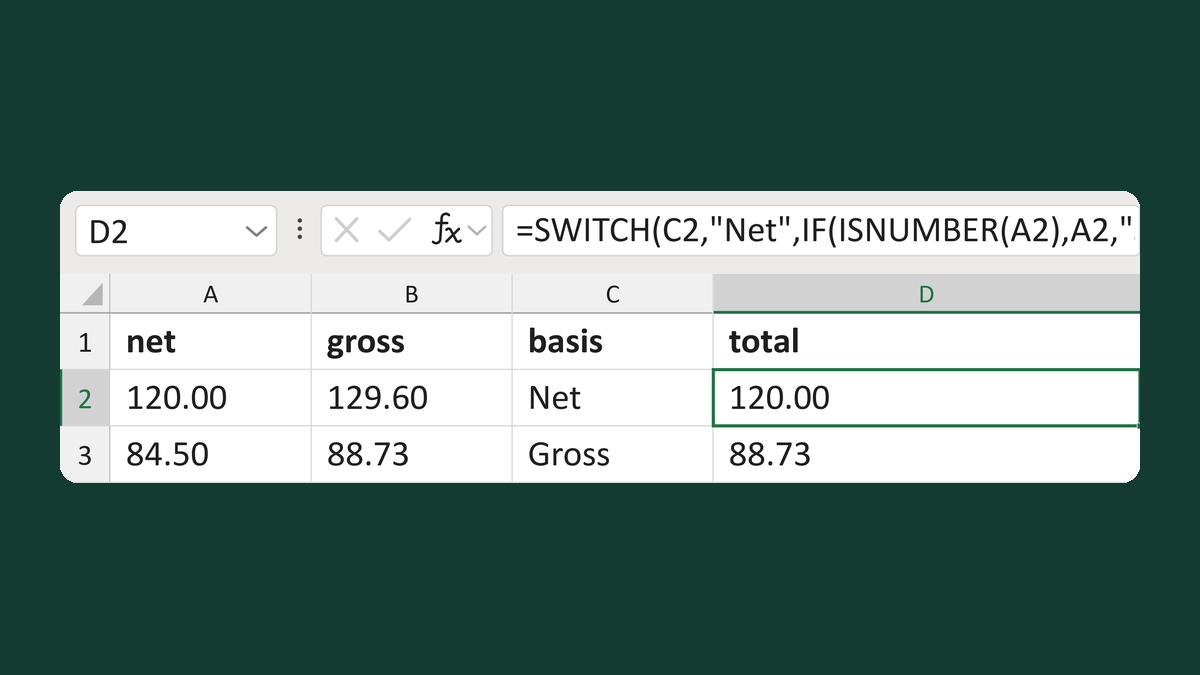
Pick the net or gross invoice total
120.00 net, 129.60 gross, Net → 120.00
Get the template →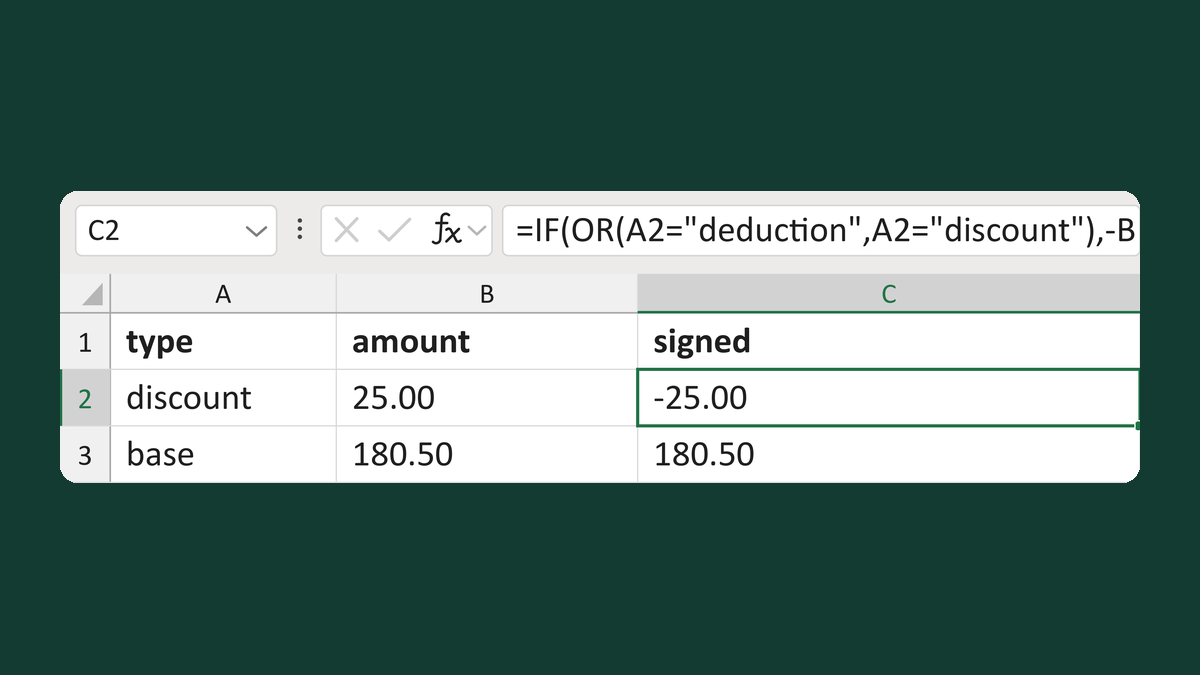
Sign invoice amounts by type
discount 25.00 → -25.00
Get the template →
Merge a few test letters before the whole mailing
Whole mailing → records 2 to 4 only
Take this route →