Read duration text with 7 decimal places

Turn day.hh:mm:ss text with 7 decimals into a signed number of days.
Download Excel templateMicrosoft 365
What you'll make
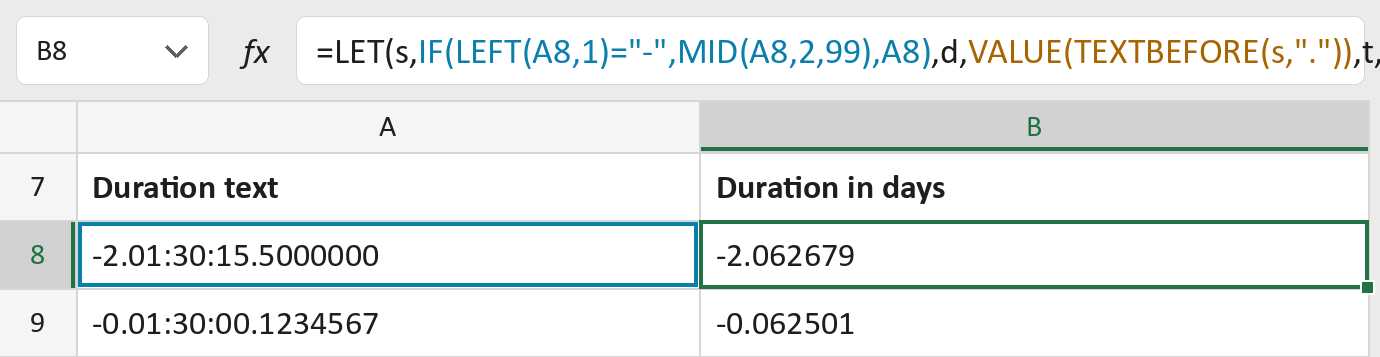
The formula
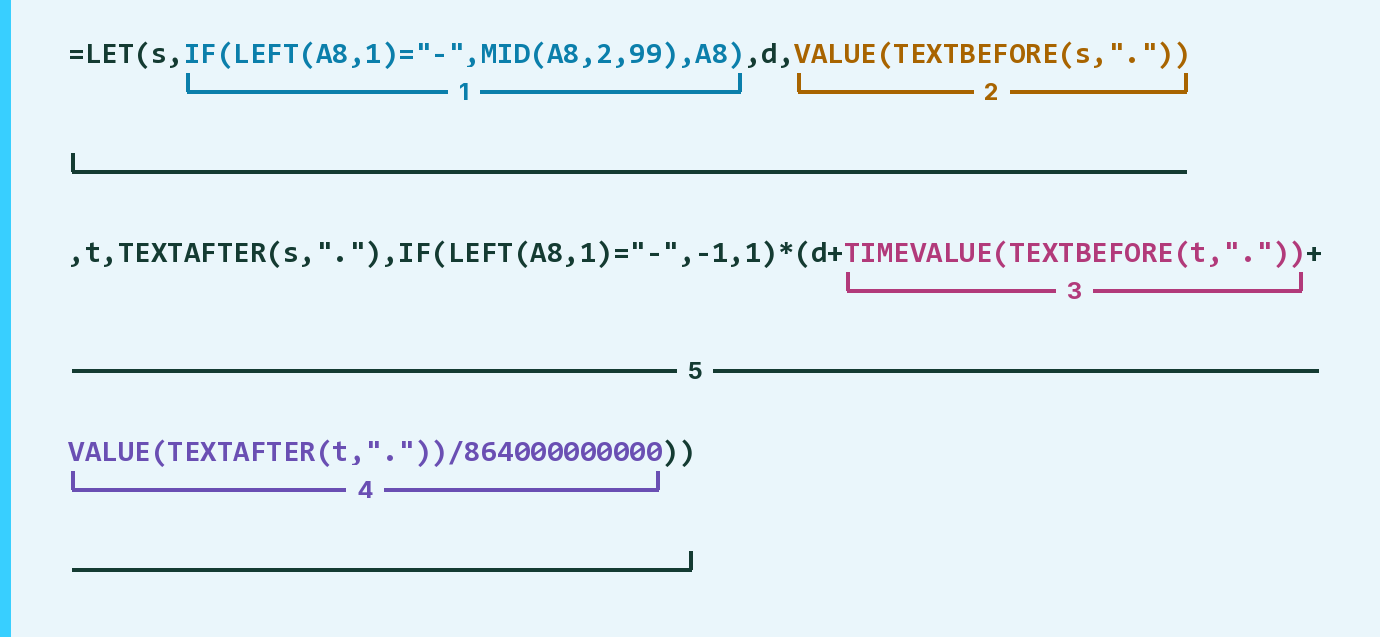
| Number | Part | What it does | Result so far |
|---|---|---|---|
| 1 | IF(LEFT(A8,1)="-", … ) | Drops a leading minus. LET calls the rest s. | "2.01:30:15.5000000" |
| 2 | VALUE(TEXTBEFORE(s,".")) | Takes the days before the first dot. LET calls it d. | 2 |
| 3 | TIMEVALUE(TEXTBEFORE(t,".")) | Reads the clock time as part of a day. | 0.062674 |
| 4 | VALUE(TEXTAFTER(t,"."))/864000000000 | Turns the 7 decimals into part of a day. | 0.0000058 |
| 5 | LET( … ) | Adds the parts and puts the minus back. | -2.062679 |
t is the text after the first dot (01:30:15.5000000). Excel counts time in days.
=LET(s,IF(LEFT(A8,1)="-",MID(A8,2,99),A8),d,VALUE(TEXTBEFORE(s,".")),t,TEXTAFTER(s,"."),IF(LEFT(A8,1)="-",-1,1)*(d+TIMEVALUE(TEXTBEFORE(t,"."))+VALUE(TEXTAFTER(t,"."))/864000000000))How to use it
Yellow bar at the top? Click Enable Editing.
- See it work. The Example tab shows 20 made-up examples with the formula already in.
- Use your own durations. Paste durations like -2.01:30:15.5000000 into the green column of the Template tab. The days fill in by themselves.
- Move them into your letter. Copy the results. Then use Paste Special and choose Values.
Before you send
Keep these results as plain numbers. Excel shows #### for a negative time in a time format.
Microsoft's help: TEXTBEFORE function
OTHER ROUTES YOU MIGHT LIKE
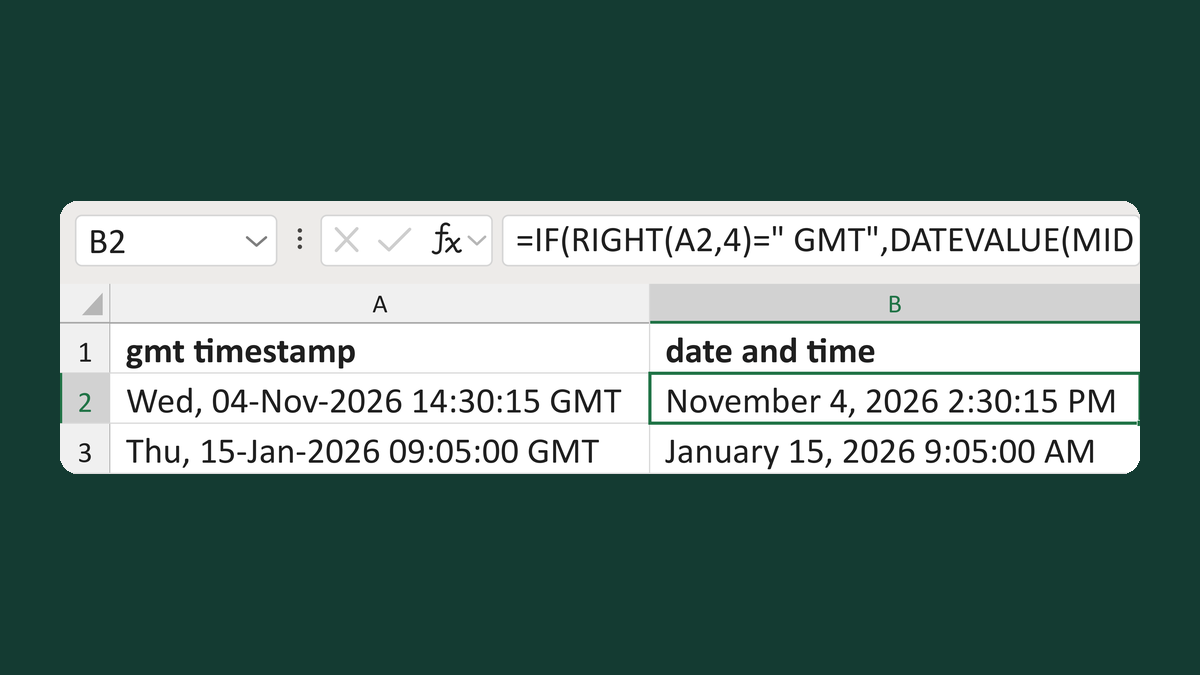
Read a timestamp only if it ends in GMT
Wed, 04-Nov-2026 14:30:15 GMT → November 4, 2026 2:30:15 PM
Get the template →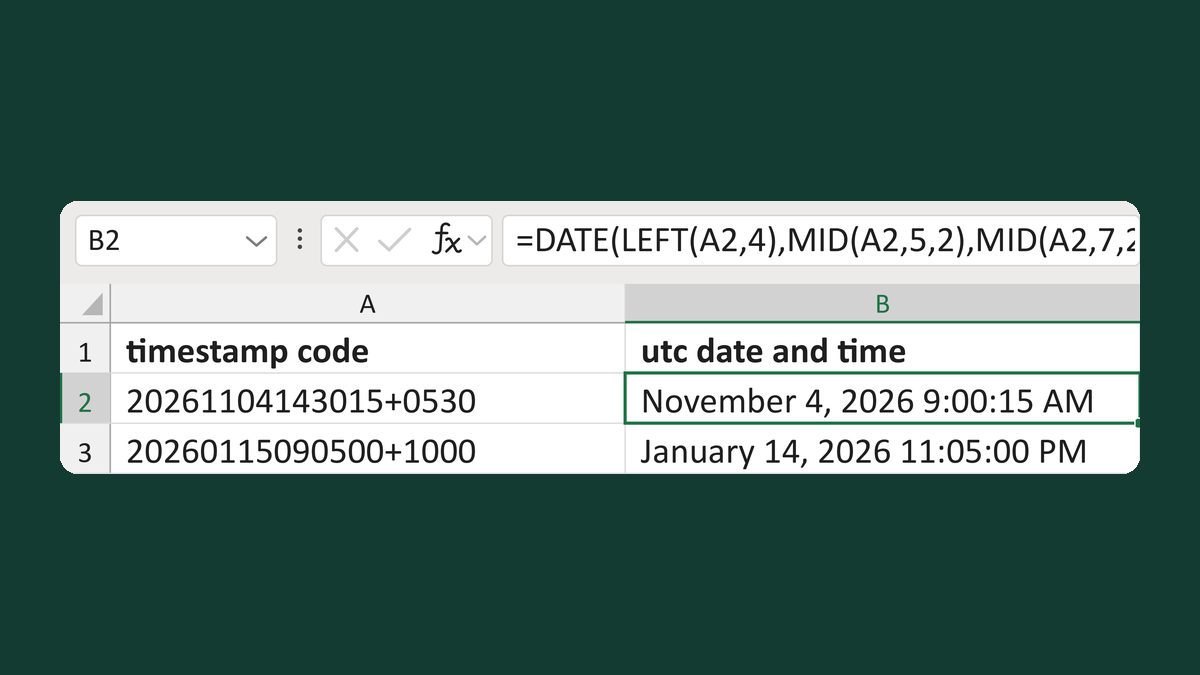
Convert 20261104143015+0530 to UTC
20261104143015+0530 → November 4, 2026 9:00:15 AM
Get the template →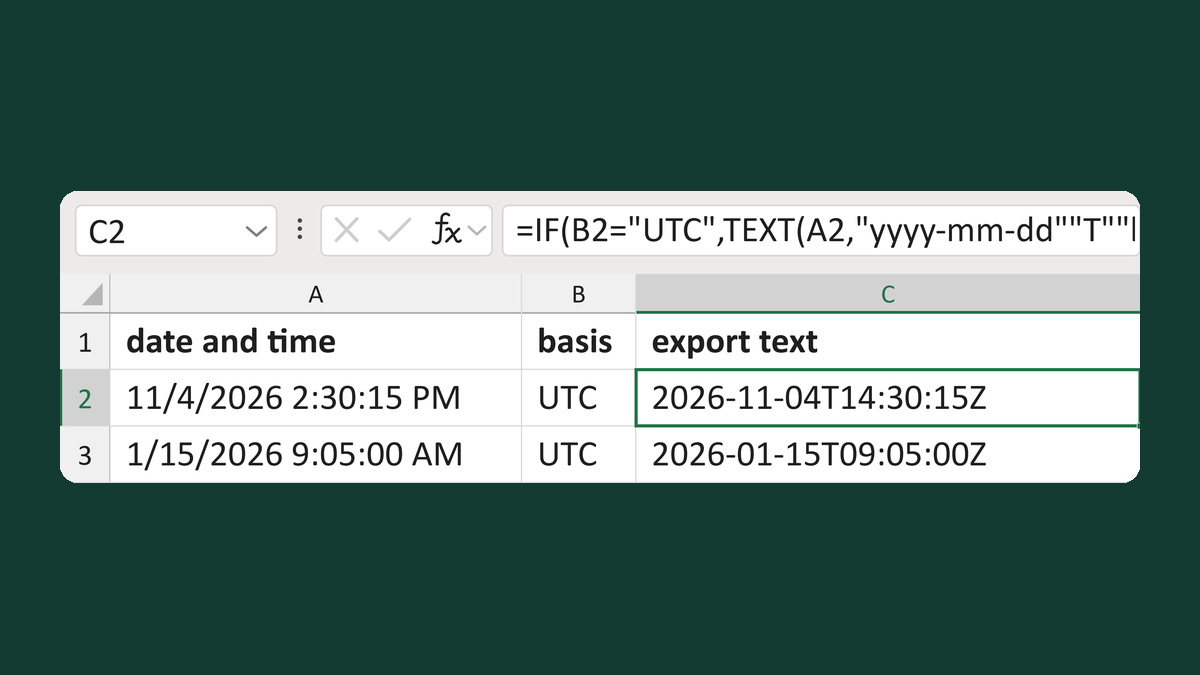
Add a Z suffix only to UTC timestamps
11/4/2026 2:30:15 PM, UTC → 2026-11-04T14:30:15Z
Get the template →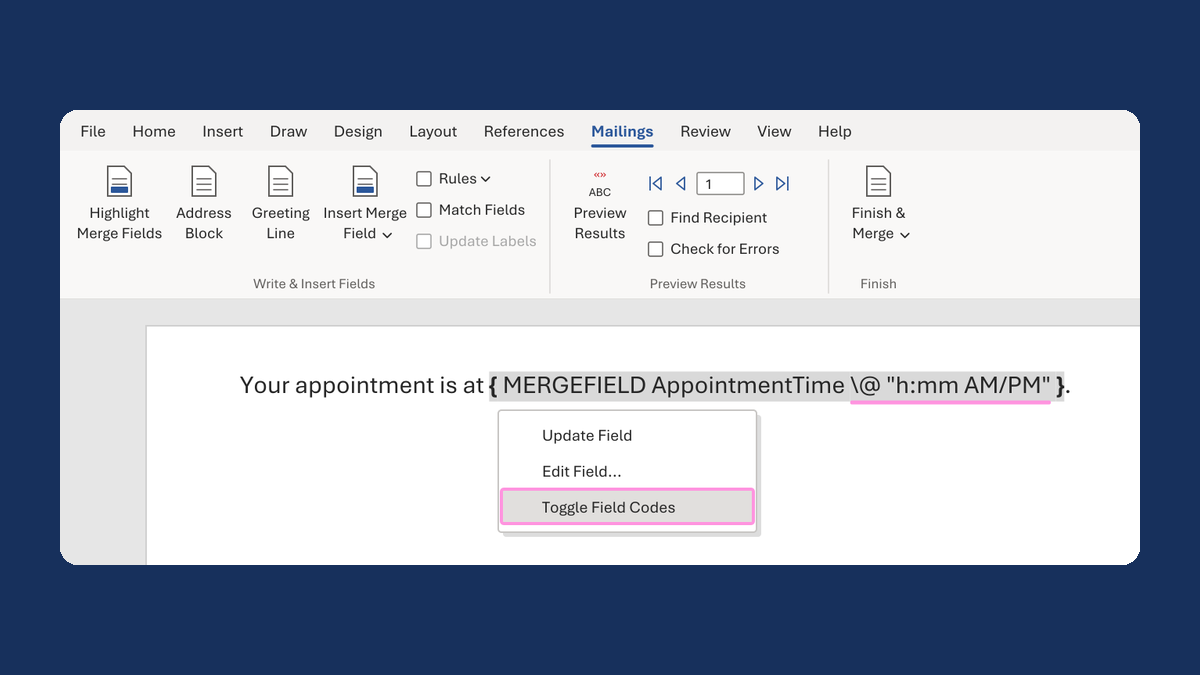
Show an appointment time as 1:05 PM
13:05:00 → 1:05 PM
Take this route →