Read GMT-0500 timestamps as UTC

Turn Wed Nov 04 2026 14:30:15 GMT-0500 (EST) into UTC. The zone name is ignored.
What you'll make
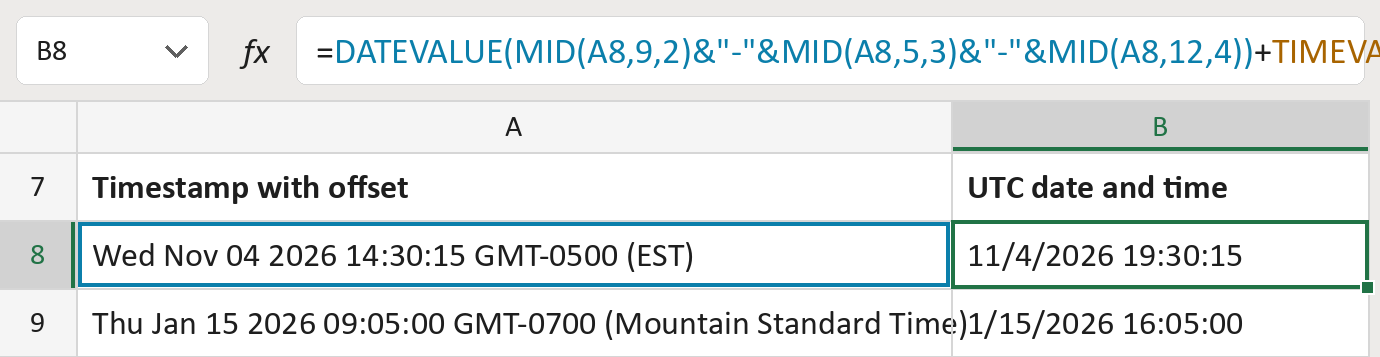
The formula
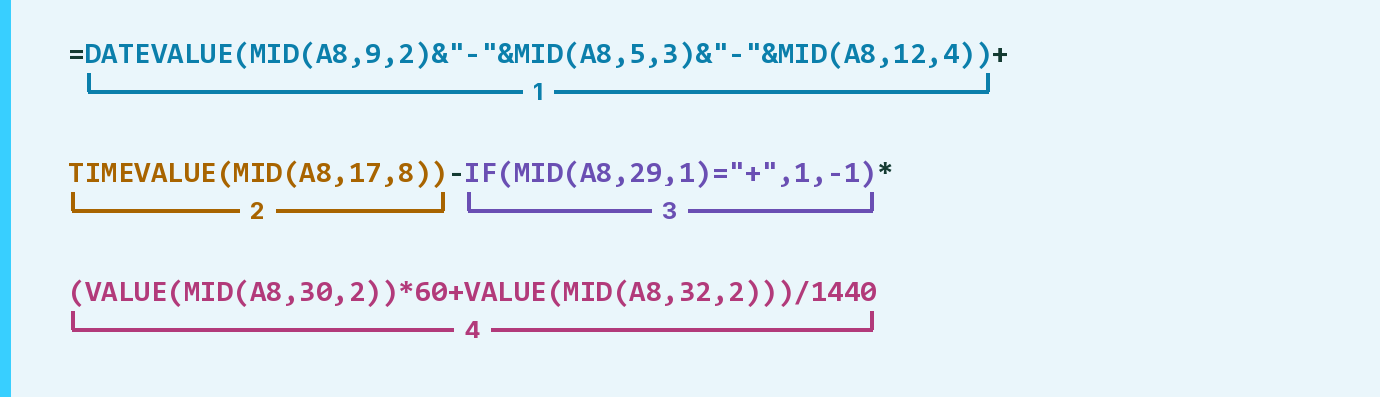
| Number | Part | What it does | Result so far |
|---|---|---|---|
| 1 | DATEVALUE(MID( … )) | Reads the day, month and year as a date. | 11/4/2026 00:00:00 |
| 2 | TIMEVALUE(MID( … )) | Adds the clock time from the 17th character. | 11/4/2026 14:30:15 |
| 3 | IF(MID(A8,29,1)="+",1,-1) | Gives 1 for a plus offset, -1 for minus. | -1 |
| 4 | ( … )/1440 | Turns 0500 into minutes and shifts the time by them. | 11/4/2026 19:30:15 |
Only the GMT offset counts. The name in brackets is never read, so check it matches the offset.
=DATEVALUE(MID(A8,9,2)&"-"&MID(A8,5,3)&"-"&MID(A8,12,4))+TIMEVALUE(MID(A8,17,8))-IF(MID(A8,29,1)="+",1,-1)*(VALUE(MID(A8,30,2))*60+VALUE(MID(A8,32,2)))/1440How to use it
Yellow bar at the top? Click Enable Editing.
- See it work. The Example tab shows 20 made-up examples with the formula already in.
- Use your own timestamps. Paste timestamps like Wed Nov 04 2026 14:30:15 GMT-0500 (EST) into the green column of the Template tab. The UTC dates and times fill in by themselves.
- Move them into your letter. Copy the results. Then use Paste Special and choose Values.
Before you send
Results are in UTC, not local time. Daylight saving comes only from the offset written in each row.
Microsoft's help: DATEVALUE function
OTHER ROUTES YOU MIGHT LIKE
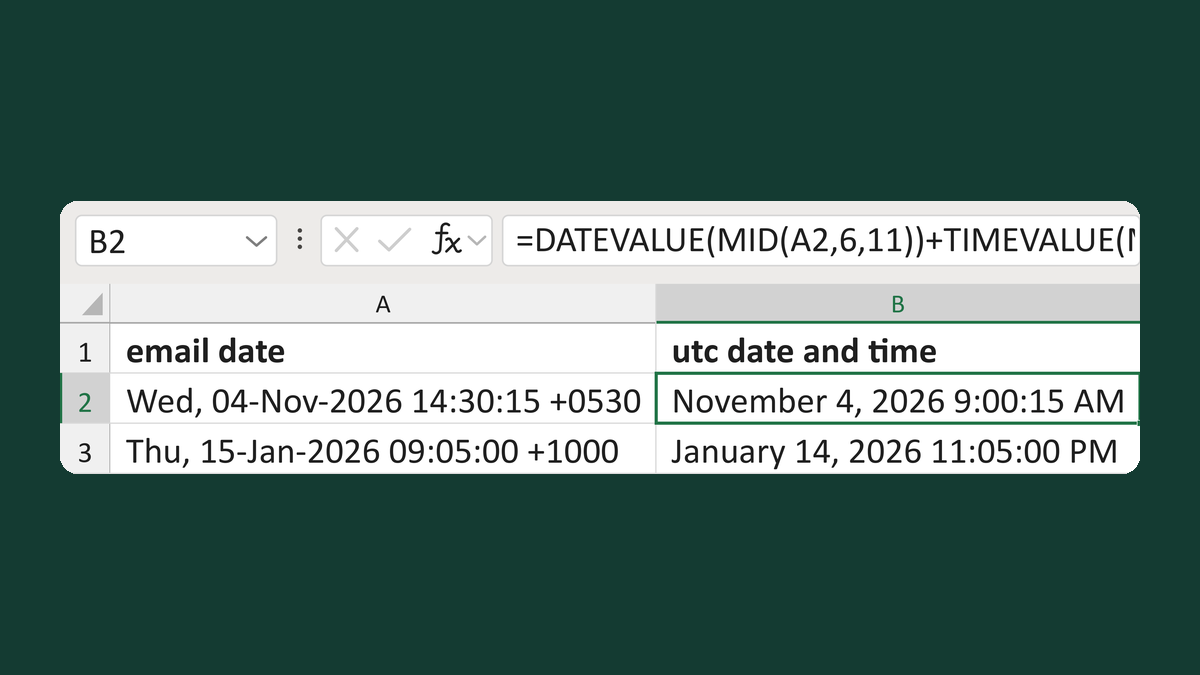
Convert an email date to UTC
Wed, 04-Nov-2026 14:30:15 +0530 → November 4, 2026 9:00:15 AM
Get the template →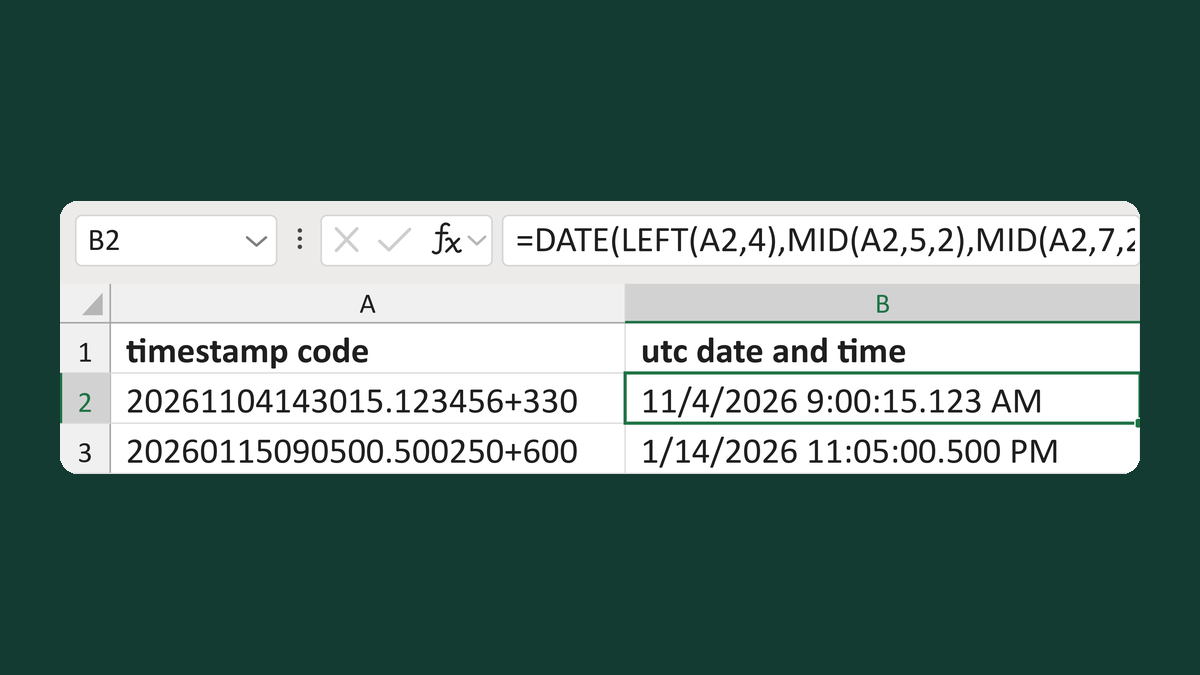
Read minute-offset timestamps as UTC
20261104143015.123456+330 → 11/4/2026 9:00:15.123 AM
Get the template →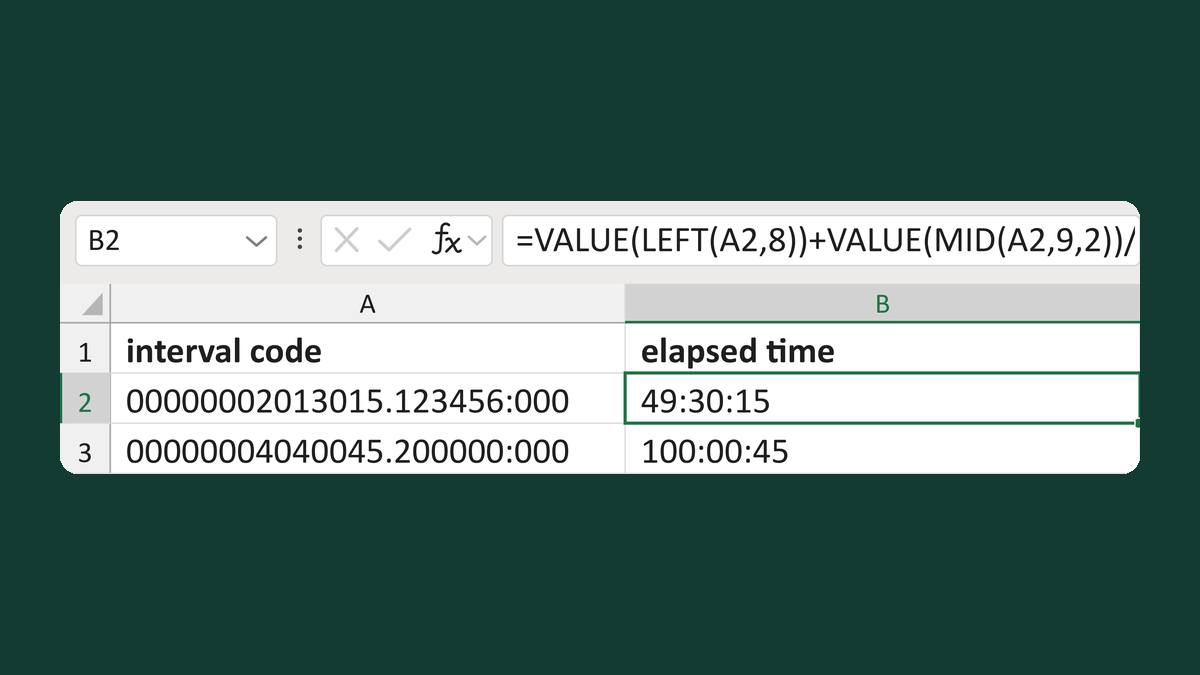
Read interval codes as elapsed time
00000002013015.123456:000 → 49:30:15, not a date
Get the template →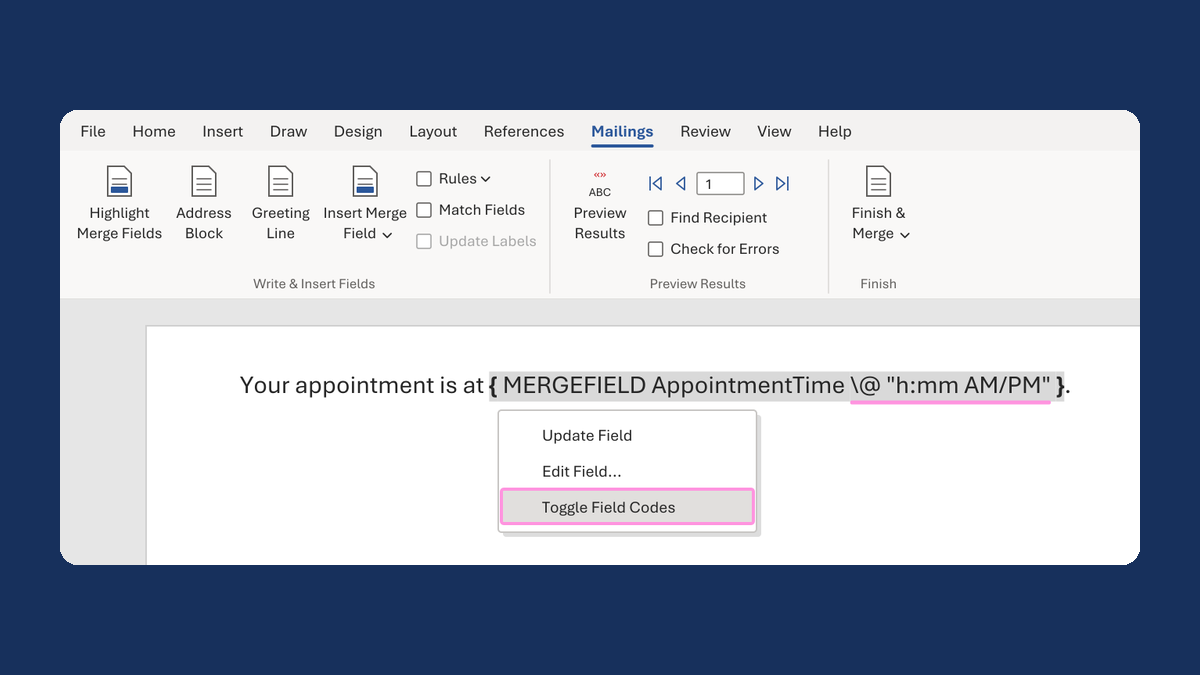
Show an appointment time as 1:05 PM
13:05:00 → 1:05 PM
Take this route →