Read the street from a grid address

Turn 820 W 400 N into 400, leaving the house number and directions out.
Download Excel templateMicrosoft 365
What you'll make
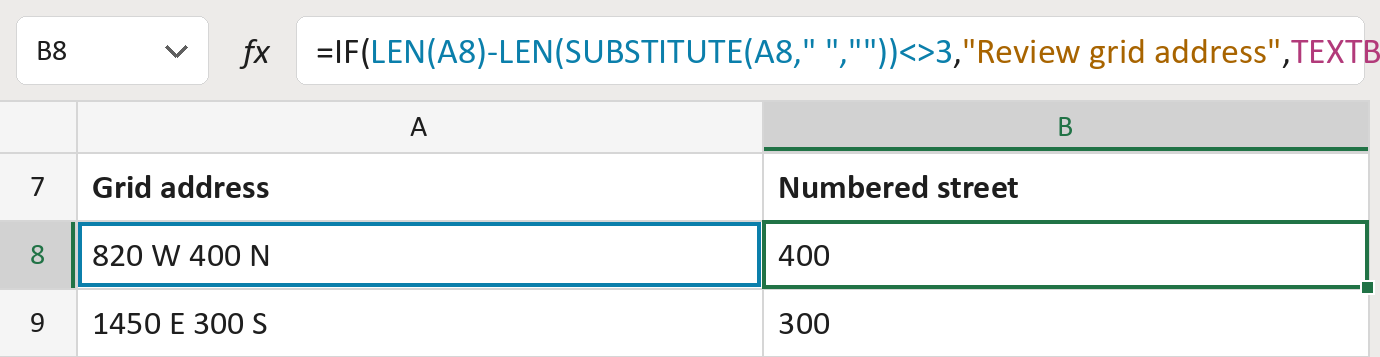
The formula
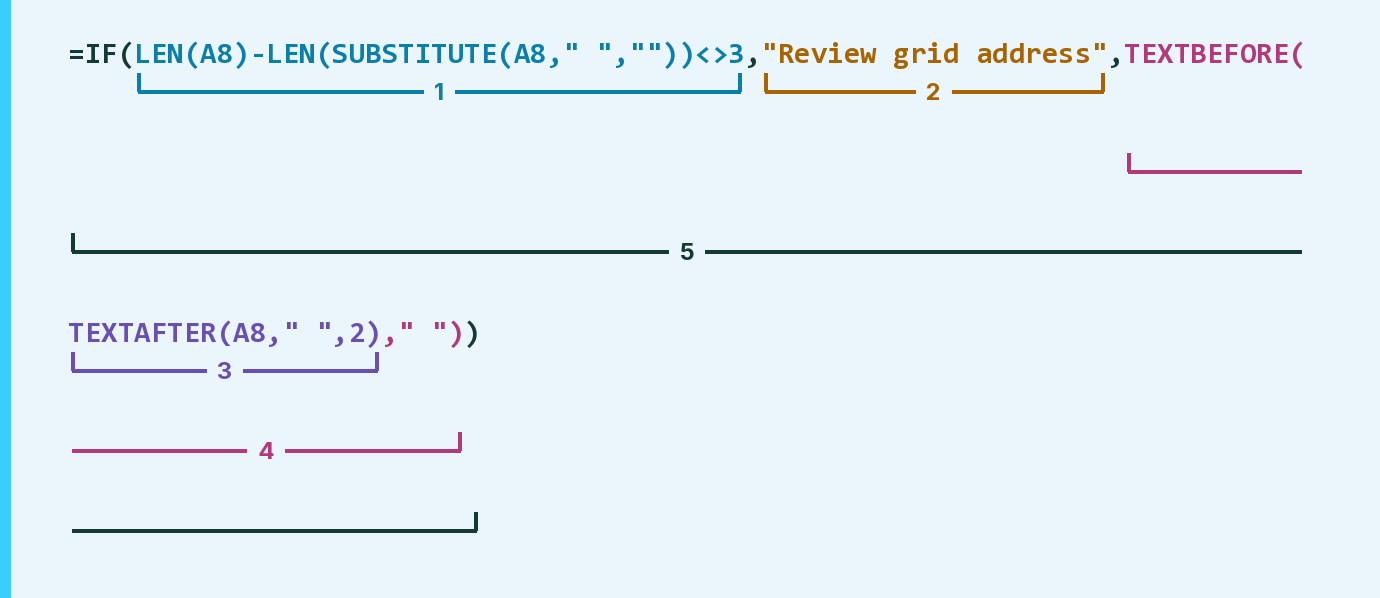
| Number | Part | What it does | Result so far |
|---|---|---|---|
| 1 | LEN(A8)-LEN( … )<>3 | Checks the address doesn't have exactly three spaces. | FALSE |
| 2 | "Review grid address" | What the cell says when it isn't four parts. | Not used for row 8 |
| 3 | TEXTAFTER(A8," ",2) | Keeps what comes after the second space. | "400 N" |
| 4 | TEXTBEFORE( … ," ") | Stops at the next space. | "400" |
| 5 | IF( … ) | Says Review unless the address has four parts. | "400" |
Parts 3 and 4 work from the inside out.
=IF(LEN(A8)-LEN(SUBSTITUTE(A8," ",""))<>3,"Review grid address",TEXTBEFORE(TEXTAFTER(A8," ",2)," "))How to use it
Yellow bar at the top? Click Enable Editing.
- See it work. The Example tab shows 20 made-up examples with the formula already in.
- Use your own addresses. Paste grid addresses into the green column of the Template tab. The numbered streets fill in by themselves.
- Move them into your letter. Copy the results. Then use Paste Special and choose Values.
Before you send
Use this only for grid addresses like 820 W 400 N. Check any Review rows by hand.
Microsoft's help: TEXTAFTER function
OTHER ROUTES YOU MIGHT LIKE
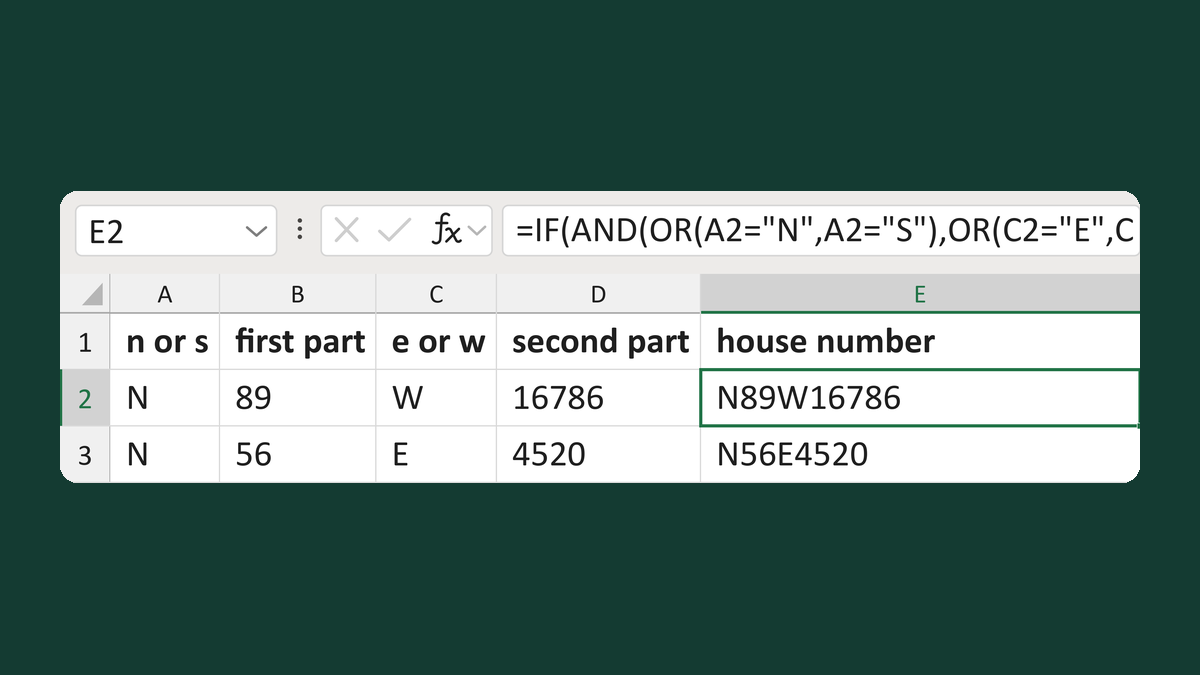
Build a house number like N89W16786
N + 89 + W + 16786 → N89W16786
Get the template →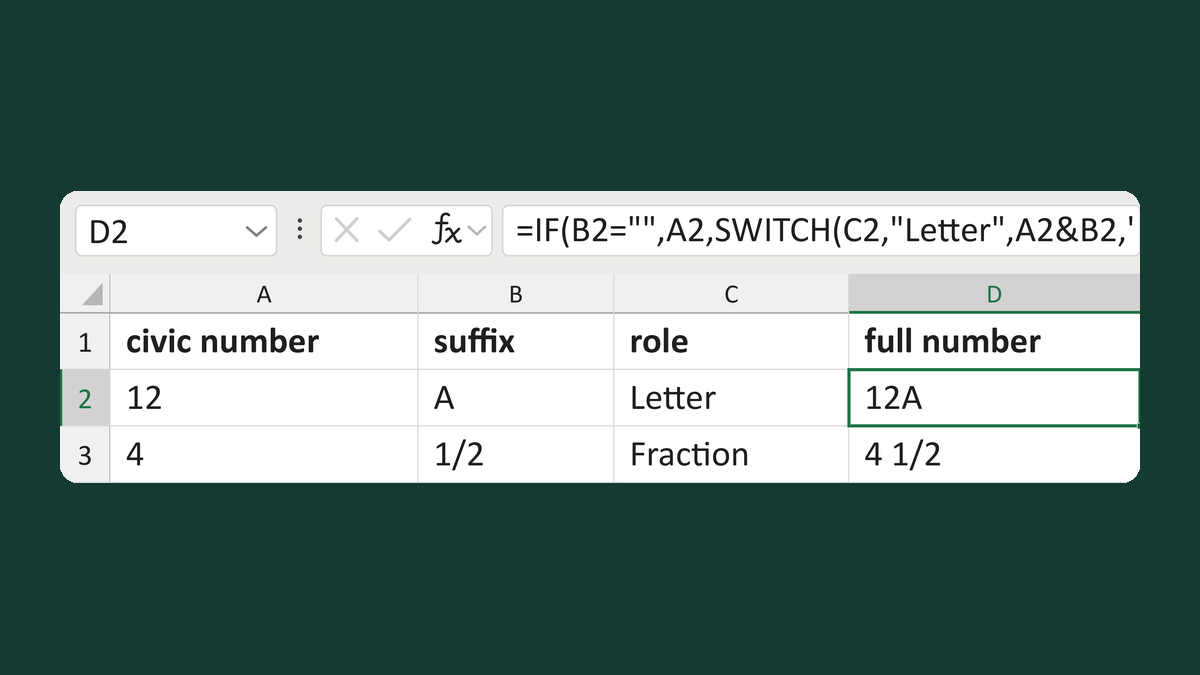
Space a civic suffix by its role
12, A, Letter → 12A
Get the template →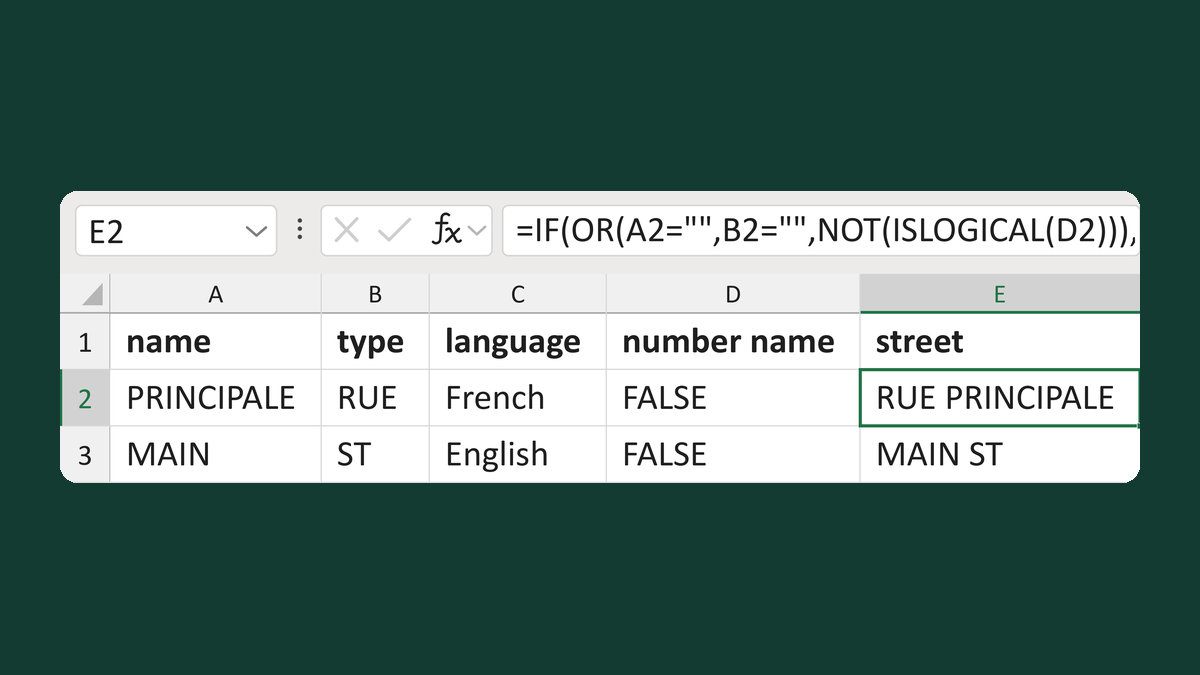
Place Canadian street types by language
PRINCIPALE + RUE + French → RUE PRINCIPALE
Get the template →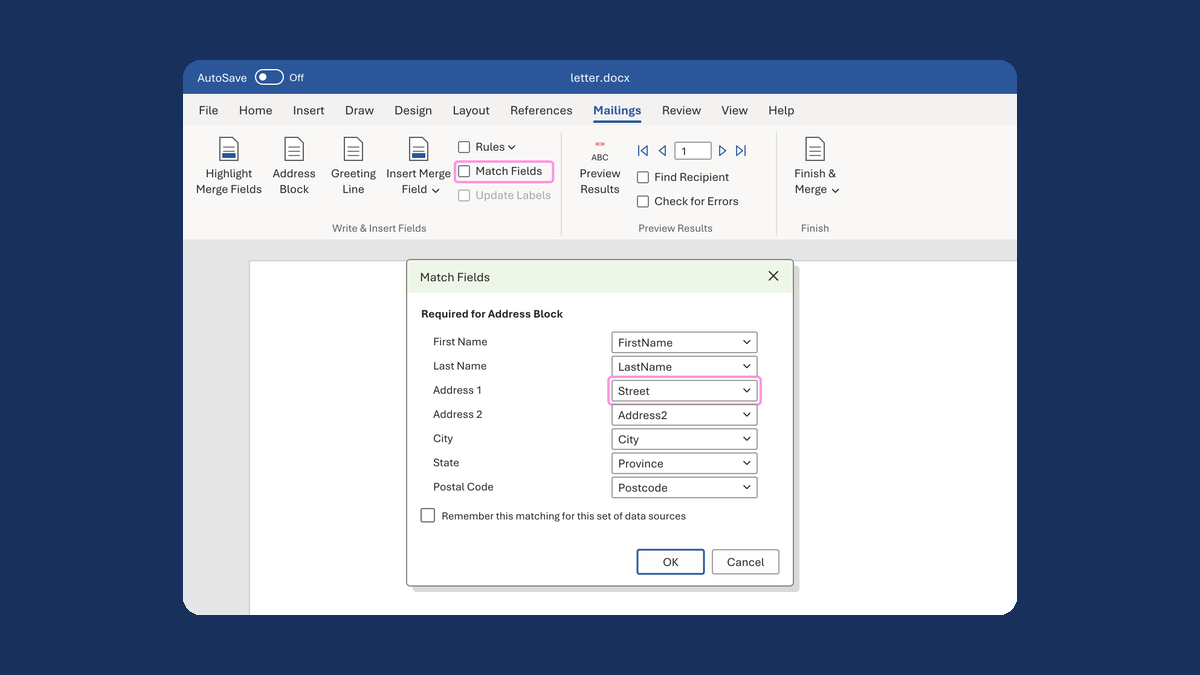
Put the street back in an Address Block
Ava Reed, Boston → Ava Reed, 12 Main St, Boston
Take this route →