Review out-of-range ZIP numbers

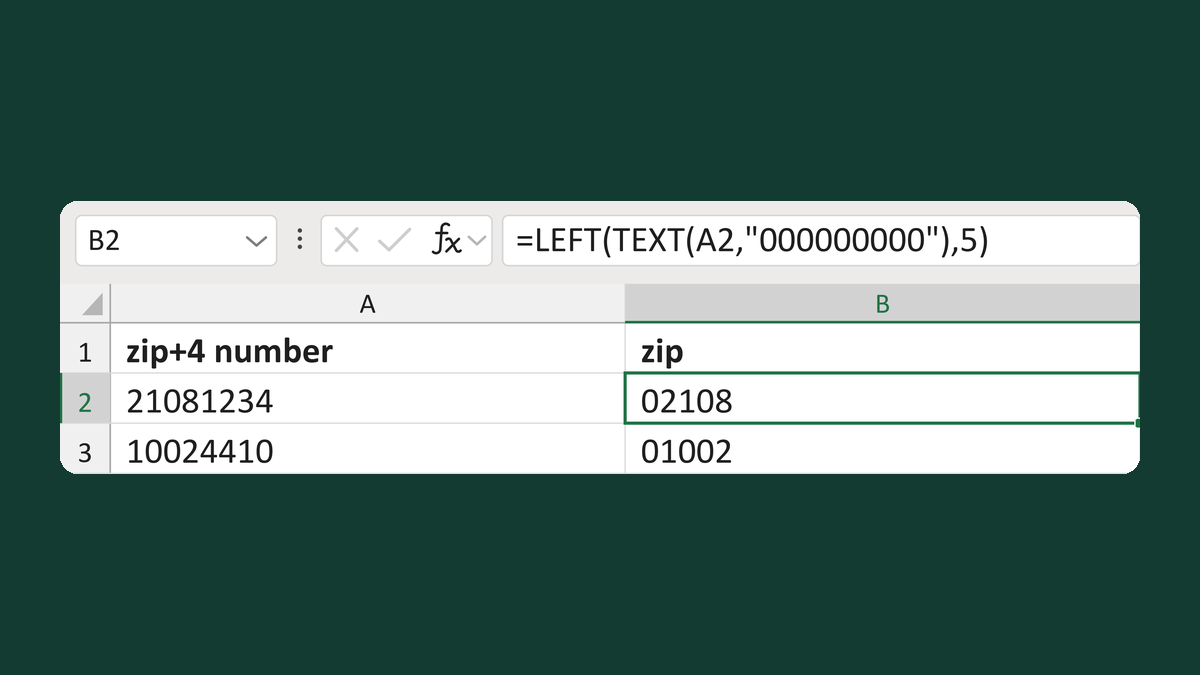
Turn 2108 into 02108, but flag negative, decimal or six-digit numbers.
What you'll make
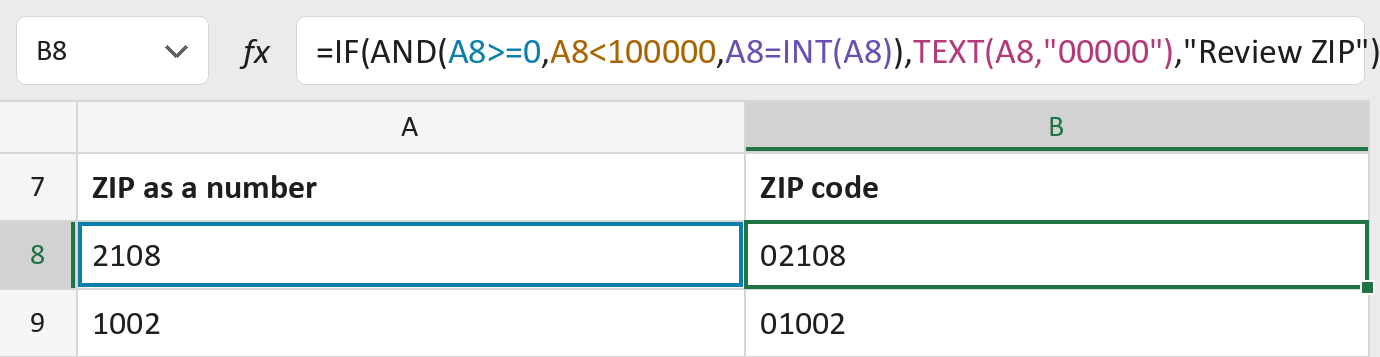
The formula

| Number | Part | What it does | Result so far |
|---|---|---|---|
| 1 | A8>=0 | Checks the number isn't below zero. | Yes, 2108 |
| 2 | A8<100000 | Checks it has five digits or fewer. | Yes, 2108 |
| 3 | A8=INT(A8) | Checks it's a whole number. | Yes, 2108 |
| 4 | TEXT(A8,"00000") | Adds zeros in front until there are five. | "02108" |
| 5 | IF(AND( … ) … ) | Uses part 4 if all three checks pass. | "02108" |
Read it left to right. AND needs all three checks to pass; otherwise the cell says Review ZIP.
=IF(AND(A8>=0,A8<100000,A8=INT(A8)),TEXT(A8,"00000"),"Review ZIP")How to use it
Yellow bar at the top? Click Enable Editing.
- See it work. The Example tab shows 20 made-up examples with the formula already in.
- Use your own addresses. Paste ZIP numbers into the green column of the Template tab. The five-digit ZIPs fill in by themselves.
- Move them into your letter. Copy the results. Then use Paste Special and choose Values.
Before you send
This checks only the size of the number, not whether the ZIP is real. 00000 passes but isn't a real ZIP.
Microsoft's help: INT function