Reconcile two ZIPs without hiding a +4

Keep the fuller ZIP when two checked sources agree. Flag any conflict.
What you'll make
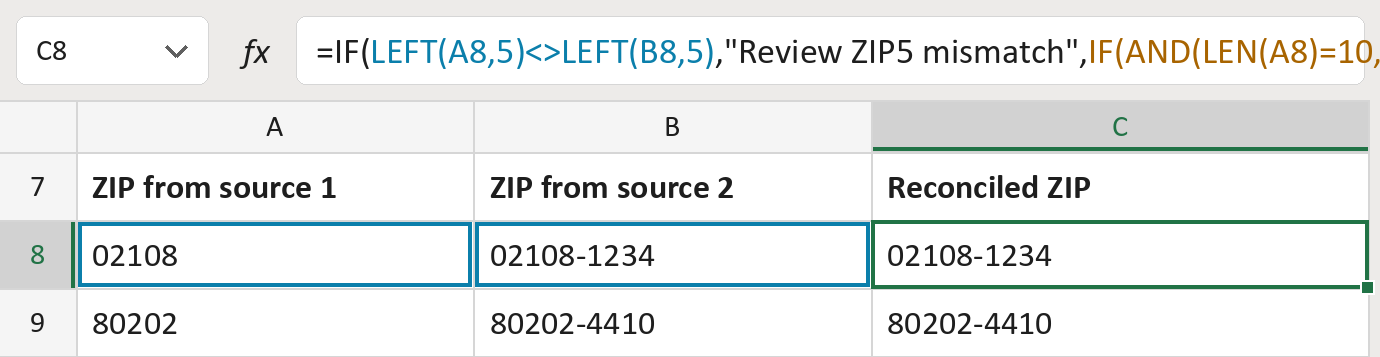
The formula
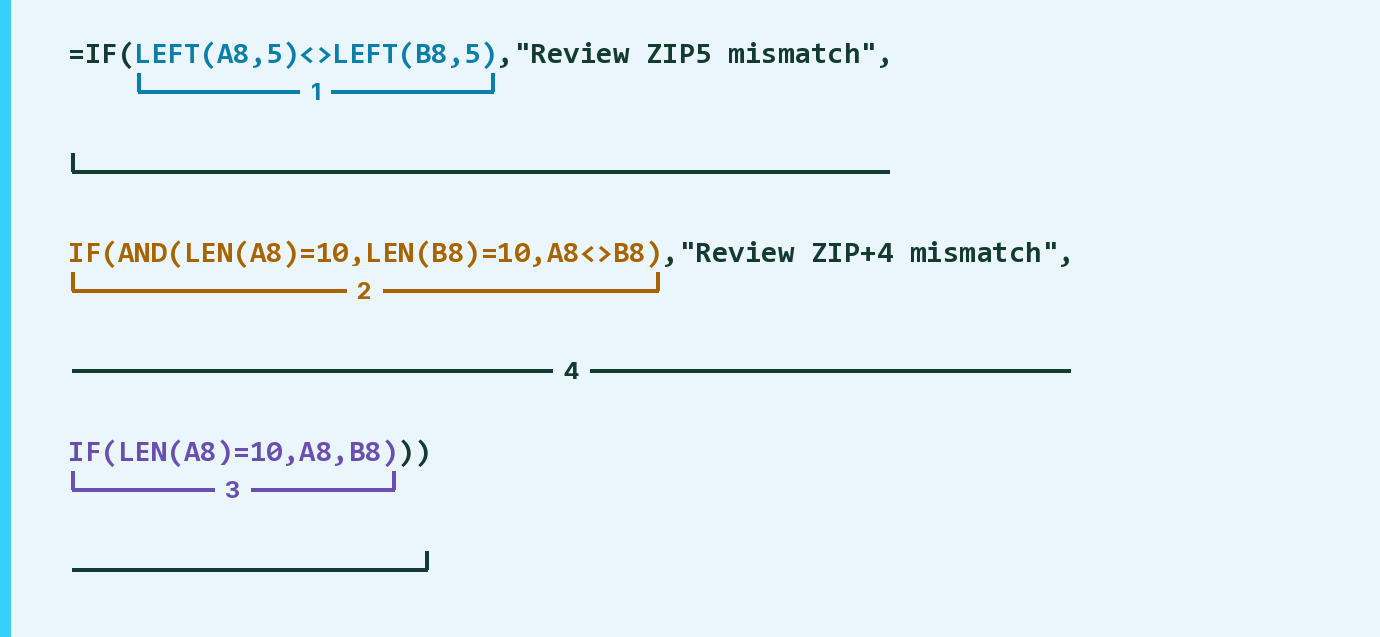
| Number | Part | What it does | Result so far |
|---|---|---|---|
| 1 | LEFT(A8,5)<>LEFT(B8,5) | Checks whether the first five digits differ. | Same, 02108 |
| 2 | IF(AND( … )) | Checks whether both have a different +4. | No, only one has a +4 |
| 3 | IF(LEN(A8)=10,A8,B8) | Uses source 1 if it has the +4, else source 2. | "02108-1234" |
| 4 | IF( … ) | Flags a conflict, otherwise uses part 3. | "02108-1234" |
Read it left to right. A ZIP+4 like 02108-1234 is 10 characters, so LEN = 10 means it has a +4.
=IF(LEFT(A8,5)<>LEFT(B8,5),"Review ZIP5 mismatch",IF(AND(LEN(A8)=10,LEN(B8)=10,A8<>B8),"Review ZIP+4 mismatch",IF(LEN(A8)=10,A8,B8)))How to use it
Yellow bar at the top? Click Enable Editing.
- See it work. The Example tab shows 20 made-up examples with the formula already in.
- Use your own addresses. Paste the ZIP from each source into the two green columns of the Template tab. The reconciled ZIP fills in by itself.
- Move them into your letter. Copy the results. Then use Paste Special and choose Values.
Before you send
Fix flagged rows by hand. The formula doesn't decide which source is right or make up a missing +4.
Microsoft's help: IF function
OTHER ROUTES YOU MIGHT LIKE
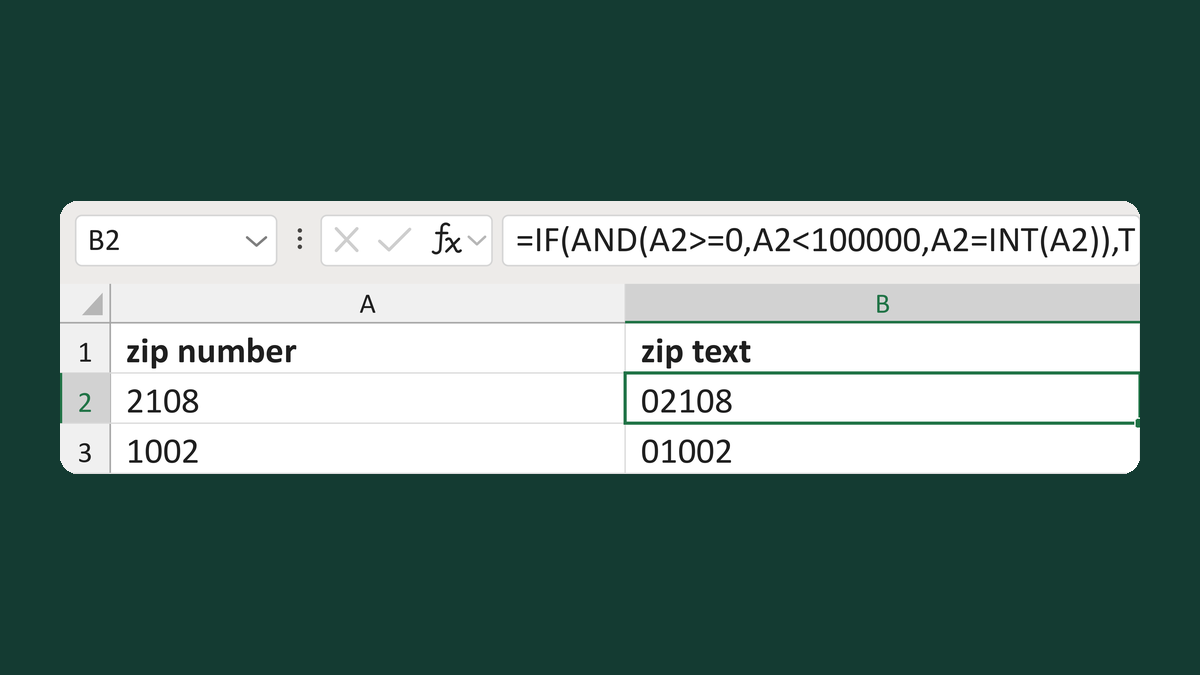
Review out-of-range ZIP numbers
2108 → 02108; 106103 → Review ZIP
Get the template →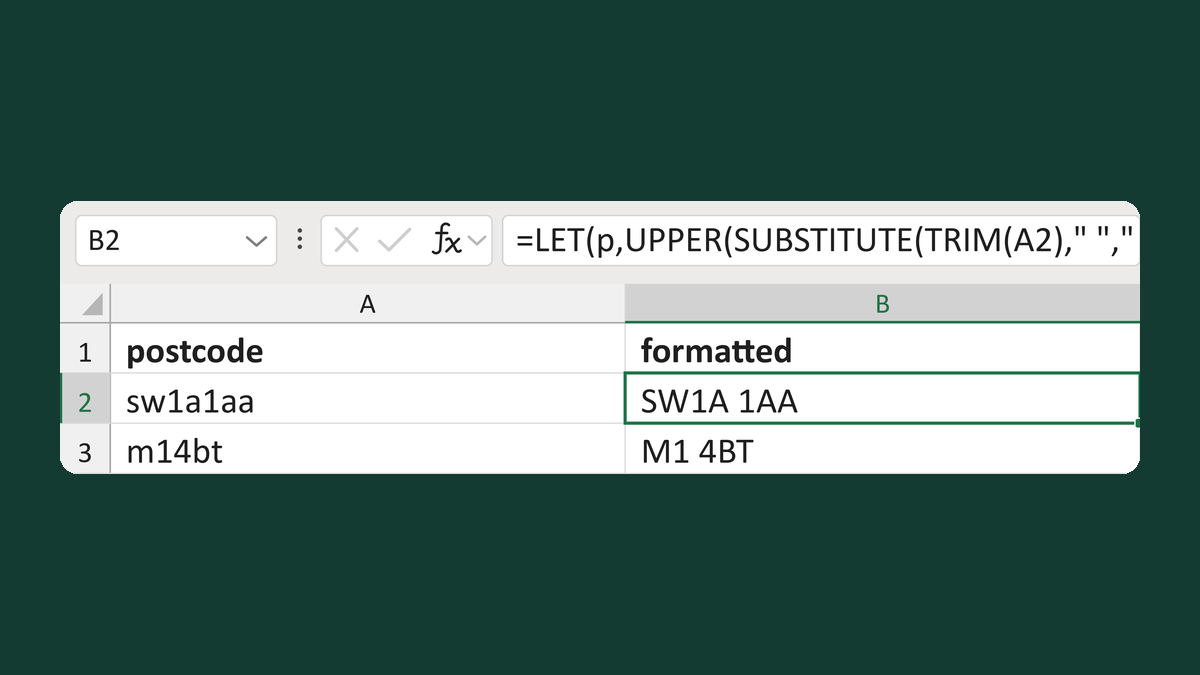
Normalize spacing in valid UK postcodes
sw1a1aa → SW1A 1AA
Get the template →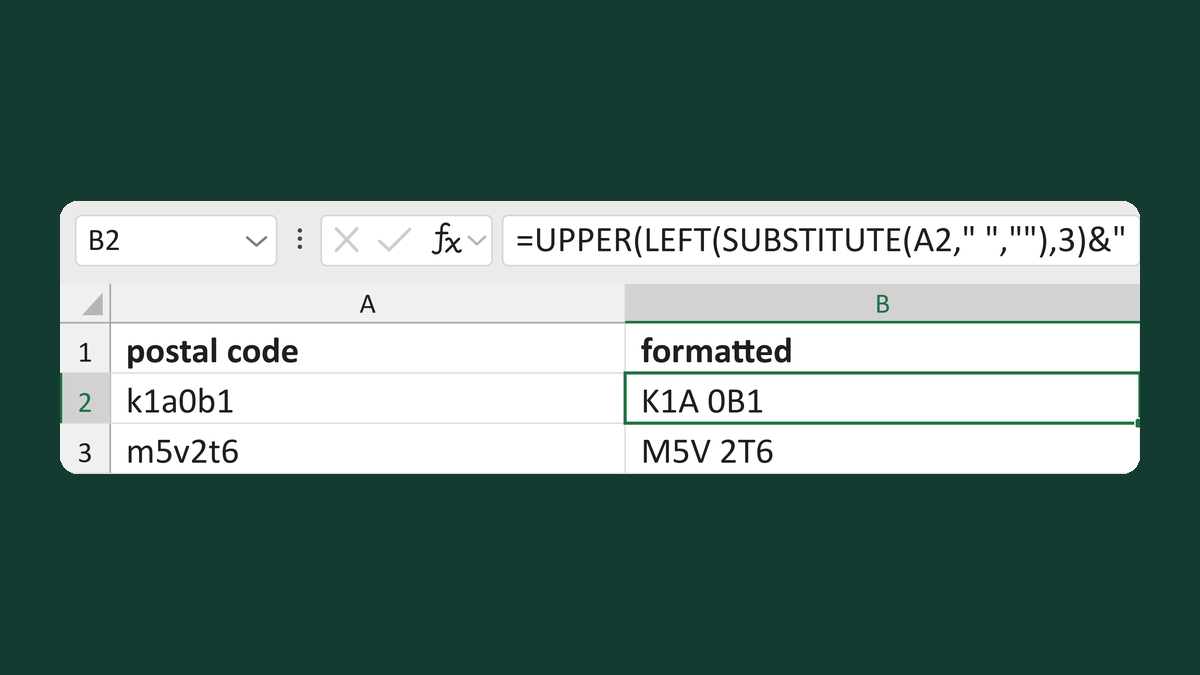
Normalize a Canadian postal code
k1a0b1 → K1A 0B1
Get the template →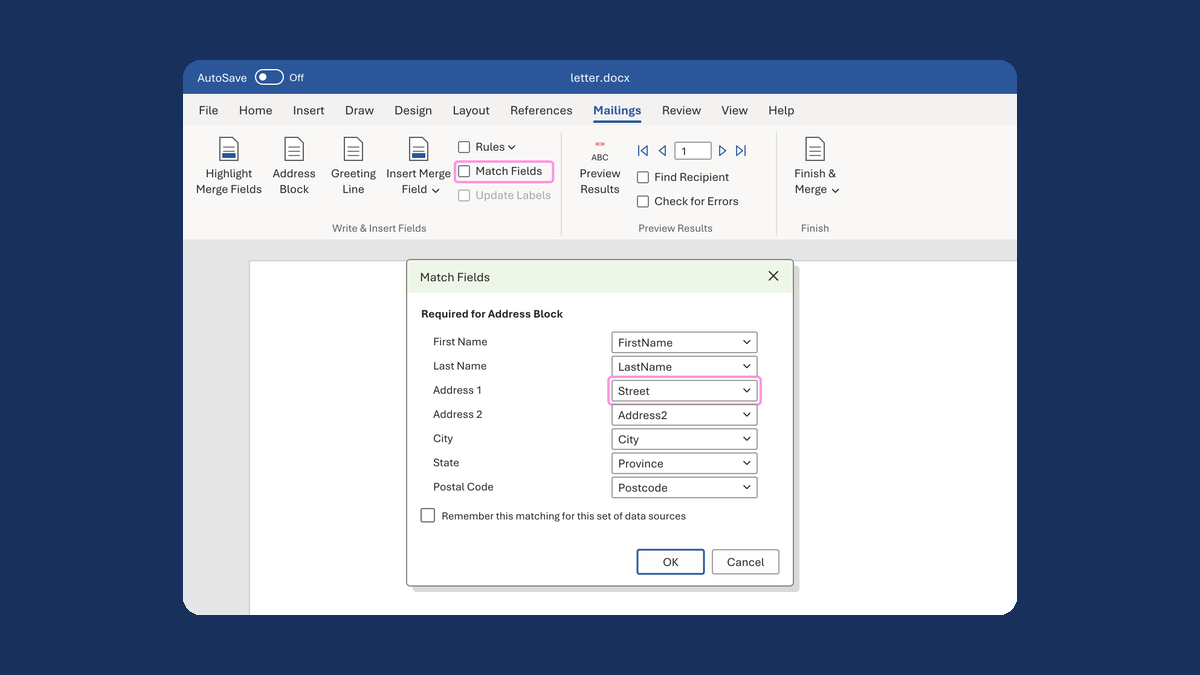
Put the street back in an Address Block
Ava Reed, Boston → Ava Reed, 12 Main St, Boston
Take this route →