Show a cost as money or percent points

Turn Quantity 20 with unit % into 20.00%, not 2000%.
What you'll make
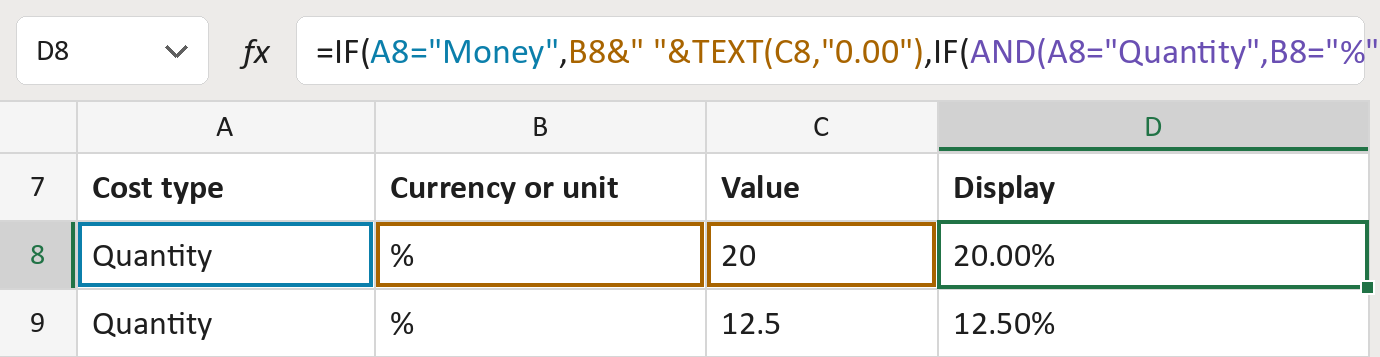
The formula
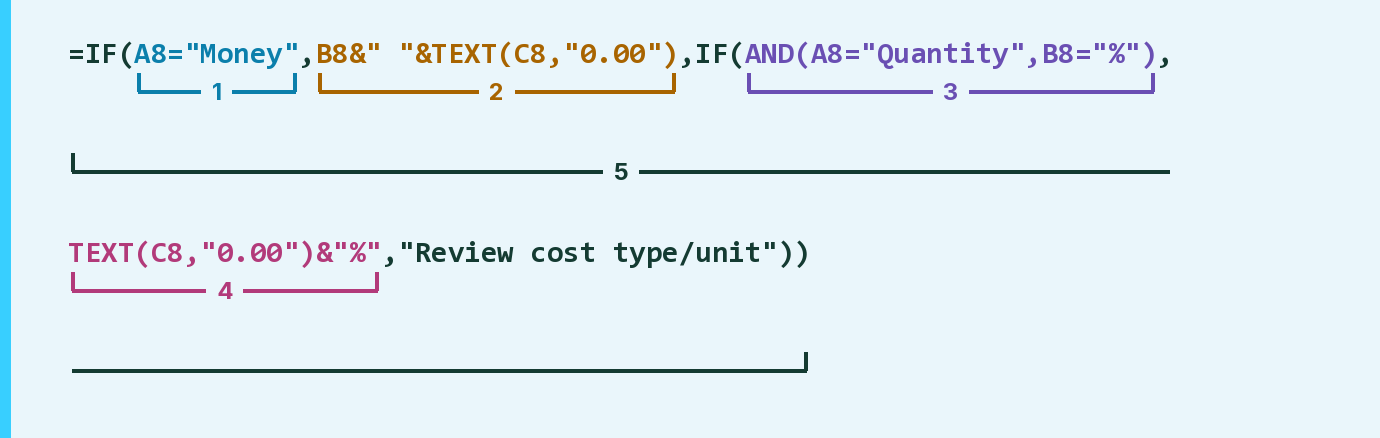
| Number | Part | What it does | Result so far |
|---|---|---|---|
| 1 | A8="Money" | Checks if the cost type is Money. | No |
| 2 | B8&" "&TEXT(C8,"0.00") | Currency code, a space, the amount with 2 decimals. | Not used for row 8 |
| 3 | AND(A8="Quantity",B8="%") | Checks for a Quantity in percent points. | Yes |
| 4 | TEXT(C8,"0.00")&"%" | The value with 2 decimals, then a % sign. | "20.00%" |
| 5 | IF( … ) | Uses part 2 or part 4, else flags the row. | "20.00%" |
Part 2 is used when part 1 says yes, part 4 when part 3 says yes. Any other row shows Review cost type/unit.
=IF(A8="Money",B8&" "&TEXT(C8,"0.00"),IF(AND(A8="Quantity",B8="%"),TEXT(C8,"0.00")&"%","Review cost type/unit"))How to use it
Yellow bar at the top? Click Enable Editing.
- See it work. The Example tab shows 20 made-up examples with the formula already in.
- Use your own costs. Paste each cost type, its currency code or unit, and its value into the green columns of the Template tab. The display text fills in by itself.
- Move them into your letter. Copy the results. Then use Paste Special and choose Values.
Before you send
Use this only when a Quantity value is stored as percent points, so 20 means 20%. The values here are made-up.
Microsoft's help: TEXT function
OTHER ROUTES YOU MIGHT LIKE
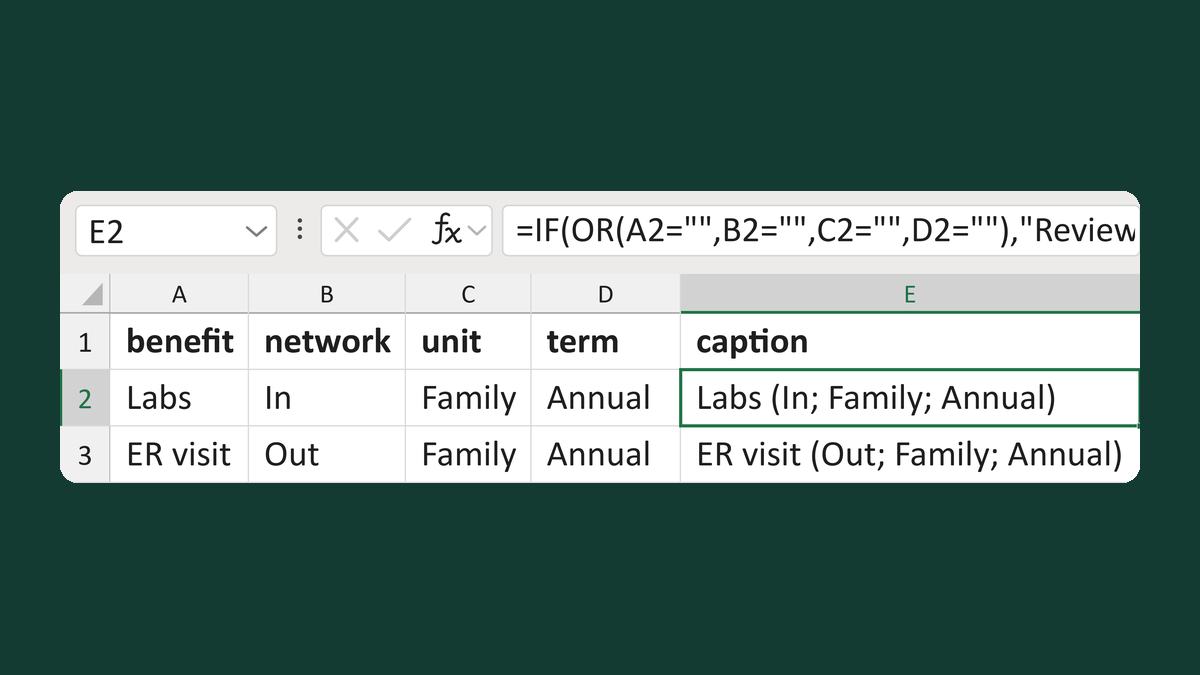
Write a benefit caption with full scope
Labs + In + Family + Annual → Labs (In; Family; Annual)
Get the template →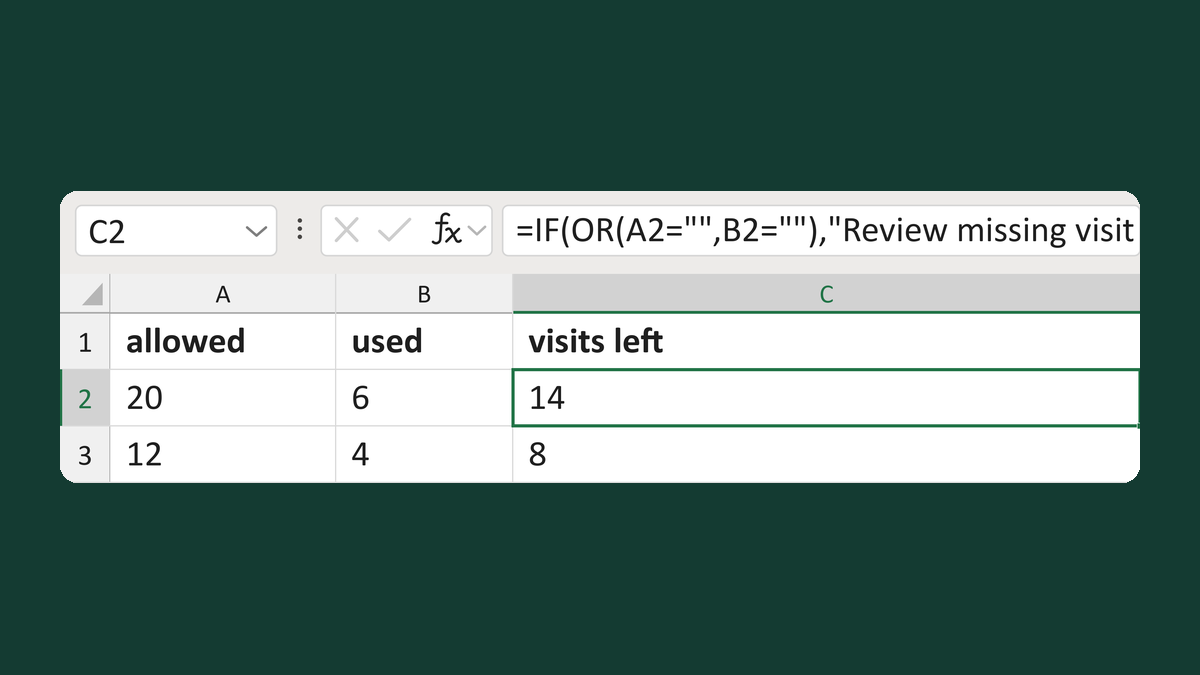
Count visits left without hiding overuse
20 allowed, 6 used → 14 left
Get the template →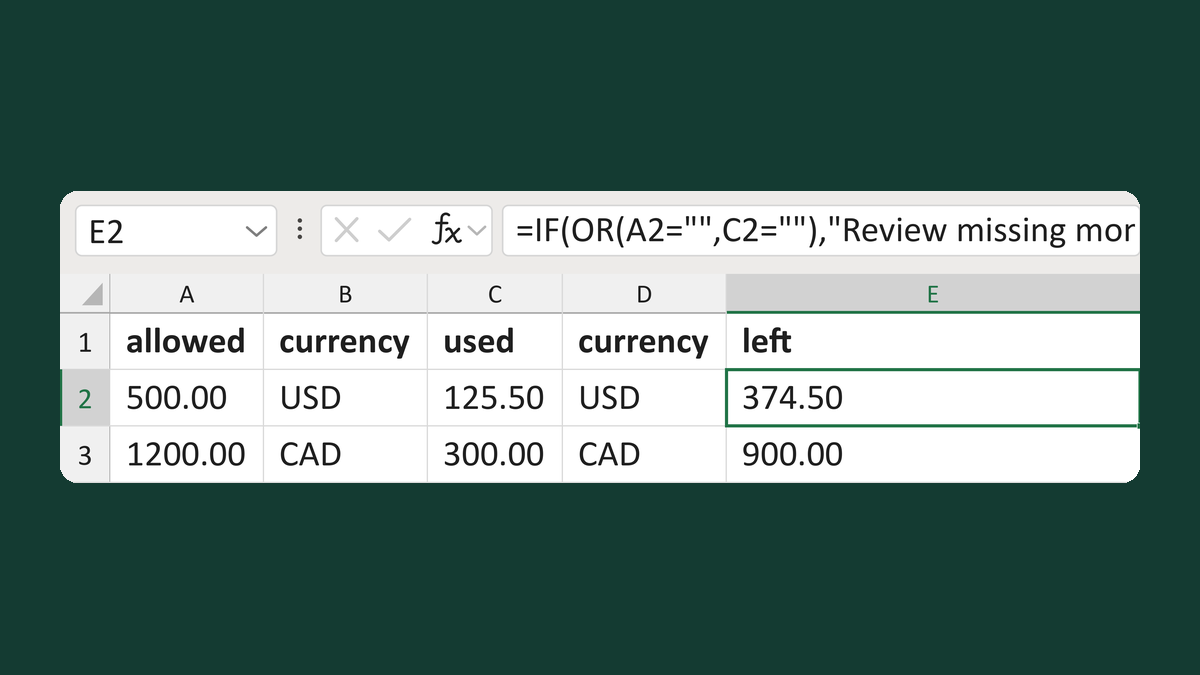
Find benefit money left in one currency
500.00 USD allowed, 125.50 USD used → 374.50 left
Get the template →
Merge a few test letters before the whole mailing
Whole mailing → records 2 to 4 only
Take this route →