Unwrap a CSV field with doubled quotes

Turn "Reed, Ava" from a CSV file into Reed, Ava, with "" back to ".
What you'll make
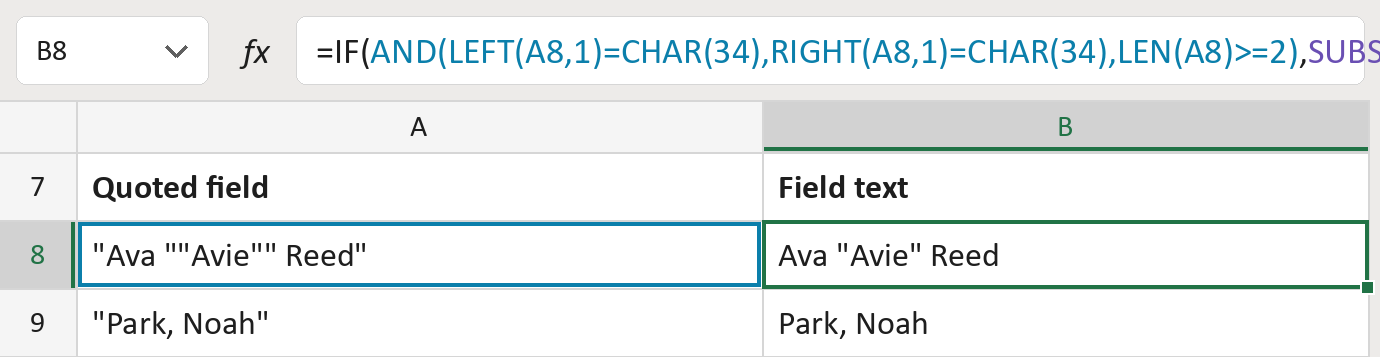
The formula
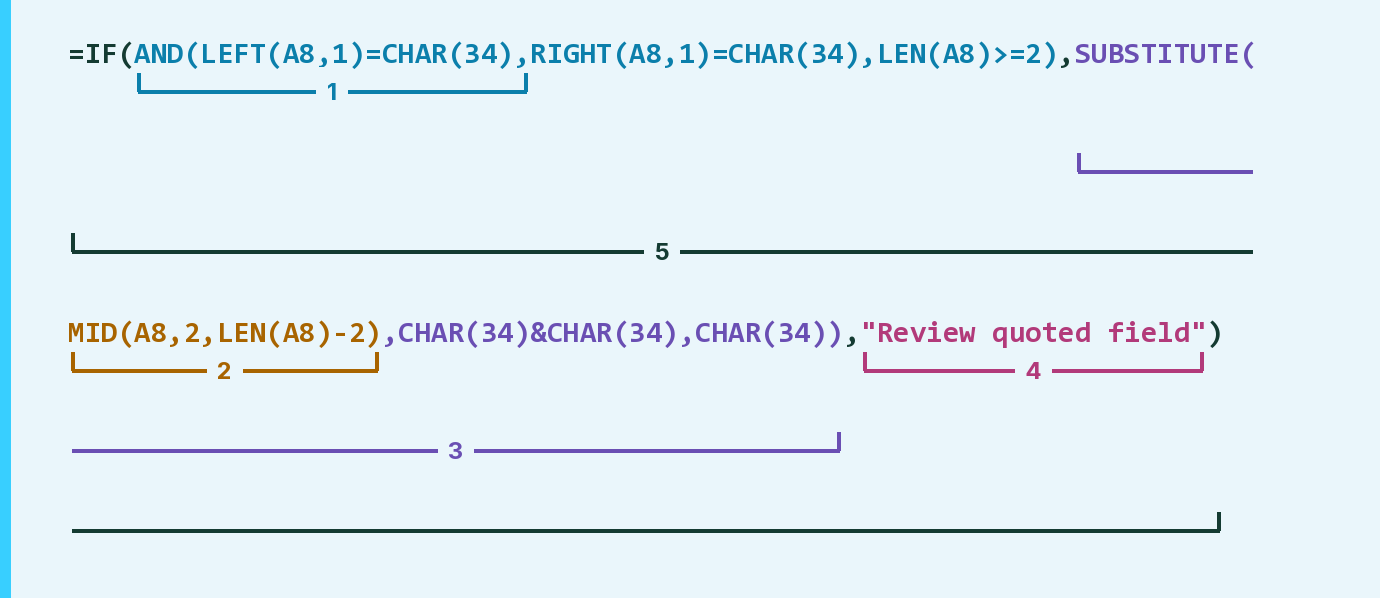
| Number | Part | What it does | Result so far |
|---|---|---|---|
| 1 | AND(LEFT(A8,1)=CHAR(34),RIGHT(…),LEN(…)>=2) | Checks the field starts and ends with a " mark. | TRUE |
| 2 | MID(A8,2,LEN(A8)-2) | Takes off the first and last " marks. | "Ava ""Avie"" Reed" |
| 3 | SUBSTITUTE( … ,CHAR(34)&CHAR(34),CHAR(34)) | Turns each "" pair back into one " mark. | "Ava "Avie" Reed" |
| 4 | "Review quoted field" | Shows this when the outer " marks are missing. | Not used for row 8 |
| 5 | IF( … ) | Uses parts 2 and 3 when part 1 is TRUE, otherwise part 4. | "Ava "Avie" Reed" |
CHAR(34) is the " mark. Part 2 runs first, then part 3 fixes what it gives. Commas and line breaks inside stay.
=IF(AND(LEFT(A8,1)=CHAR(34),RIGHT(A8,1)=CHAR(34),LEN(A8)>=2),SUBSTITUTE(MID(A8,2,LEN(A8)-2),CHAR(34)&CHAR(34),CHAR(34)),"Review quoted field")How to use it
Yellow bar at the top? Click Enable Editing.
- See it work. The Example tab shows 20 made-up examples with the formula already in.
- Use your own fields. Paste one quoted field per row into the green column of the Template tab. The field text fills in by itself.
- Move them into your letter. Copy the results. Then use Paste Special and choose Values.
Before you send
Use this on one field you have already split out, with no spaces outside its quote marks.
Microsoft's help: SUBSTITUTE function
OTHER ROUTES YOU MIGHT LIKE
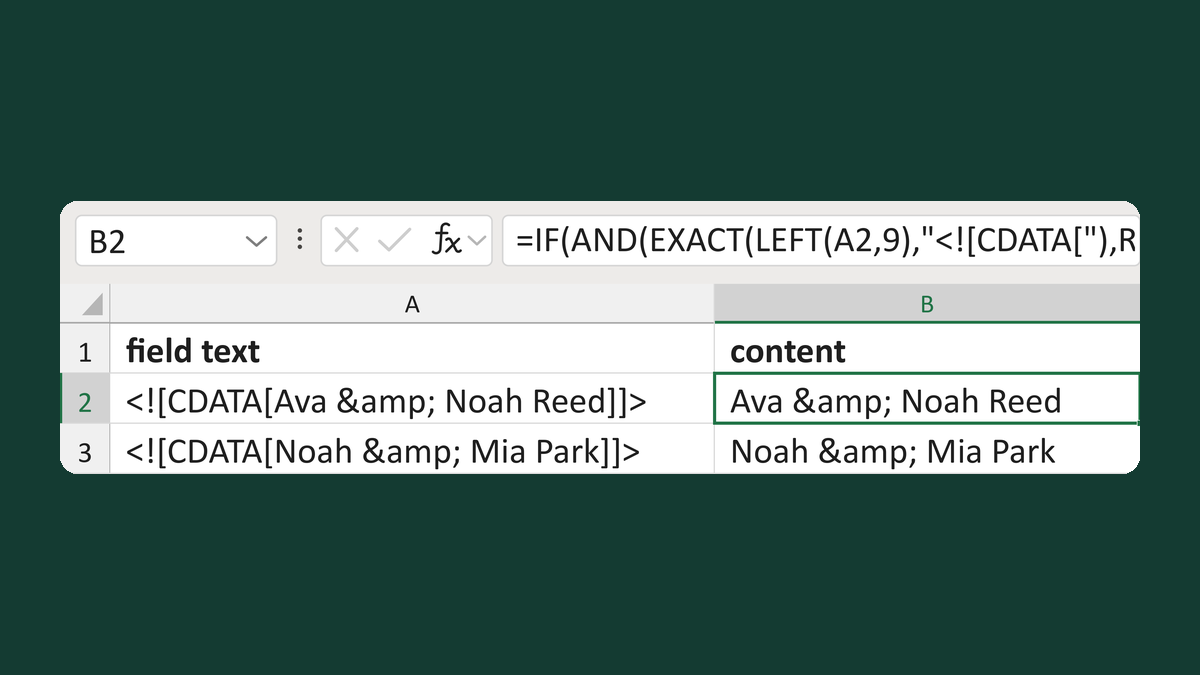
Remove a CDATA wrapper, keep &
<![CDATA[Ava & Noah Reed]]> → Ava & Noah Reed
Get the template →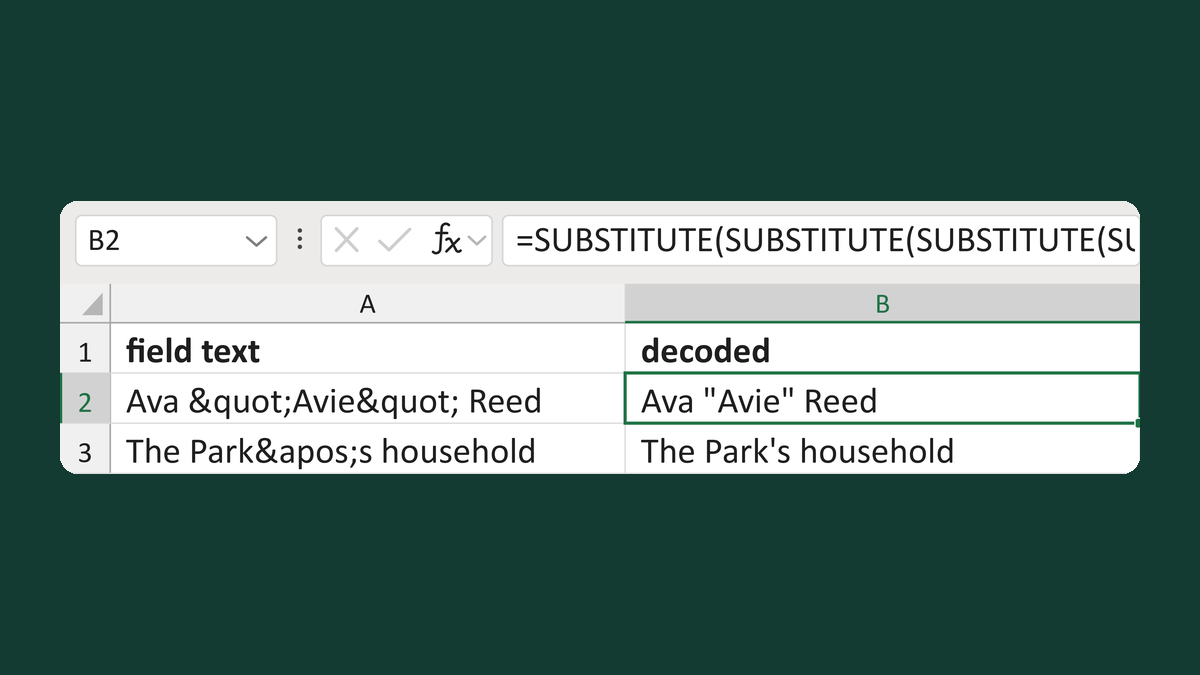
Turn codes like < back into symbols
Ava "Avie" Reed → Ava "Avie" Reed
Get the template →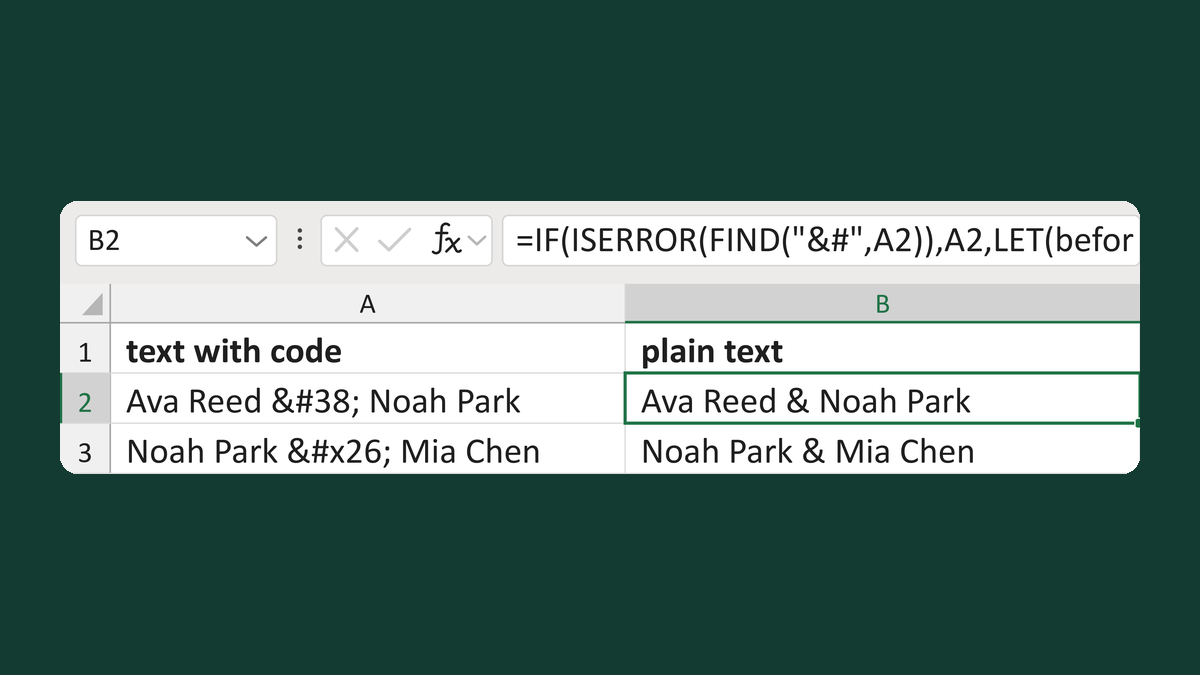
Turn codes like é into characters
Ava Reed & Noah Park → Ava Reed & Noah Park
Get the template →
Merge a few test letters before the whole mailing
Whole mailing → records 2 to 4 only
Take this route →