Use the first available name

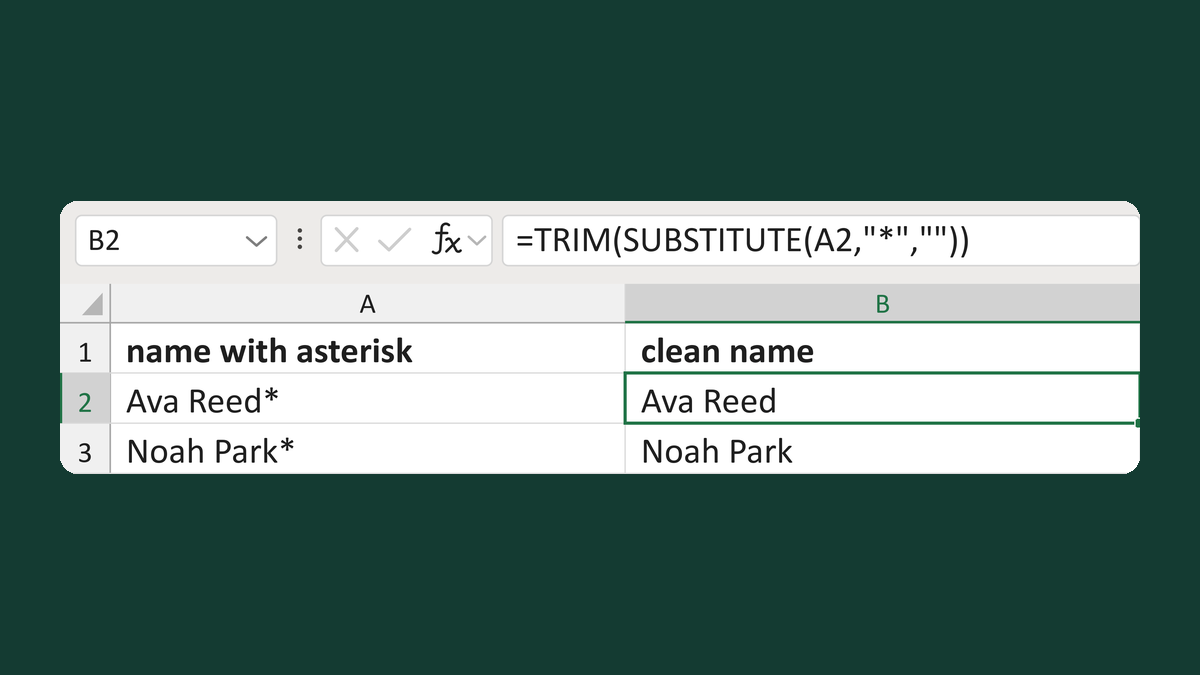
Turn blank, Ava Reed and A. Reed into Ava Reed when some columns are empty.
What you'll make
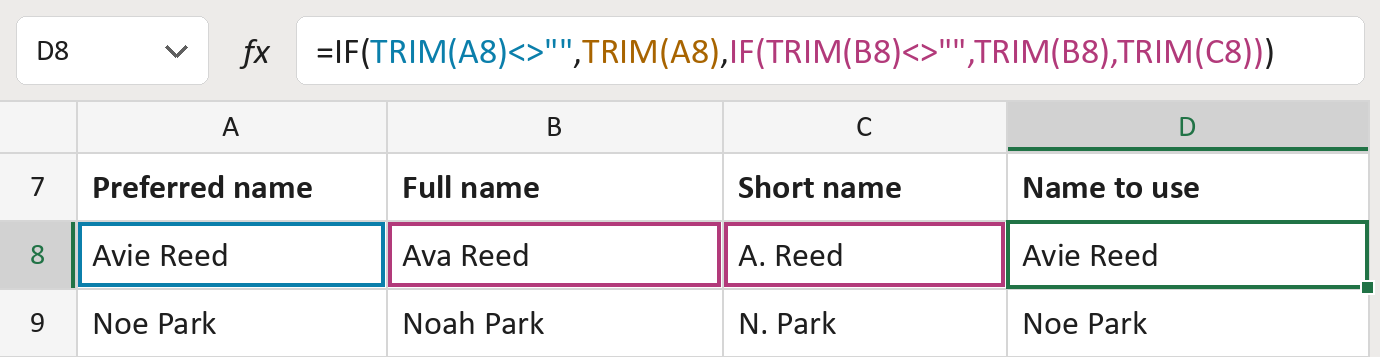
The formula

| Number | Part | What it does | Result so far |
|---|---|---|---|
| 1 | TRIM(A8)<>"" | True when the preferred name is filled in. | TRUE |
| 2 | TRIM(A8) | The preferred name, without stray spaces. | "Avie Reed" |
| 3 | IF(TRIM(B8)…) | Otherwise the full name, or else the short name. | Not used for row 8 |
| 4 | IF( … ) | Shows the first name that isn't empty. | "Avie Reed" |
Read it left to right. A cell with only spaces counts as empty.
=IF(TRIM(A8)<>"",TRIM(A8),IF(TRIM(B8)<>"",TRIM(B8),TRIM(C8)))How to use it
Yellow bar at the top? Click Enable Editing.
- See it work. The Example tab shows 20 made-up names with the formula already in.
- Use your own names. Paste preferred, full and short names into the green columns of the Template tab. Leave a cell empty when you don't have that name.
- Move them into your letter. Copy the results. Then use Paste Special and choose Values.
Before you send
It doesn't compare the three names. If they belong to different people, it won't notice. Check rows that look odd.
Route: Get names ready for the letter
Microsoft's help: IF function