Add a period to a one-letter middle initial

Turn m into M. so middle initials look the same in every letter.
What you'll make
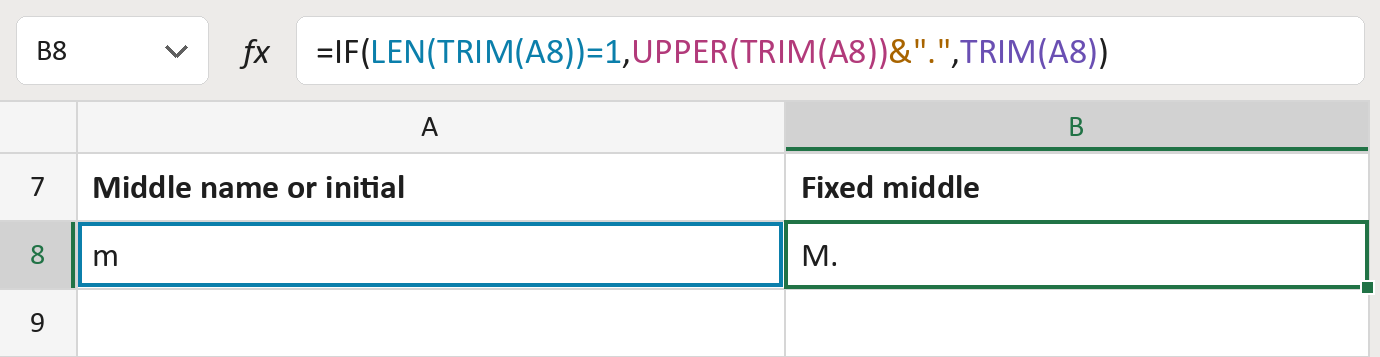
The formula

| Number | Part | What it does | Result so far |
|---|---|---|---|
| 1 | LEN(TRIM(A8))=1 | Checks if the cell holds only one letter. | Yes, one letter |
| 2 | UPPER(TRIM(A8)) | Makes that letter a capital. | "M" |
| 3 | &"." | Adds a period after it. | "M." |
| 4 | TRIM(A8) | Otherwise keeps the cell, without stray spaces. | Not used for row 8 |
| 5 | IF( … ) | Picks the initial with a period, or the cell as typed. | "M." |
Read it left to right. Full middle names and initials that already have a period stay as typed.
=IF(LEN(TRIM(A8))=1,UPPER(TRIM(A8))&".",TRIM(A8))How to use it
Yellow bar at the top? Click Enable Editing.
- See it work. The Example tab shows 20 made-up names with the formula already in.
- Use your own names. Paste middle names or initials into the green column of the Template tab. Fixed ones fill in by themselves.
- Move them into your letter. Copy the results. Then use Paste Special and choose Values.
Before you send
Only single letters change. Full middle names keep the capitals they were typed with, so check those.
Route: Get names ready for the letter
Microsoft's help: LEN function
OTHER ROUTES YOU MIGHT LIKE
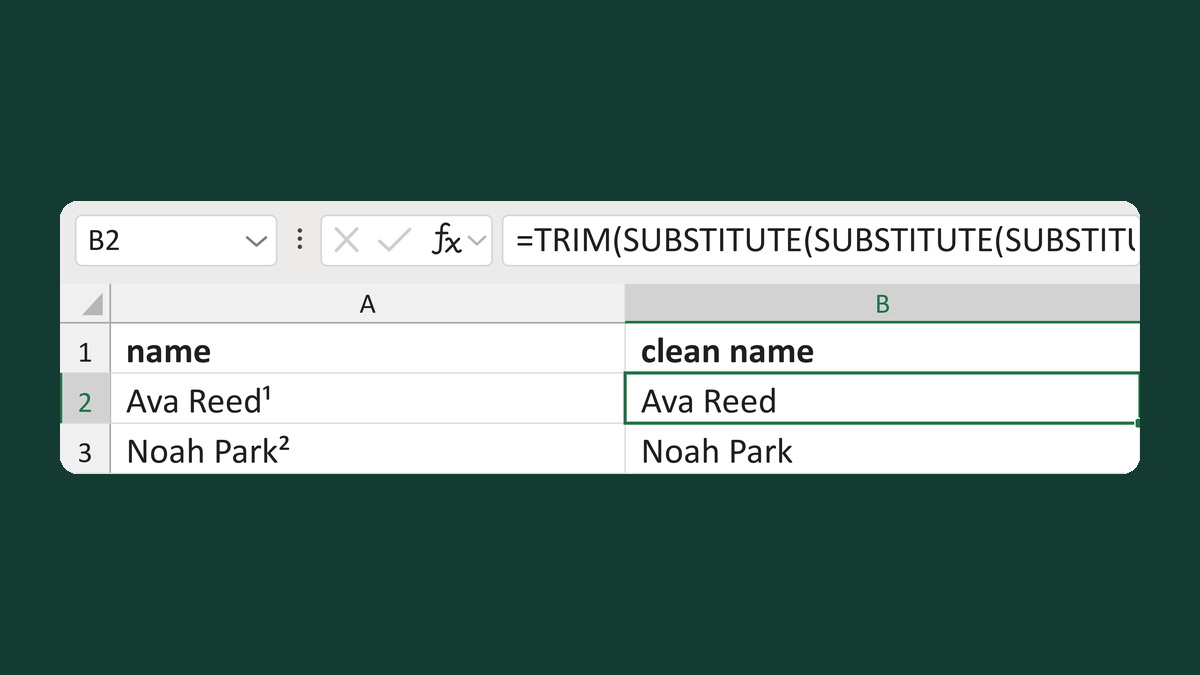
Remove superscript footnote digits
Ava Reed¹ → Ava Reed
Get the template →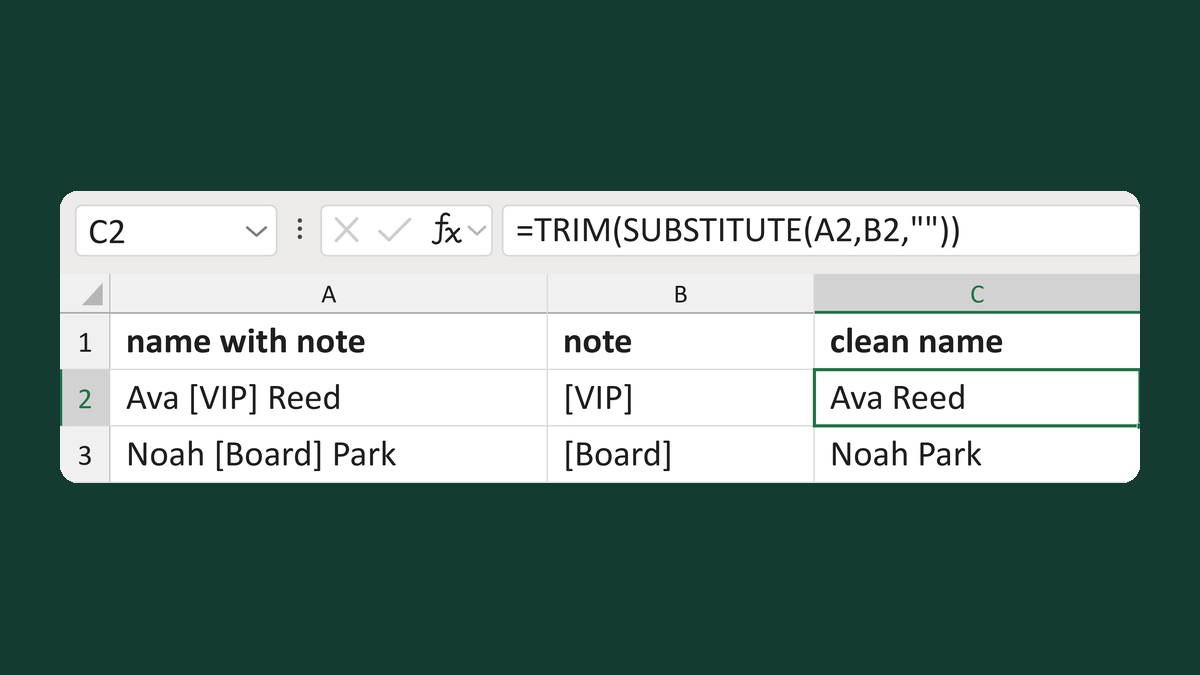
Remove a known note from names
Ava [VIP] Reed + [VIP] → Ava Reed
Get the template →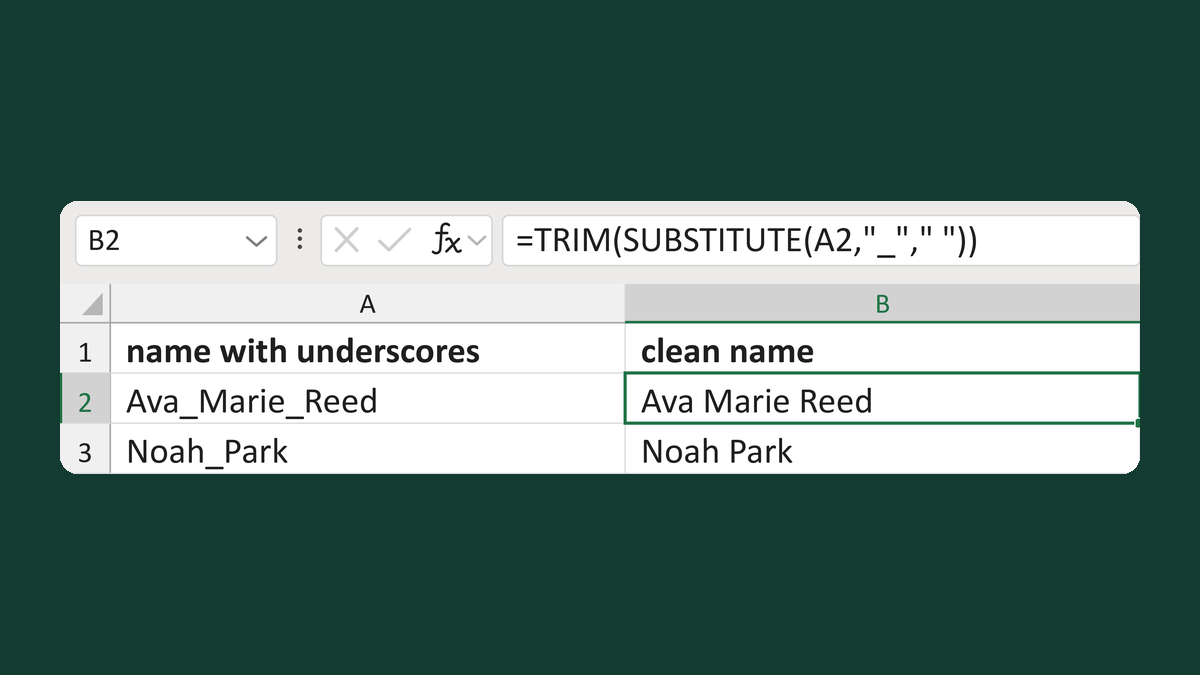
Replace underscores in names
Ava_Marie_Reed → Ava Marie Reed
Get the template →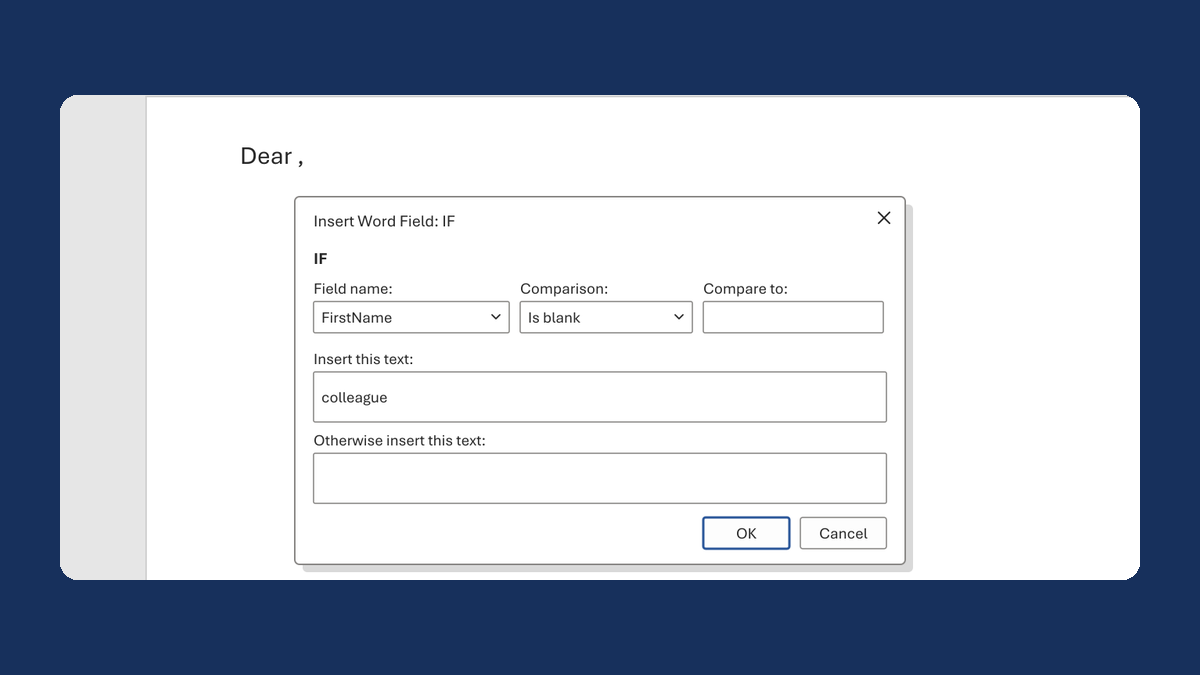
Fix "Dear ," when a first name is blank
(blank) → Dear colleague,
Take this route →