Convert d/m/yyyy text to a date

Turn the text 4/11/2026 into a real date: November 4, 2026. One or two digits both work.
Download Excel templateMicrosoft 365
What you'll make
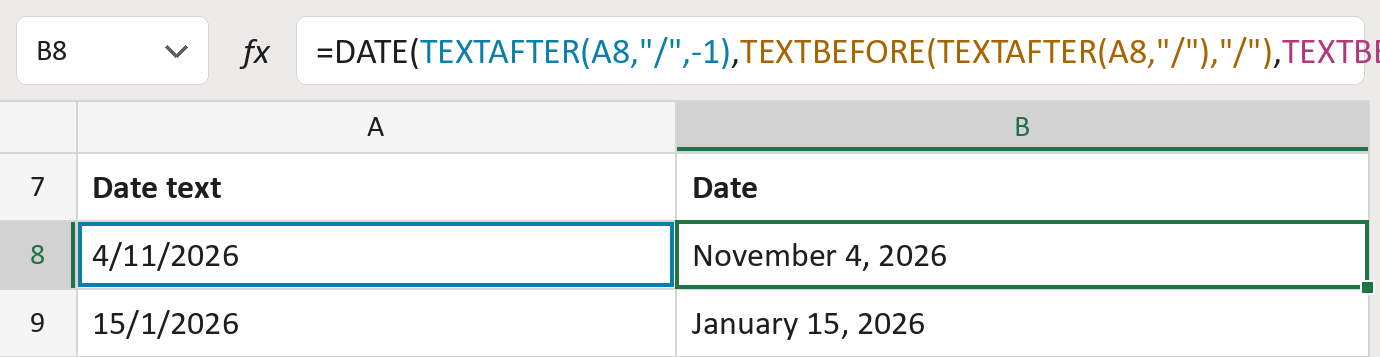
The formula

| Number | Part | What it does | For row 8 |
|---|---|---|---|
| 1 | TEXTAFTER(A8,"/",-1) | Takes what comes after the last slash: the year. | "2026" |
| 2 | TEXTBEFORE(TEXTAFTER( … )) | Takes what sits between the two slashes: the month. | "11" |
| 3 | TEXTBEFORE(A8,"/") | Takes what comes before the first slash: the day. | "4" |
| 4 | DATE( … ) | Puts them together as a real date. | November 4, 2026 |
It splits at the slashes, so 1 or 2 digits both work.
=DATE(TEXTAFTER(A8,"/",-1),TEXTBEFORE(TEXTAFTER(A8,"/"),"/"),TEXTBEFORE(A8,"/"))How to use it
Yellow bar at the top? Click Enable Editing.
- See it work. The Example tab shows 20 made-up examples with the formula already in.
- Use your own dates. Paste date text like 4/11/2026 into the green column of the Template tab. The dates fill in by themselves.
- Move them into your letter. Copy the results. Then use Paste Special and choose Values.
Before you send
This always reads the day first, then the month. Check your list really uses that order, with four-digit years. A day that doesn't exist, like 30/2/2026, rolls into March.
Microsoft's help: TEXTBEFORE function
OTHER ROUTES YOU MIGHT LIKE
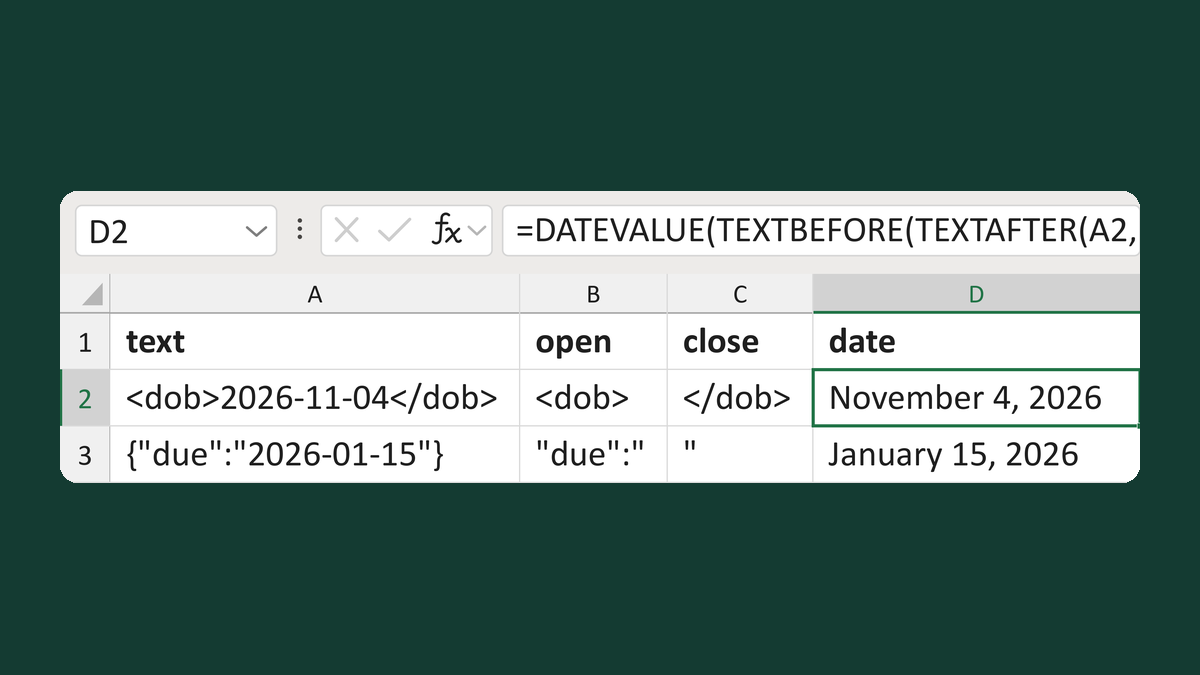
Read a date between two markers
<dob>2026-11-04</dob> → November 4, 2026
Get the template →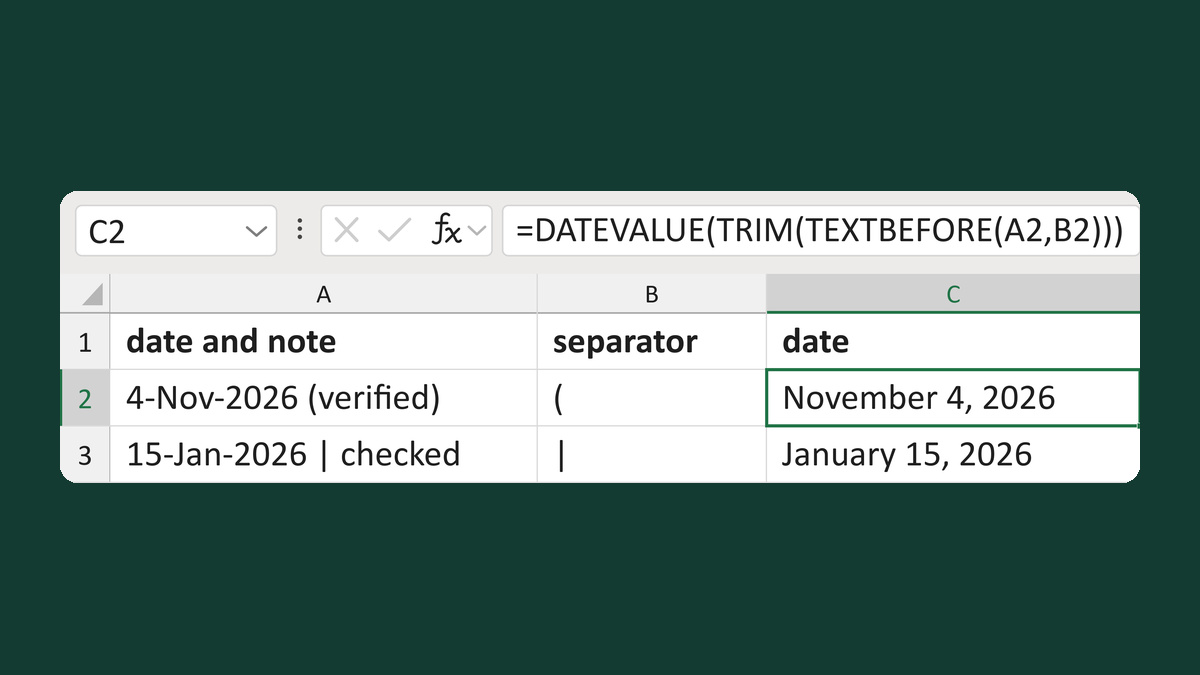
Convert a date followed by a note
4-Nov-2026 (verified) → November 4, 2026
Get the template →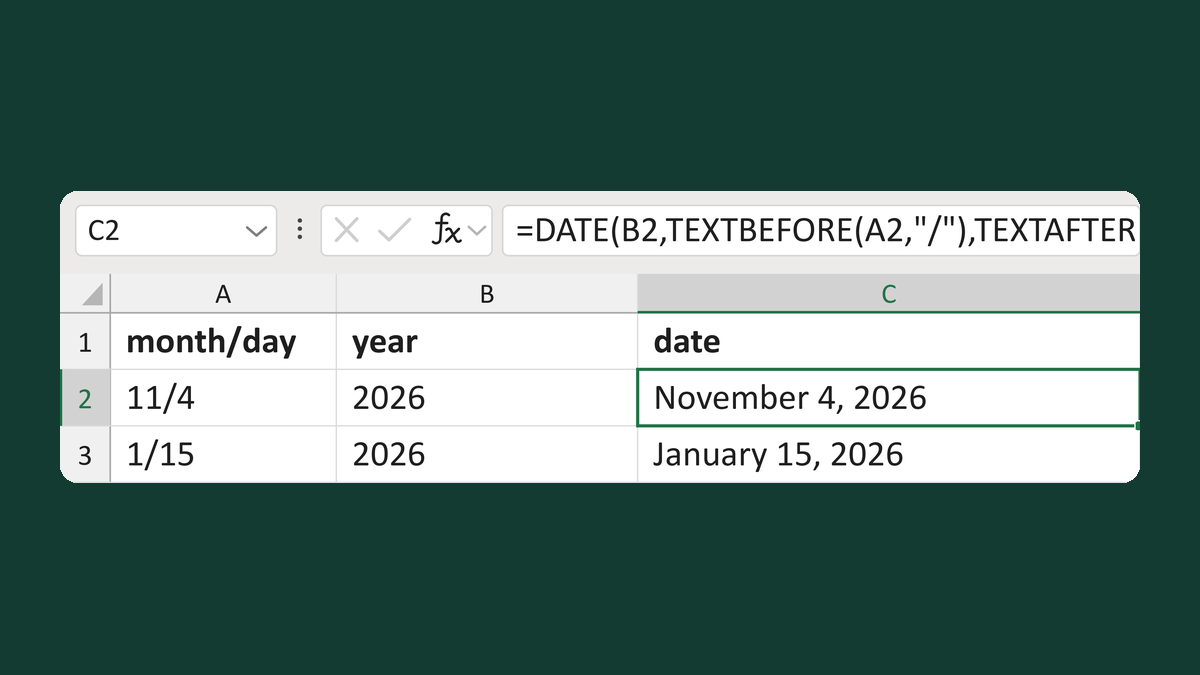
Build a date from month/day and a year
11/4 + 2026 → November 4, 2026
Get the template →
Show a letter date as November 5, 2026
11/5/2026 → November 5, 2026
Take this route →