Pick a party reference by requested role

Pick the beneficiary, subscriber or policyholder reference a letter asks for.
Download Excel templateMicrosoft 365
What you'll make
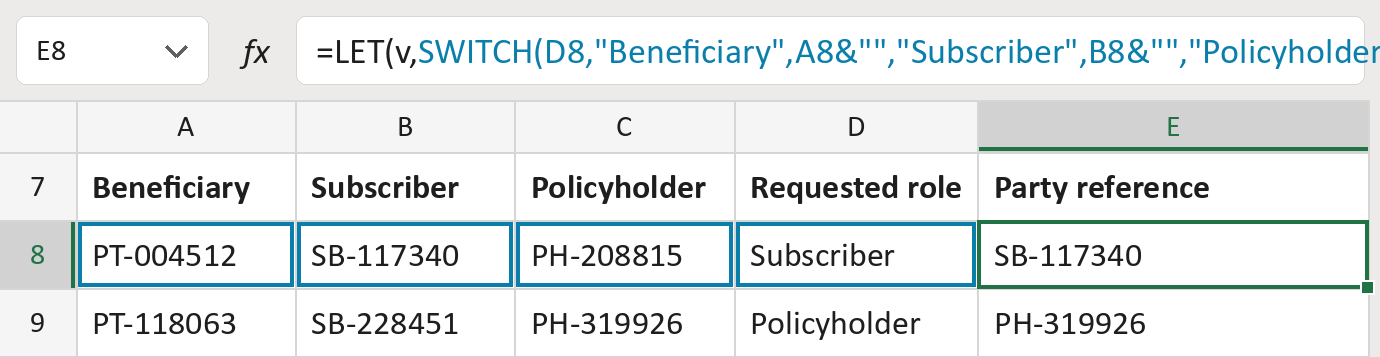
The formula
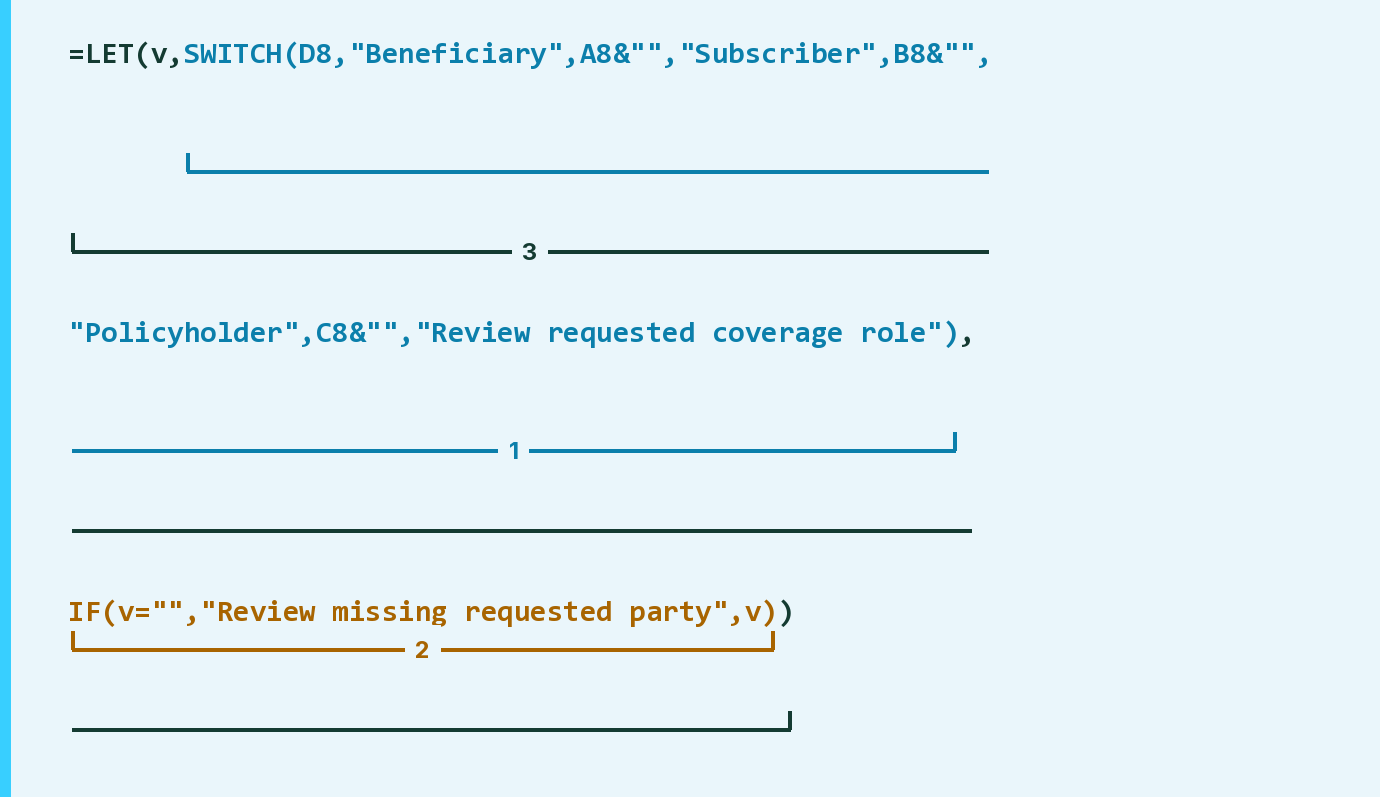
| Number | Part | What it does | Result so far |
|---|---|---|---|
| 1 | SWITCH(D8,"Beneficiary",A8&"",…) | Takes the reference for the role in column D. | "SB-117340" |
| 2 | IF(v="","Review missing requested party",v) | Flags the row if that reference is empty. | "SB-117340" |
| 3 | LET( … ) | Names part 1's answer v so part 2 can check it. | "SB-117340" |
Part 1 gives Review requested coverage role for any other role word.
=LET(v,SWITCH(D8,"Beneficiary",A8&"","Subscriber",B8&"","Policyholder",C8&"","Review requested coverage role"),IF(v="","Review missing requested party",v))How to use it
Yellow bar at the top? Click Enable Editing.
- See it work. The Example tab shows 20 made-up examples with the formula already in.
- Use your own list. Paste each row's three references and the role your letter is for into the green columns of the Template tab. The reference fills in by itself.
- Move them into your letter. Copy the results. Then use Paste Special and choose Values.
Before you send
Choose the role from your own workflow, not from the name or age. A reference here doesn't mean you may send.
Microsoft's help: SWITCH function
OTHER ROUTES YOU MIGHT LIKE
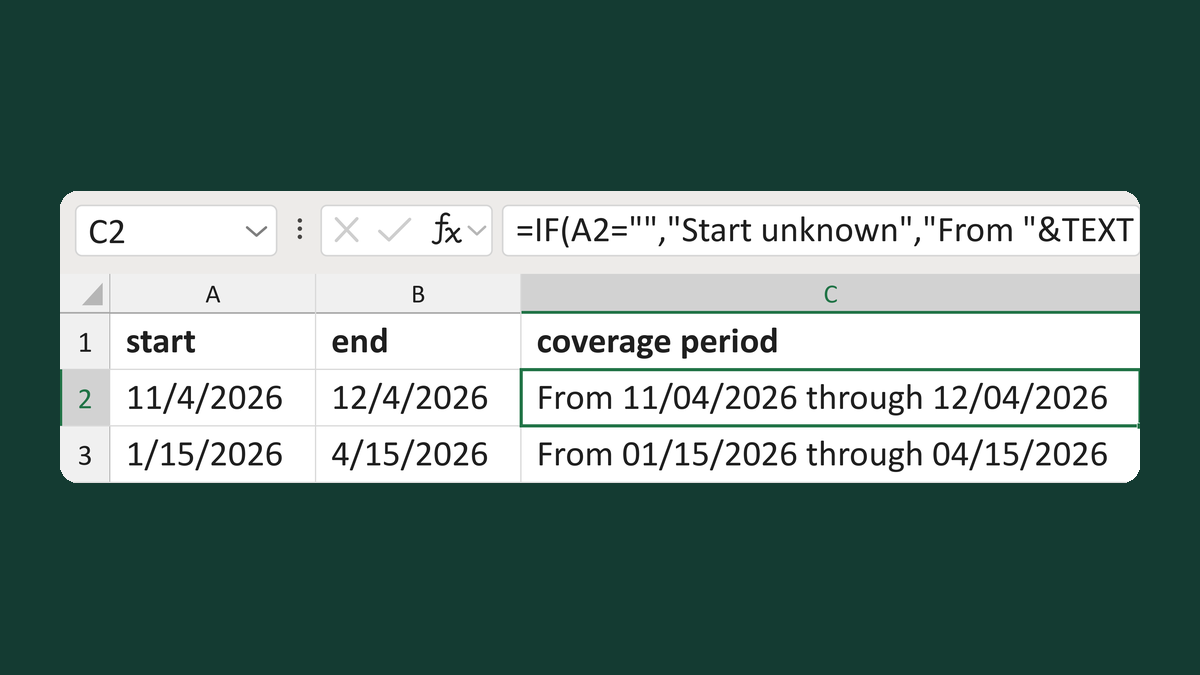
Write coverage periods with blank dates
11/4/2026 + 12/4/2026 → From 11/04/2026 through 12/04/2026
Get the template →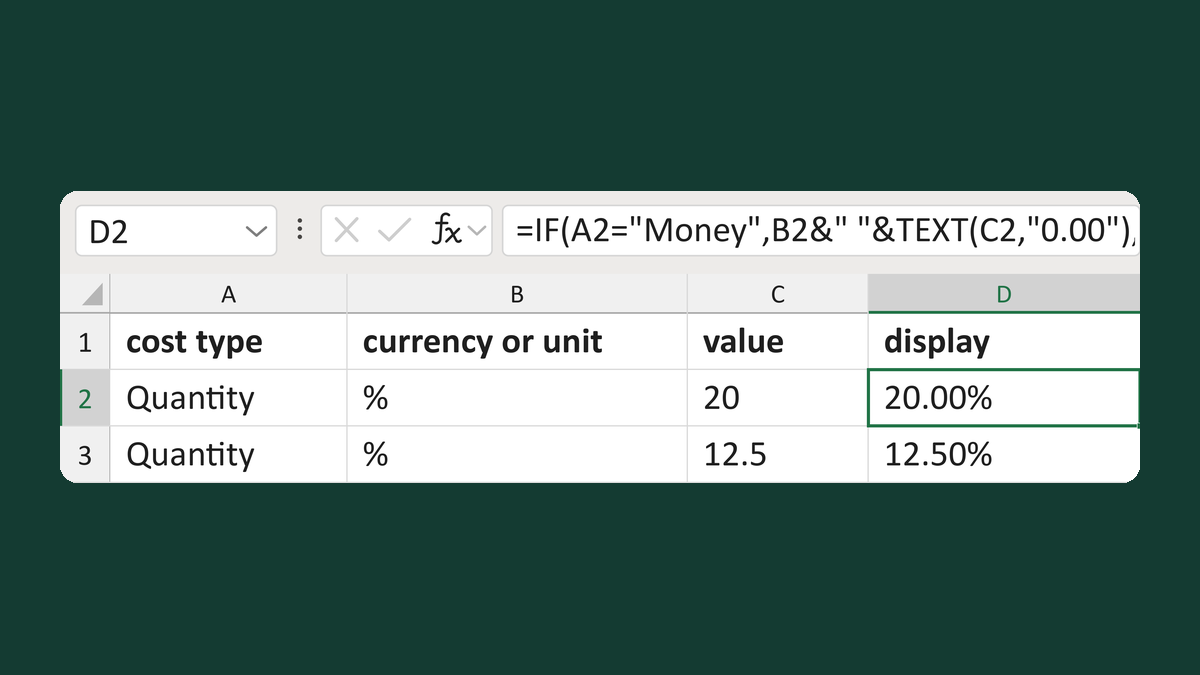
Show a cost as money or percent points
Quantity, %, 20 → 20.00%
Get the template →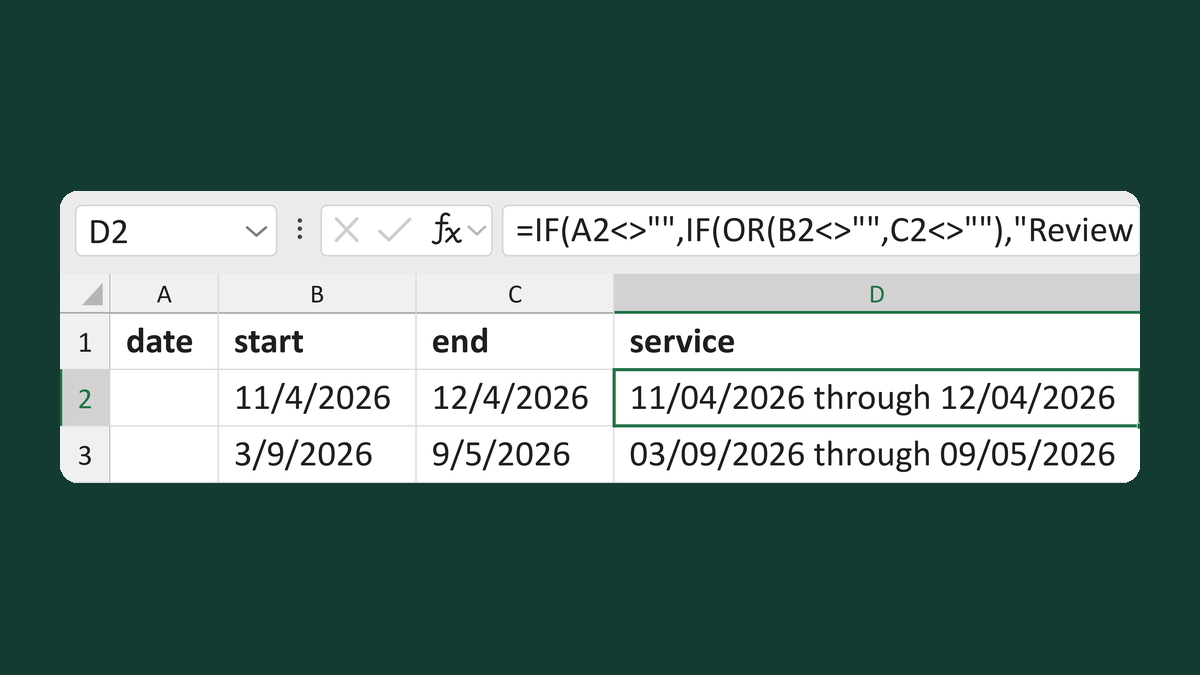
Write a service date or service period
11/4/2026 to 12/4/2026 → 11/04/2026 through 12/04/2026
Get the template →
Merge a few test letters before the whole mailing
Whole mailing → records 2 to 4 only
Take this route →