Write coverage periods with blank dates

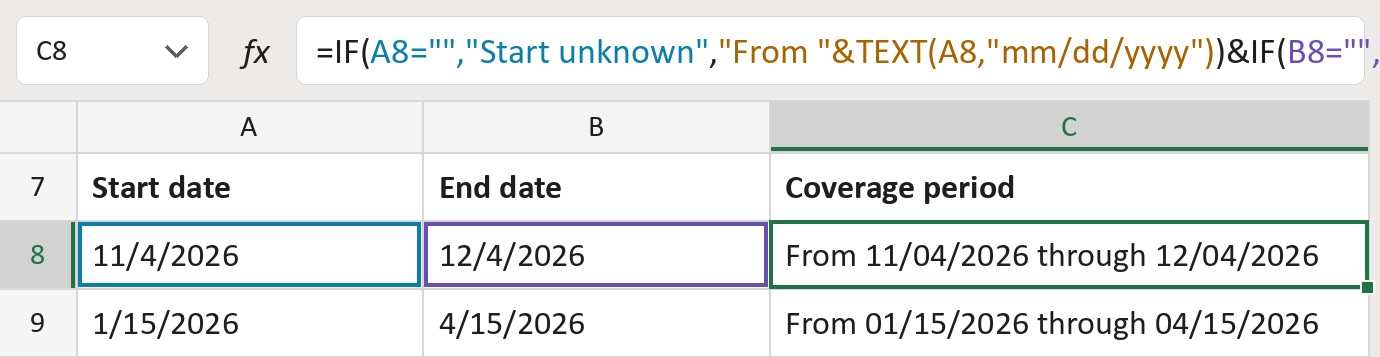
Turn two dates into From 11/04/2026 through 12/04/2026. Blanks stay unknown or open.
What you'll make
The formula
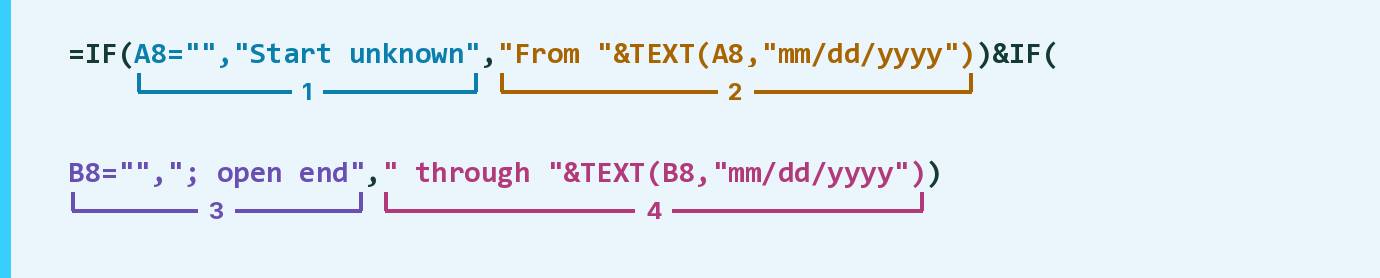
| Number | Part | What it does | Result so far |
|---|---|---|---|
| 1 | A8="","Start unknown" | With no start date, says Start unknown. | Not used for row 8 |
| 2 | "From "&TEXT(A8,"mm/dd/yyyy") | Writes From and the start date. | "From 11/04/2026" |
| 3 | B8="","; open end" | With no end date, adds ; open end. | Not used for row 8 |
| 4 | " through "&TEXT(B8,"mm/dd/yyyy") | Adds through and the end date. | "…through 12/04/2026" |
Read it left to right. The first IF picks part 1 or 2, the second picks part 3 or 4, and & joins them.
=IF(A8="","Start unknown","From "&TEXT(A8,"mm/dd/yyyy"))&IF(B8="","; open end"," through "&TEXT(B8,"mm/dd/yyyy"))How to use it
Yellow bar at the top? Click Enable Editing.
- See it work. The Example tab shows 20 made-up examples with the formula already in.
- Use your own dates. Paste each start and end date into the green columns of the Template tab. Leave a date blank if the source has none.
- Move them into your letter. Copy the results. Then use Paste Special and choose Values.
Before you send
Leave a date blank only when the source has none. A blank start never becomes a guessed date.
Microsoft's help: TEXT function
OTHER ROUTES YOU MIGHT LIKE
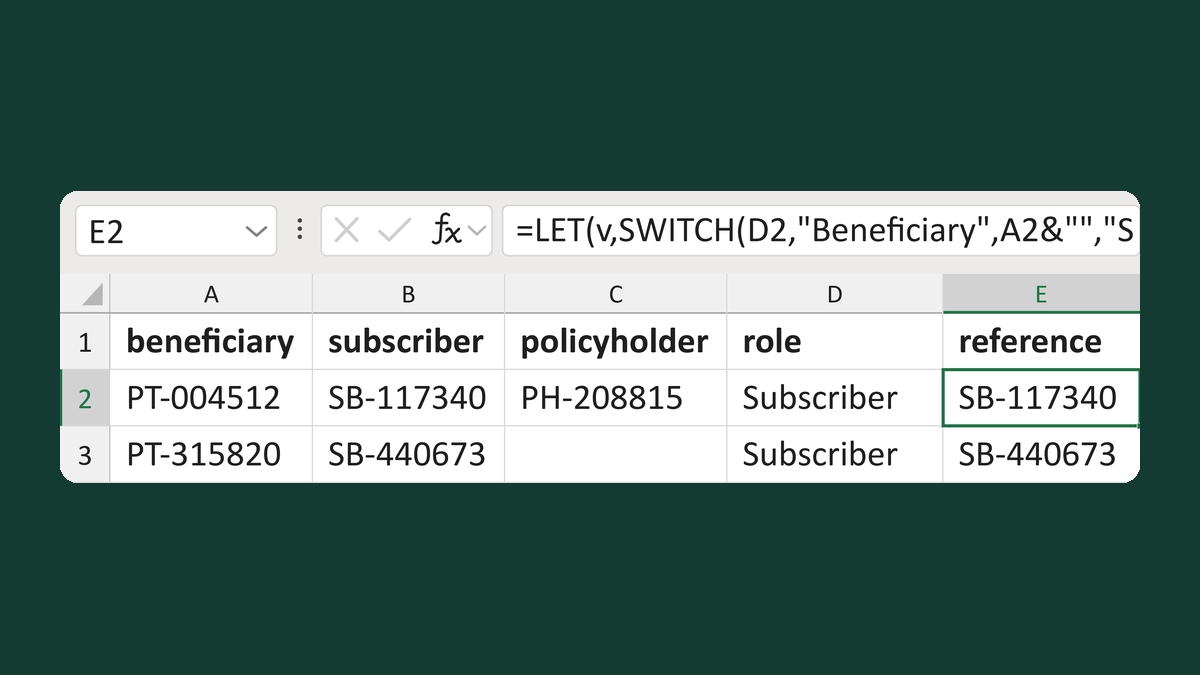
Pick a party reference by requested role
PT-004512, SB-117340, PH-208815 + Subscriber → SB-117340
Get the template →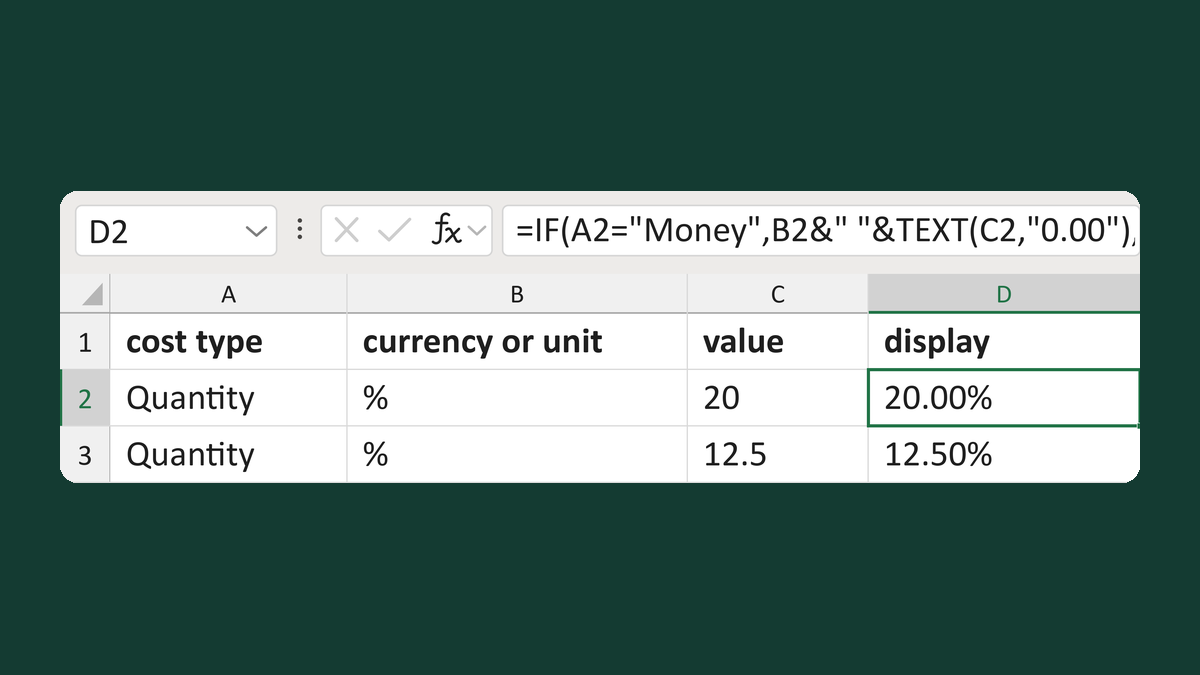
Show a cost as money or percent points
Quantity, %, 20 → 20.00%
Get the template →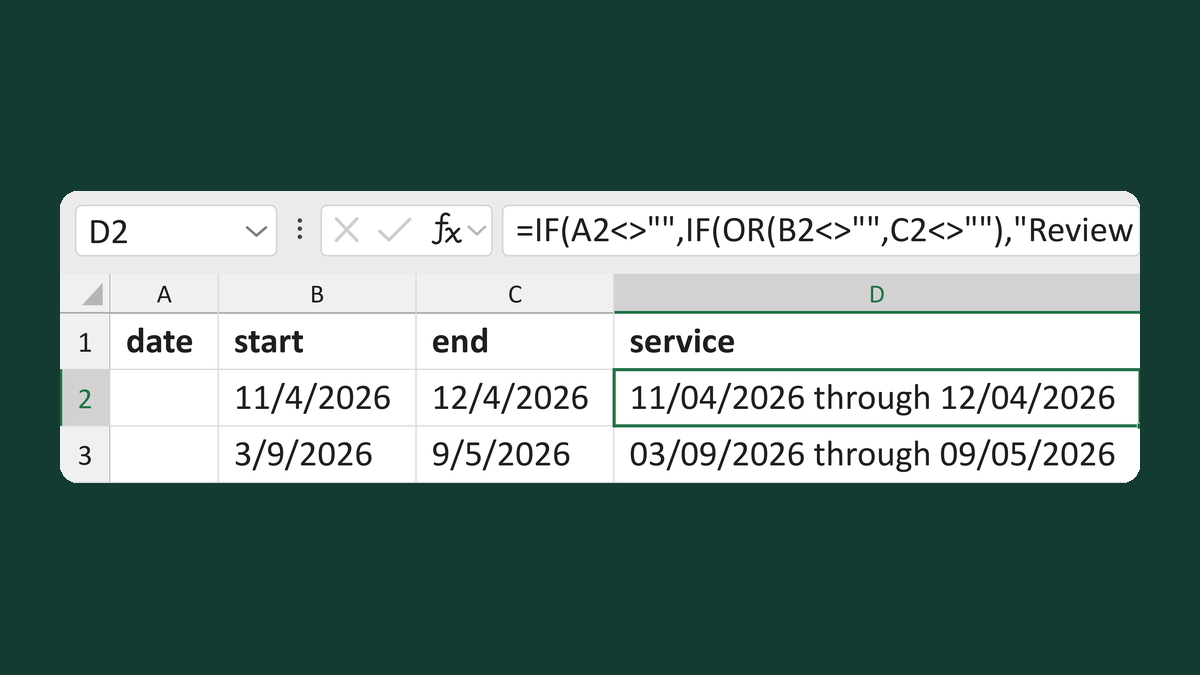
Write a service date or service period
11/4/2026 to 12/4/2026 → 11/04/2026 through 12/04/2026
Get the template →
Merge a few test letters before the whole mailing
Whole mailing → records 2 to 4 only
Take this route →