Read only plain fraction text like 3/4

Turn 3/4 into 0.75, and flag text like 3/0, 1e3/4 or 1/2/3.
Download Excel templateMicrosoft 365
What you'll make
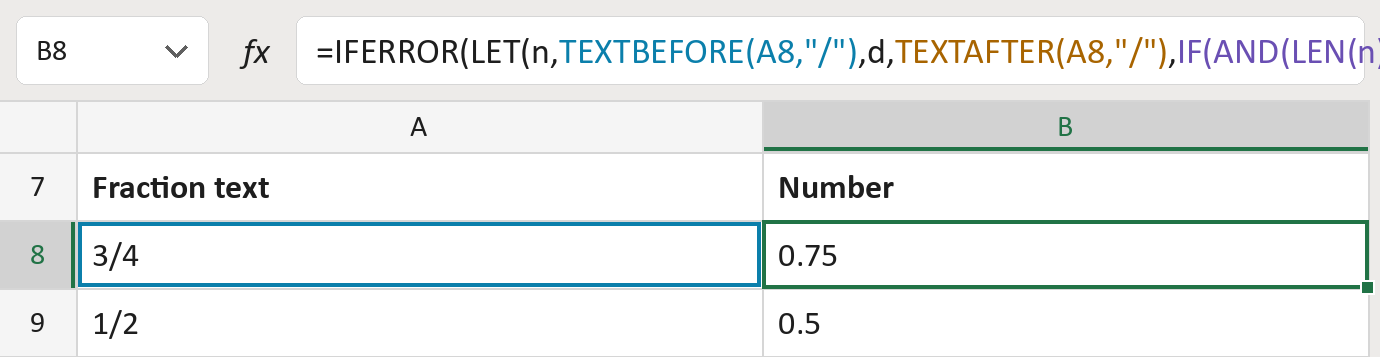
The formula
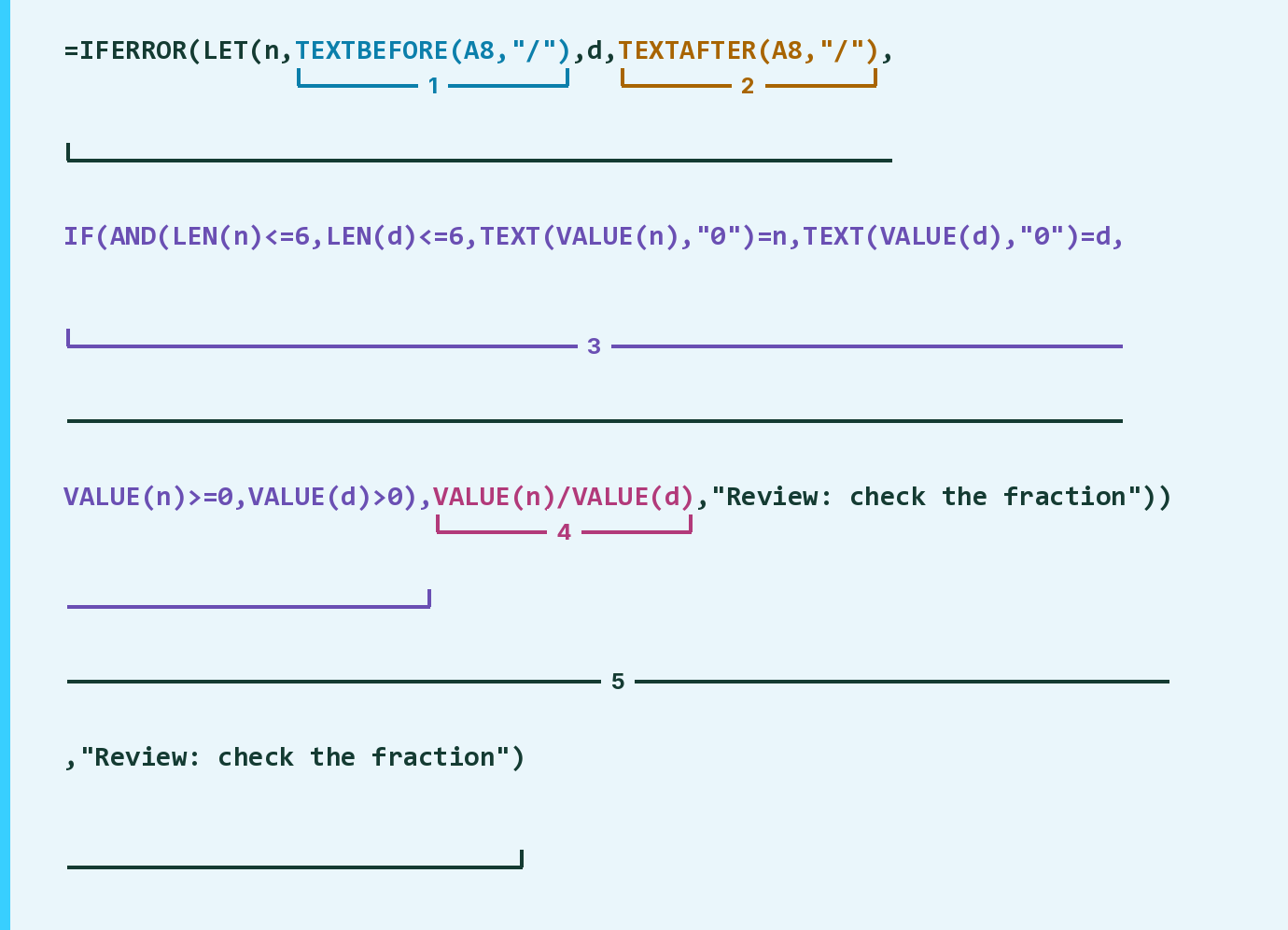
| Number | Part | What it does | Result so far |
|---|---|---|---|
| 1 | TEXTBEFORE(A8,"/") | Keeps the top number before the slash. LET calls it n. | "3" |
| 2 | TEXTAFTER(A8,"/") | Keeps the bottom number after the slash. LET calls it d. | "4" |
| 3 | IF(AND( … ), | Checks both are plain whole numbers, and the bottom isn't 0. | TRUE |
| 4 | VALUE(n)/VALUE(d) | Divides the top number by the bottom number. | 0.75 |
| 5 | IFERROR(LET( … )) | Names both numbers and flags anything else. | 0.75 |
Plain means up to six digits each, with no sign, space, leading zero or extra slash.
=IFERROR(LET(n,TEXTBEFORE(A8,"/"),d,TEXTAFTER(A8,"/"),IF(AND(LEN(n)<=6,LEN(d)<=6,TEXT(VALUE(n),"0")=n,TEXT(VALUE(d),"0")=d,VALUE(n)>=0,VALUE(d)>0),VALUE(n)/VALUE(d),"Review: check the fraction")),"Review: check the fraction")How to use it
Yellow bar at the top? Click Enable Editing.
- See it work. The Example tab shows 20 made-up examples with the formula already in.
- Use your own fractions. Paste fraction text like 5/8 into the green column of the Template tab. The numbers fill in by themselves.
- Move them into your letter. Copy the results. Then use Paste Special and choose Values.
Before you send
Paste fractions as text. If Excel has already turned 3/4 into a date, it turns amber.
Microsoft's help: TEXTBEFORE function
OTHER ROUTES YOU MIGHT LIKE
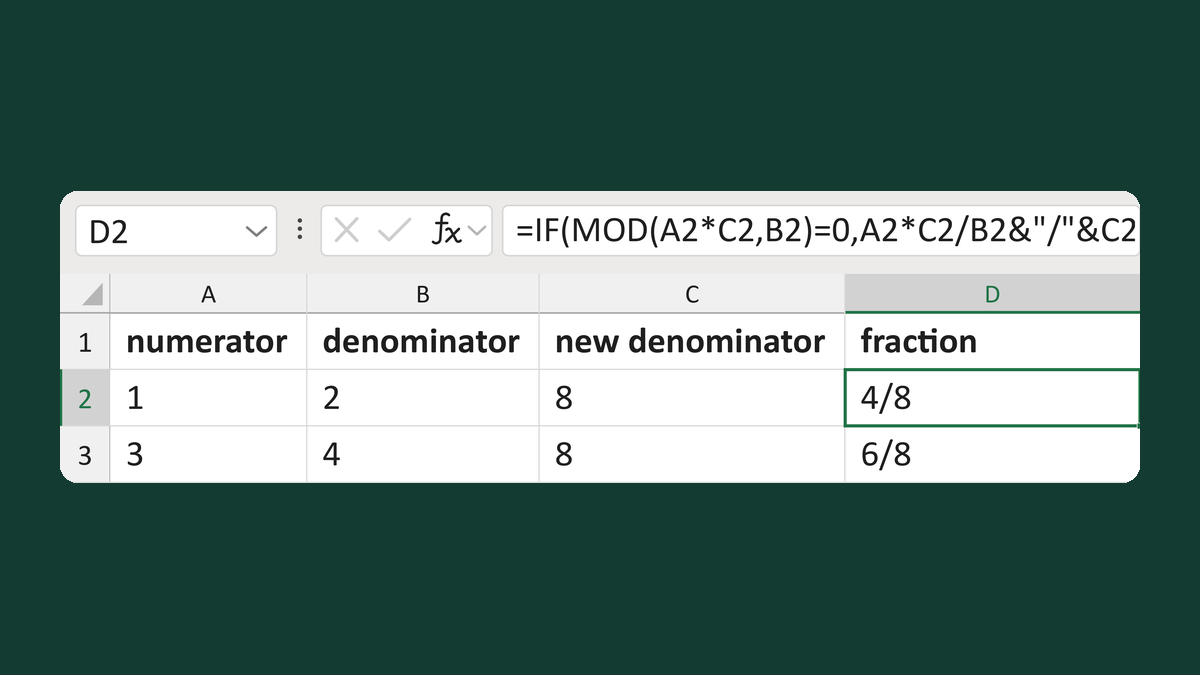
Rewrite a fraction at a new denominator
1/2 in eighths → 4/8
Get the template →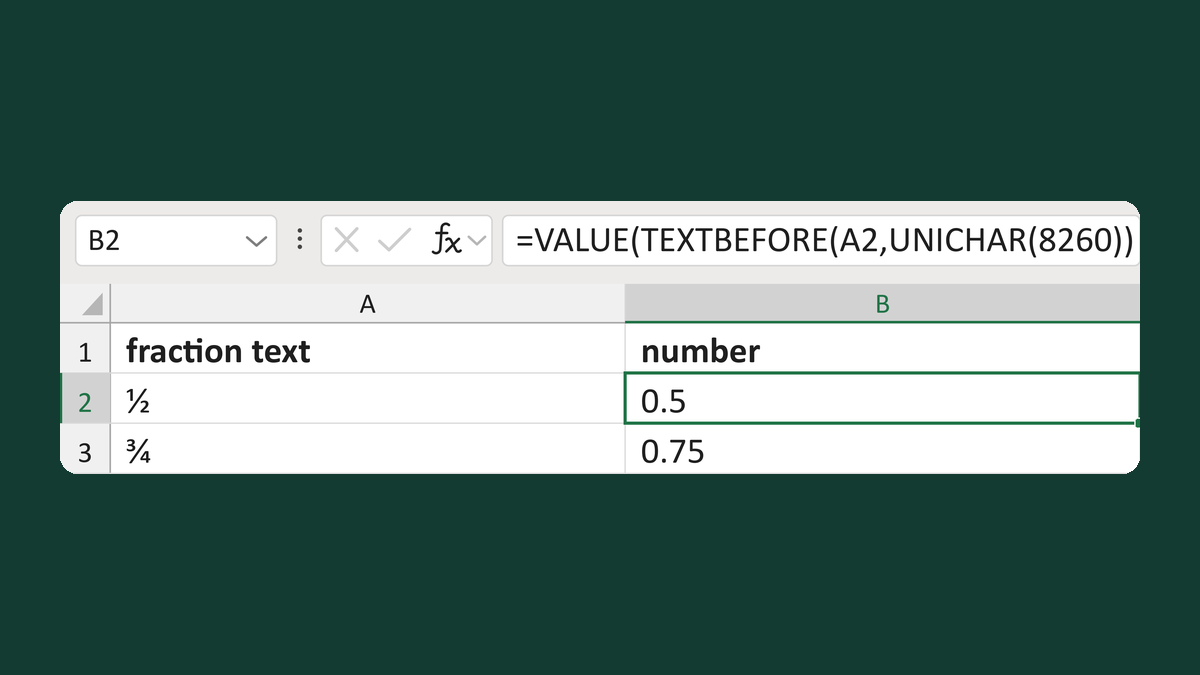
Read fractions with a fraction slash
1⁄2 with a fraction slash → 0.5
Get the template →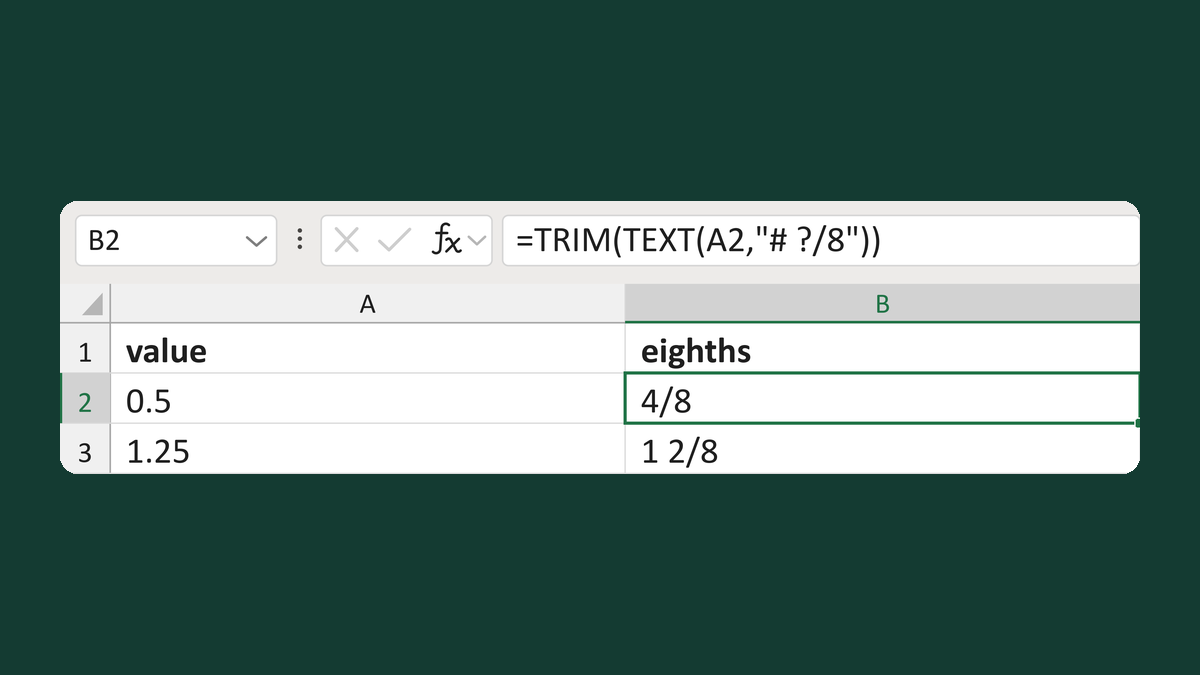
Write a value in eighths like 4/8
0.5 → 4/8
Get the template →
Merge a few test letters before the whole mailing
Whole mailing → records 2 to 4 only
Take this route →