Turn a locale like en_US.UTF-8 into a tag

Drop the .UTF-8 part, swap _ for -, and flag C, POSIX and @ names.
Download Excel templateMicrosoft 365
What you'll make
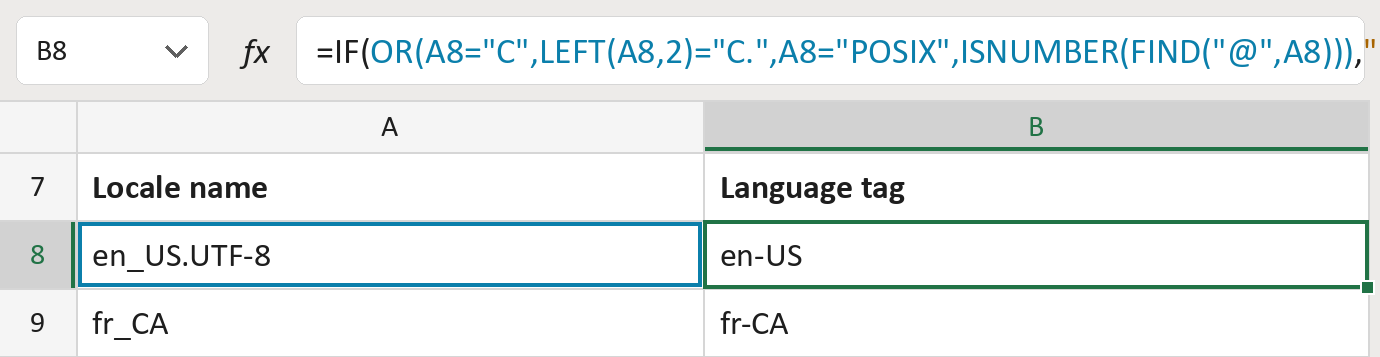
The formula
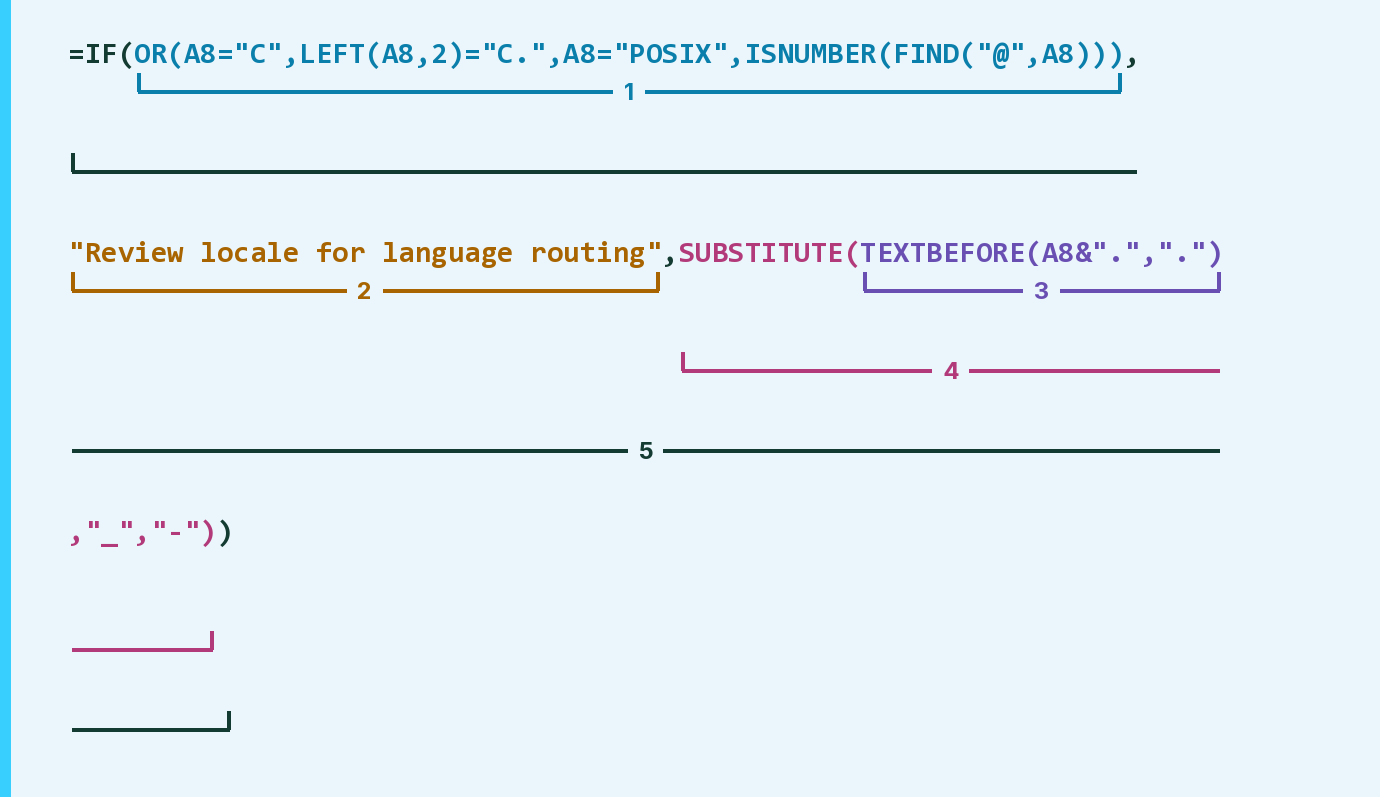
| Number | Part | What it does | Result so far |
|---|---|---|---|
| 1 | OR(A8="C", … FIND("@",A8))) | Checks for C, POSIX or an @ part. | No |
| 2 | "Review locale for language routing" | What the cell says for those names. | Not used for row 8 |
| 3 | TEXTBEFORE(A8&".",".") | Keeps the part before the first dot. | "en_US" |
| 4 | SUBSTITUTE( … ,"_","-") | Turns the _ into a -. | "en-US" |
| 5 | IF( … ) | Uses part 2 for those names, otherwise part 4. | "en-US" |
SUBSTITUTE wraps TEXTBEFORE, so the dot part goes first. An @ part is never dropped.
=IF(OR(A8="C",LEFT(A8,2)="C.",A8="POSIX",ISNUMBER(FIND("@",A8))),"Review locale for language routing",SUBSTITUTE(TEXTBEFORE(A8&".","."),"_","-"))How to use it
Yellow bar at the top? Click Enable Editing.
- See it work. The Example tab shows 20 made-up examples with the formula already in.
- Use your own fields. Paste one locale name per row into the green column of the Template tab. The tags fill in by themselves.
- Move them into your letter. Copy the results. Then use Paste Special and choose Values.
Before you send
A computer's locale isn't the person's own language choice. Check each tag against the languages you send in.
Microsoft's help: TEXTBEFORE function
OTHER ROUTES YOU MIGHT LIKE
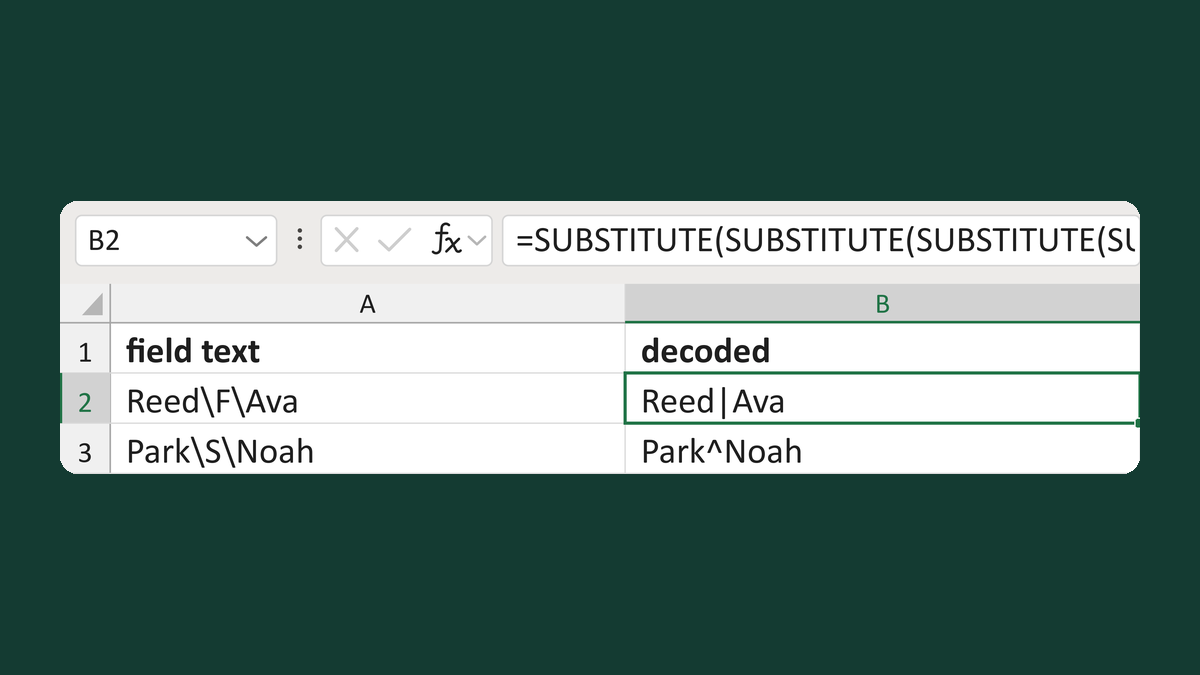
Turn codes like \F\ back into symbols
Reed\F\Ava → Reed|Ava
Get the template →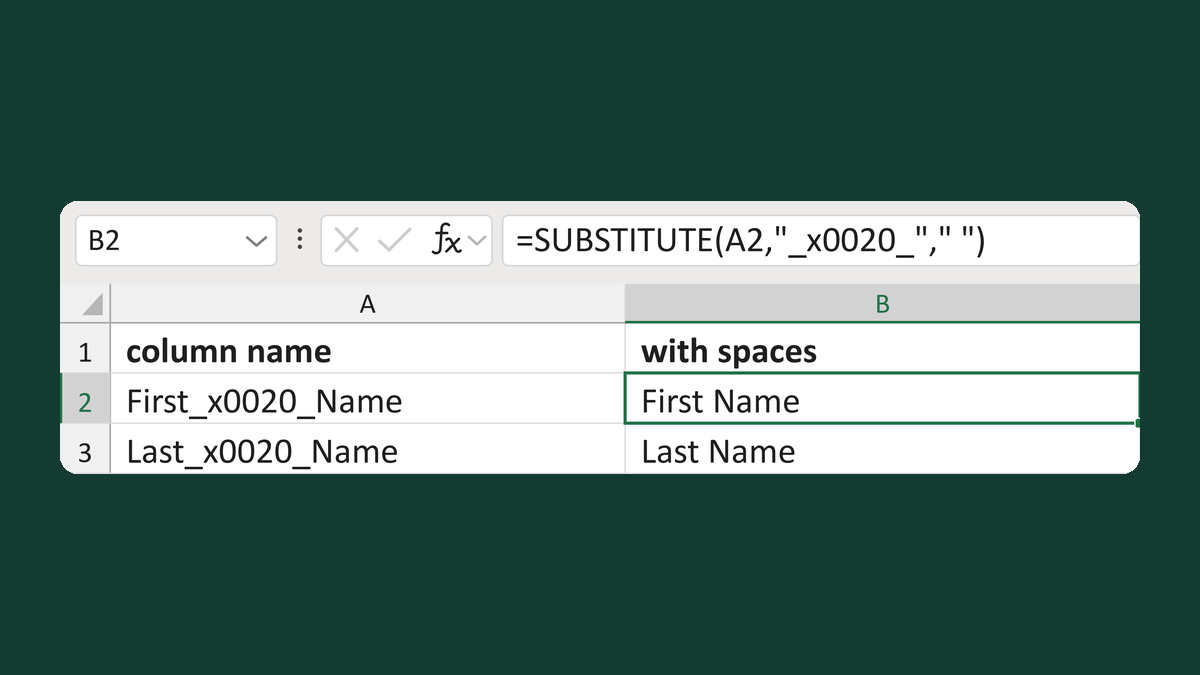
Turn _x0020_ into spaces in headers
First_x0020_Name → First Name
Get the template →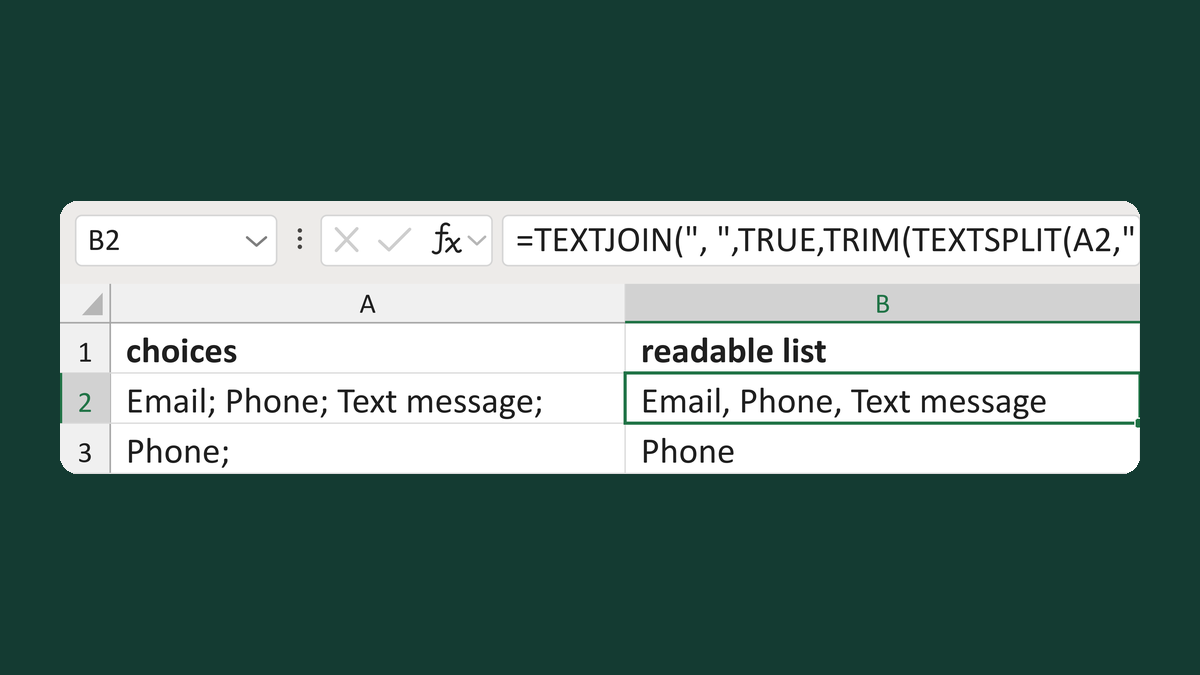
Join semicolon choices with commas
Email; Phone; Text message; → Email, Phone, Text message
Get the template →
Merge a few test letters before the whole mailing
Whole mailing → records 2 to 4 only
Take this route →