Turn currency text into a number
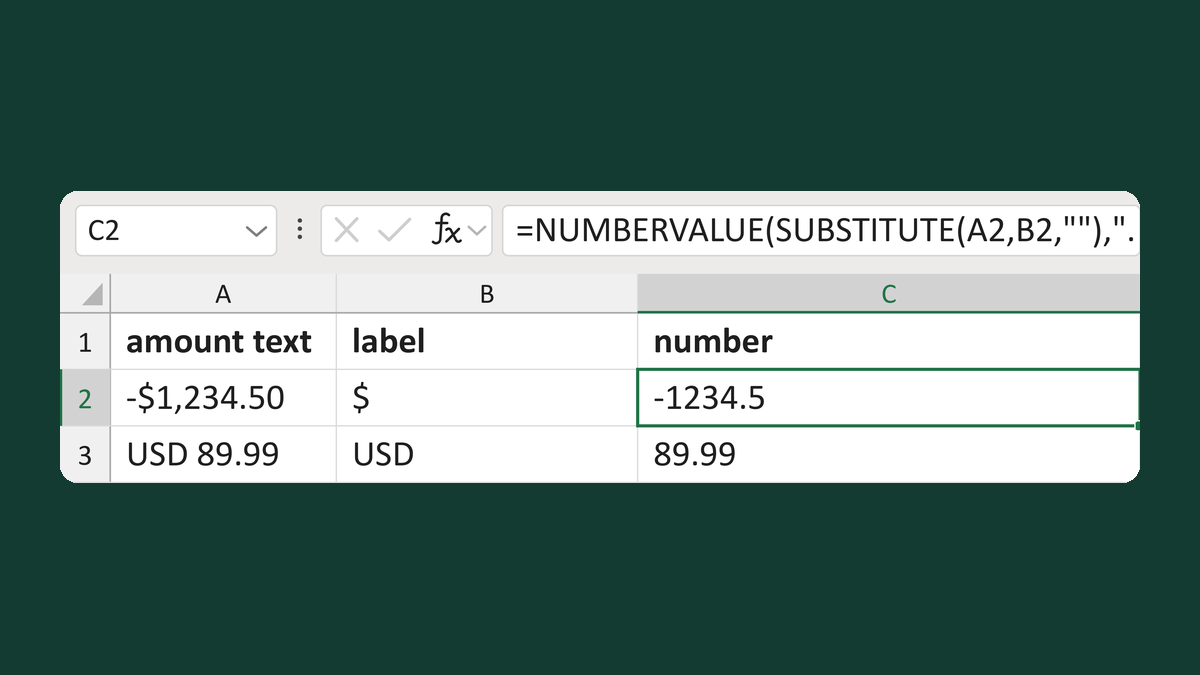
-$1,234.50 minus the $ label → -1234.5
44 free Excel templates to write dollar amounts the right way. For example, 1234.5 becomes $1,234.50. Pick the one that matches your list, download it and paste your data in. No sign-up, no macros.
44 templates
-$1,234.50 minus the $ label → -1234.5
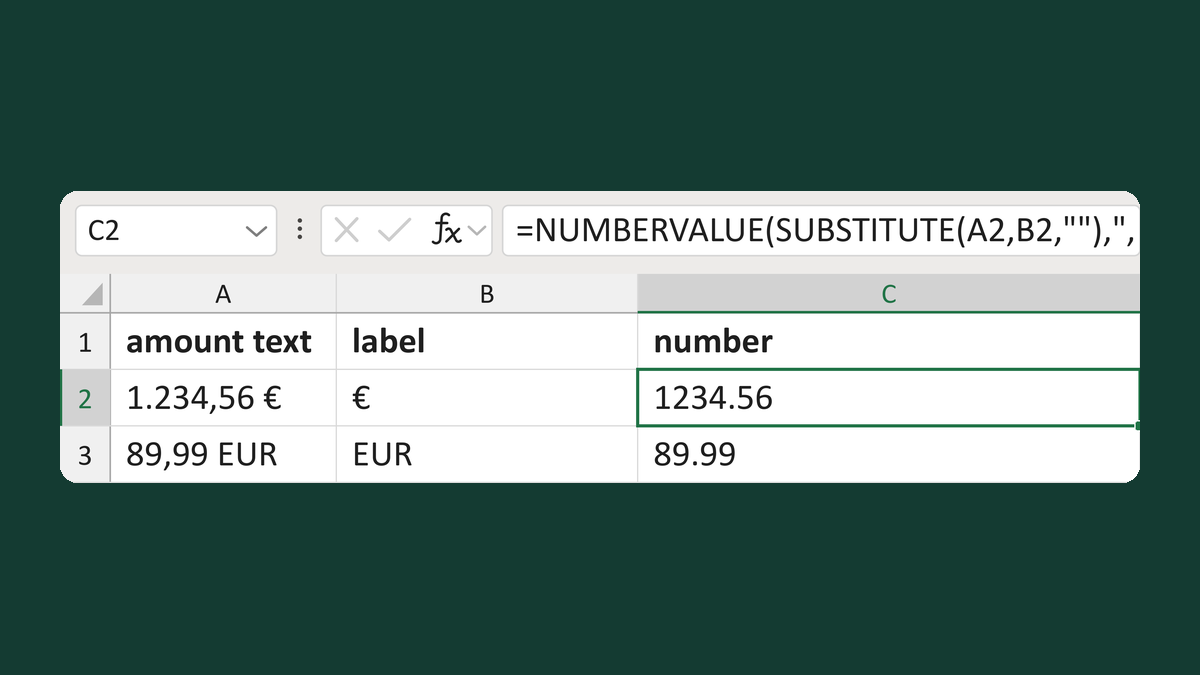
1.234,56 € → 1234.56
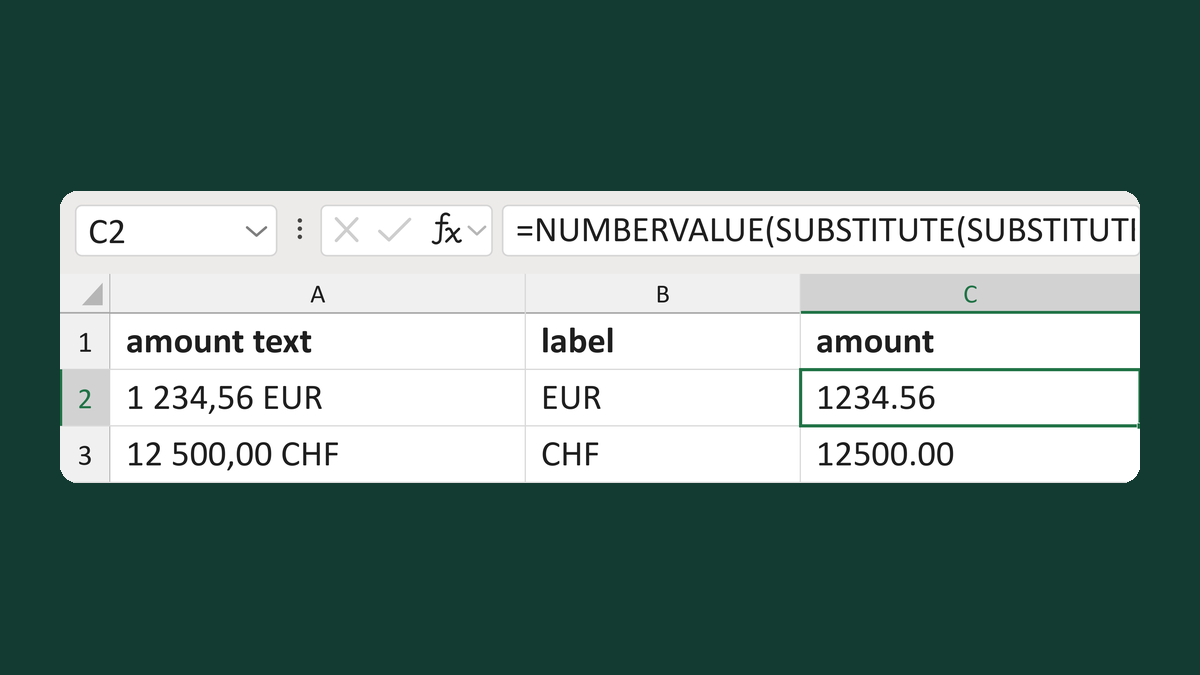
1 234,56 EUR → 1234.56
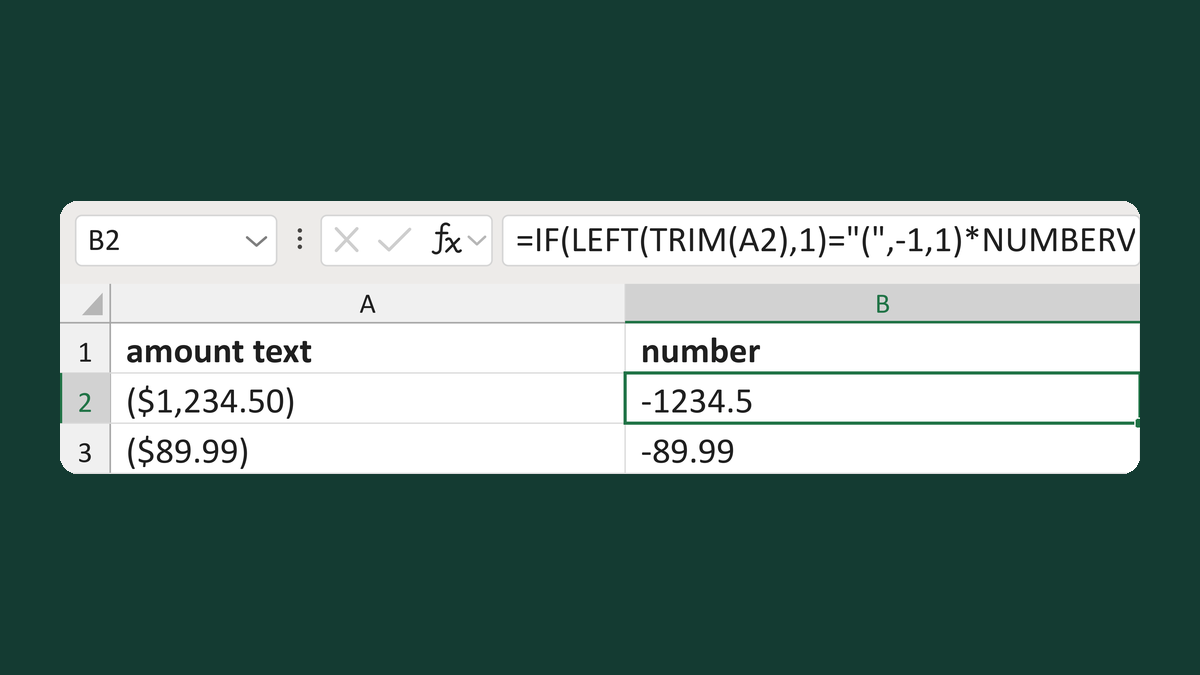
($1,234.50) → -1234.5
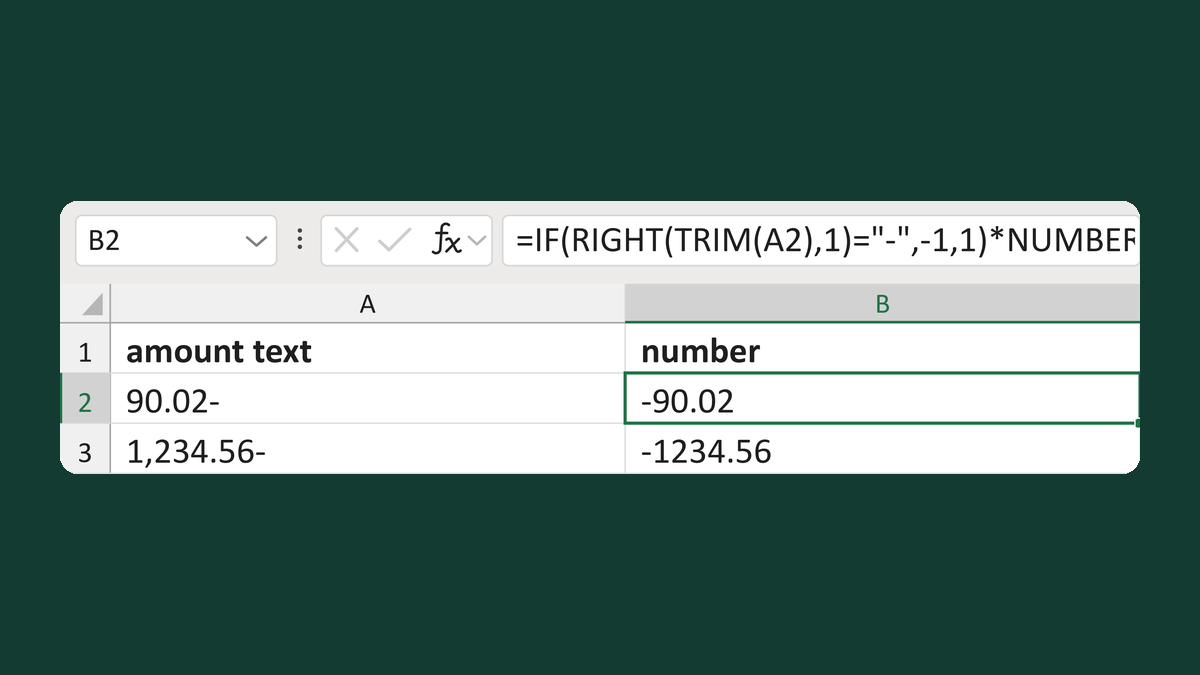
90.02- → -90.02
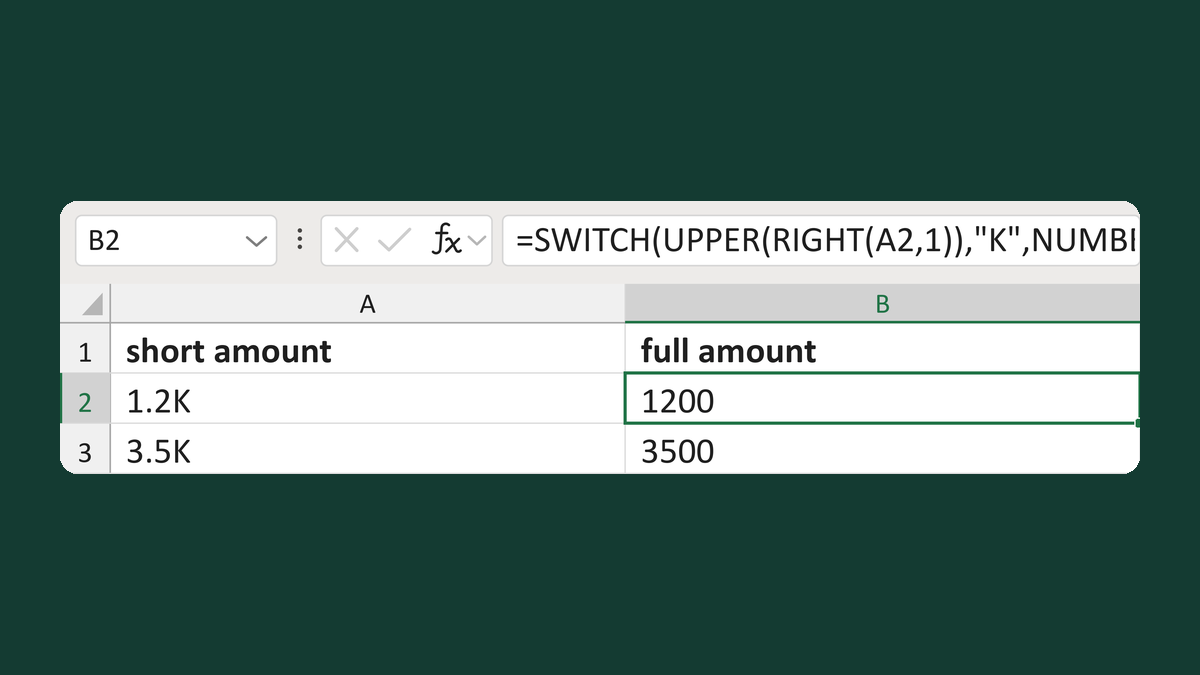
1.2K → 1200
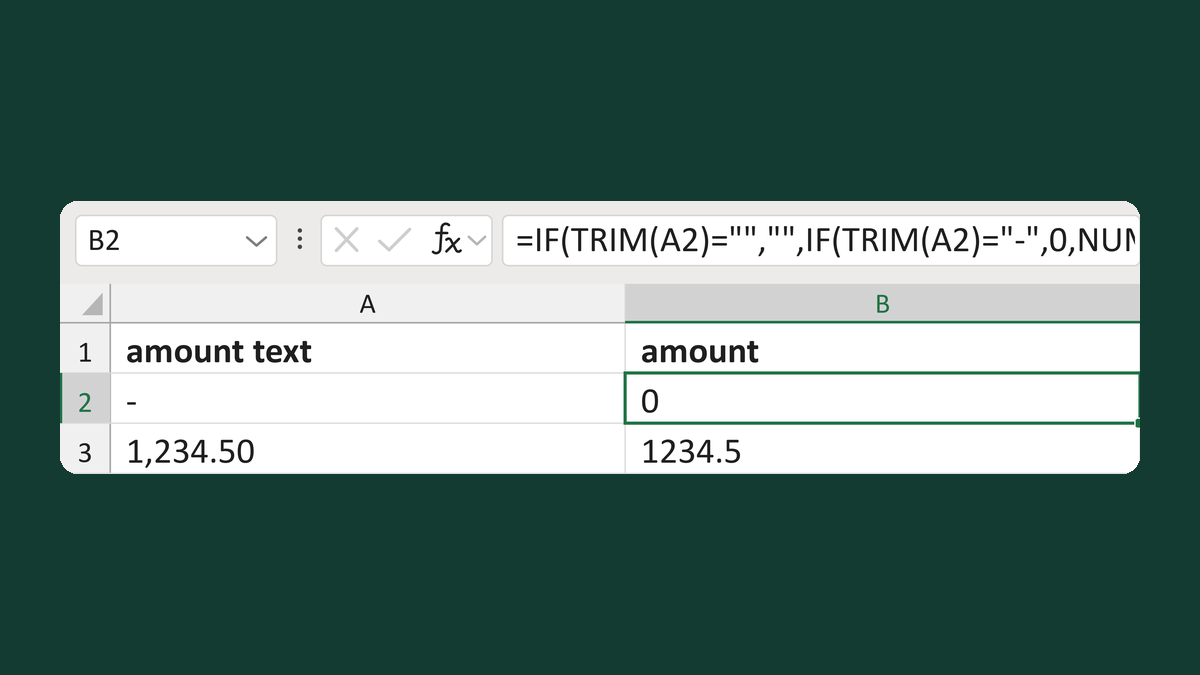
A dash - → 0, a blank stays blank
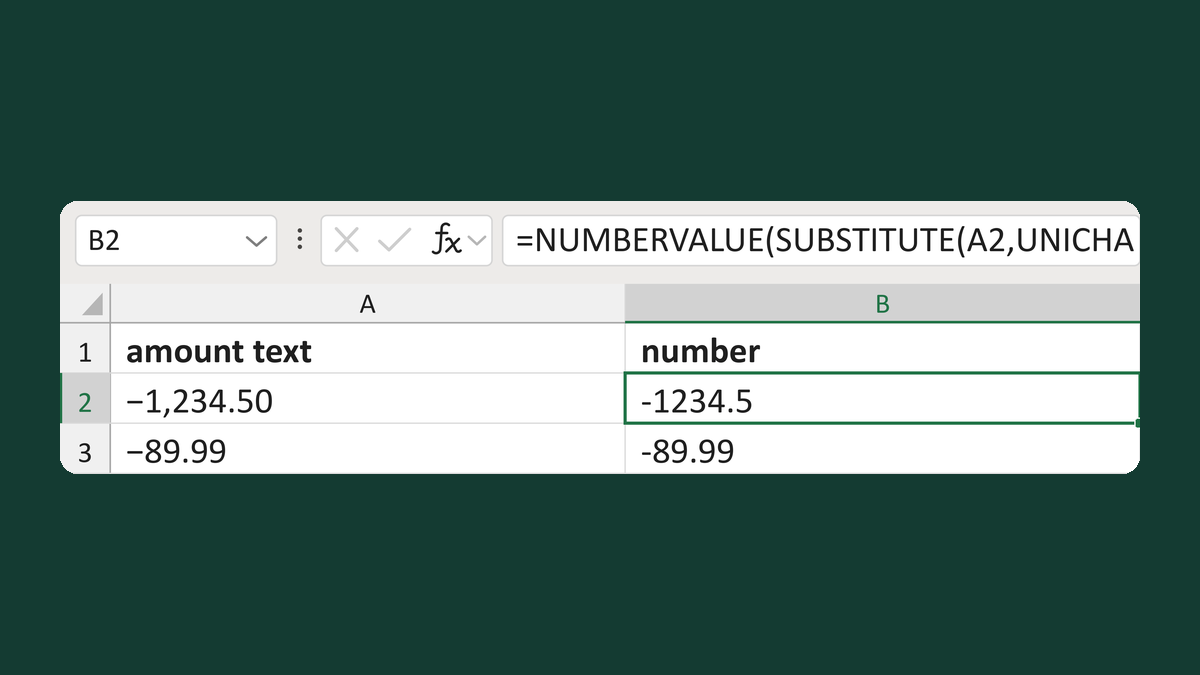
−1,234.50 with a math minus → -1234.5
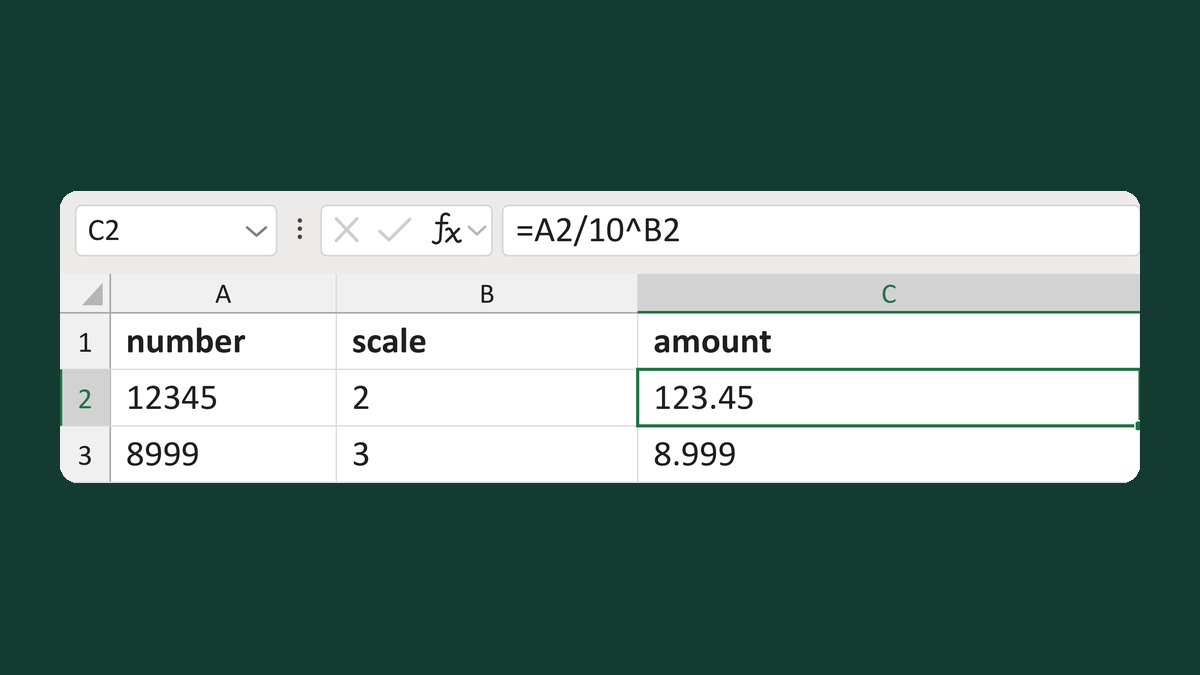
12345 with scale 2 → 123.45
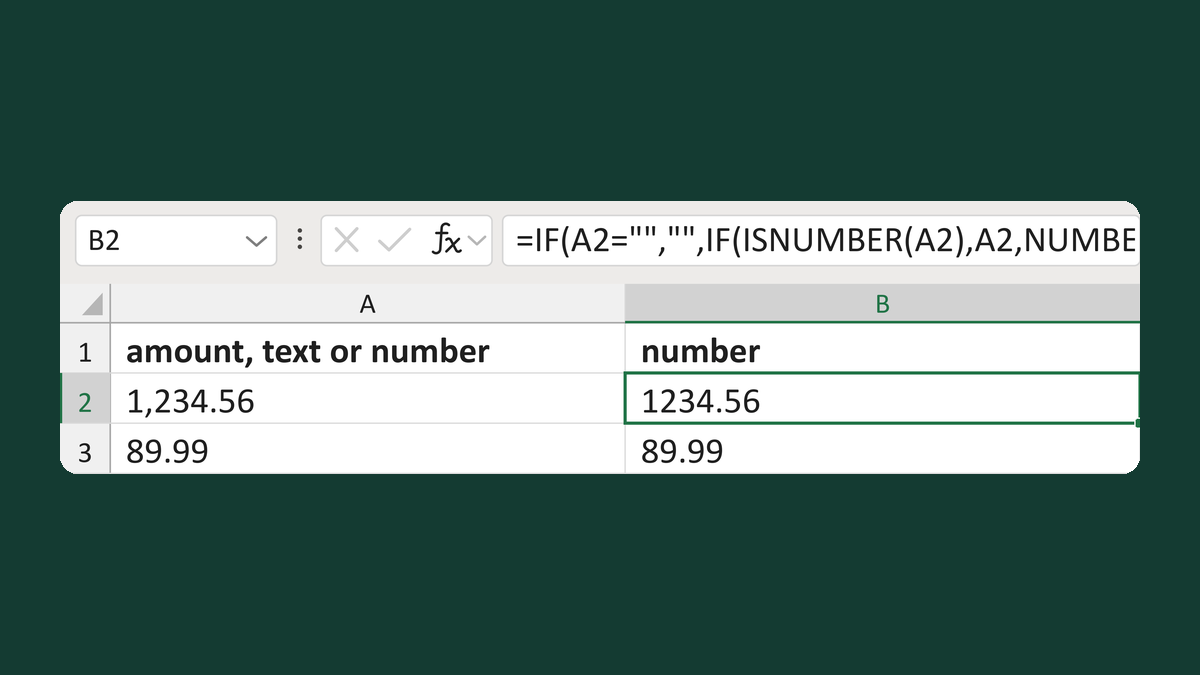
1,234.56 as text → 1234.56; numbers stay as they are
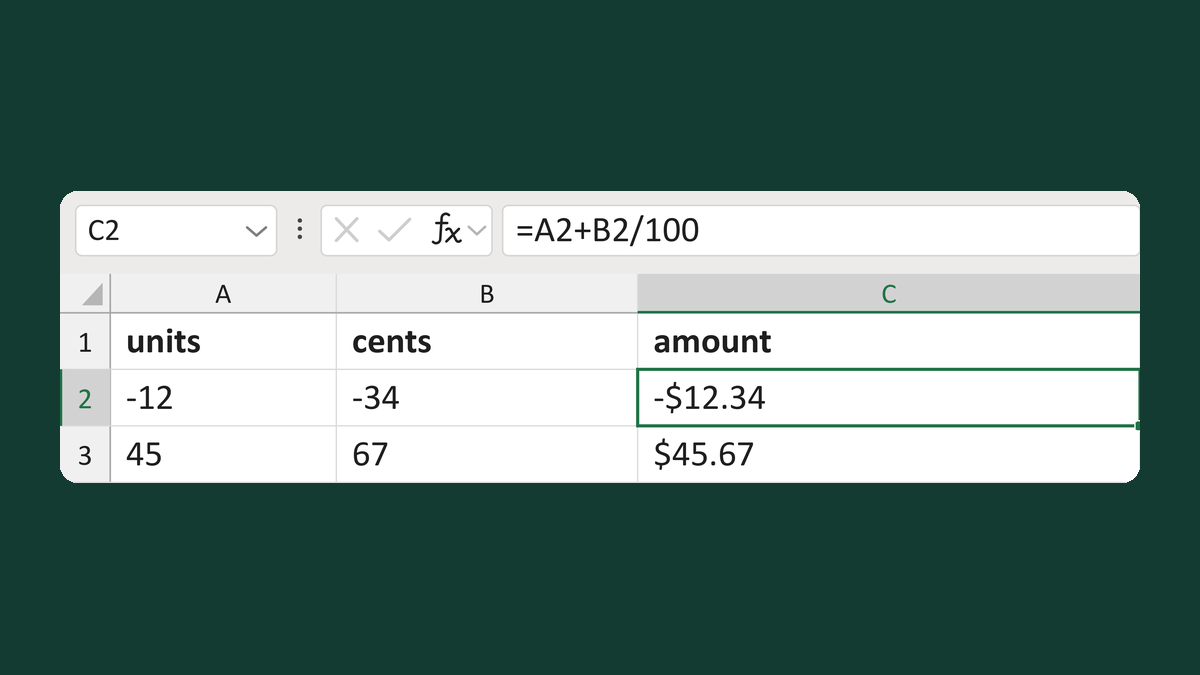
-12 units and -34 cents → -$12.34
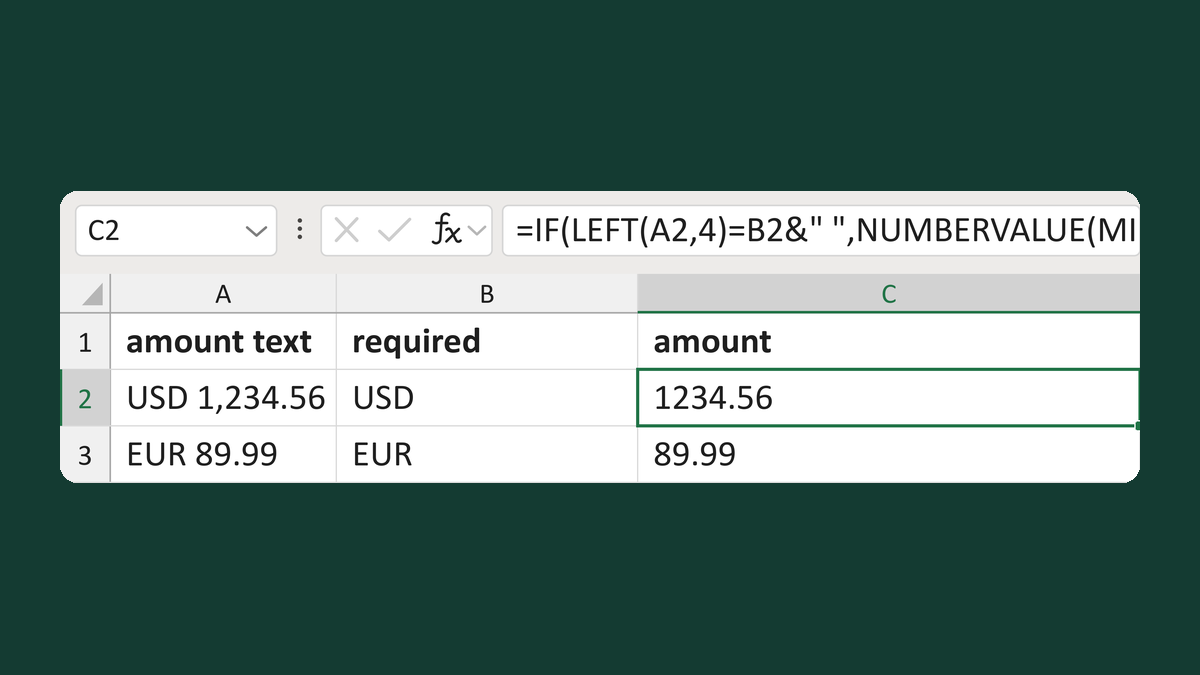
USD 1,234.56 (USD required) → 1234.56
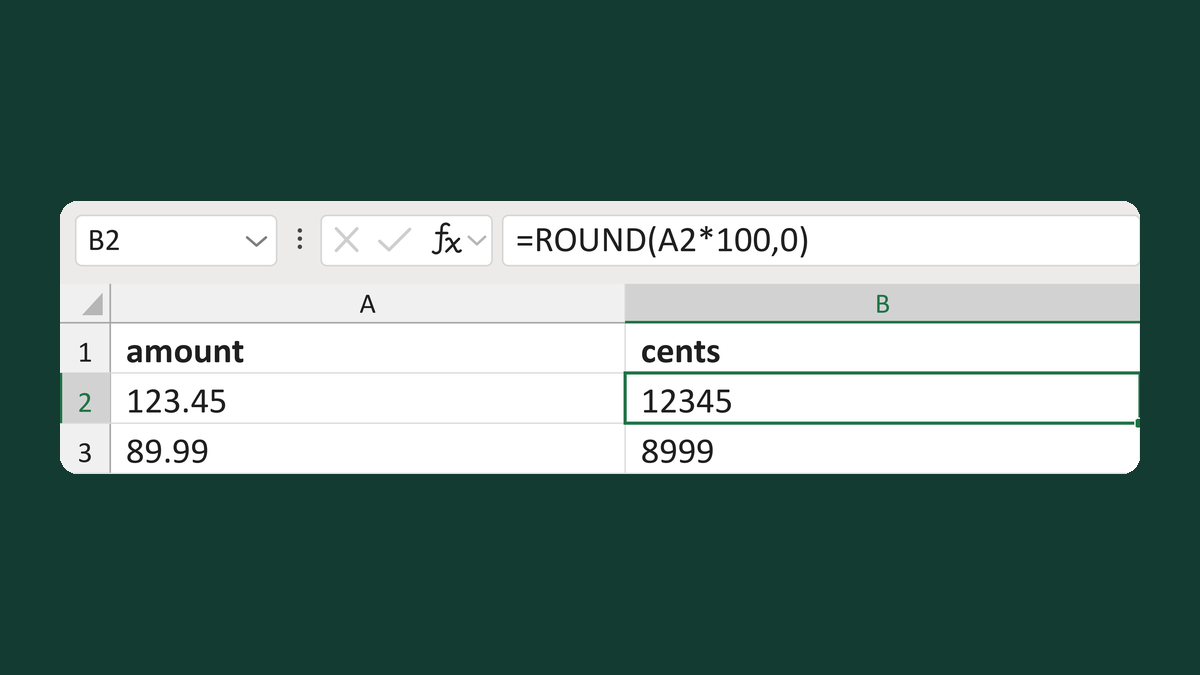
123.45 → 12345 cents
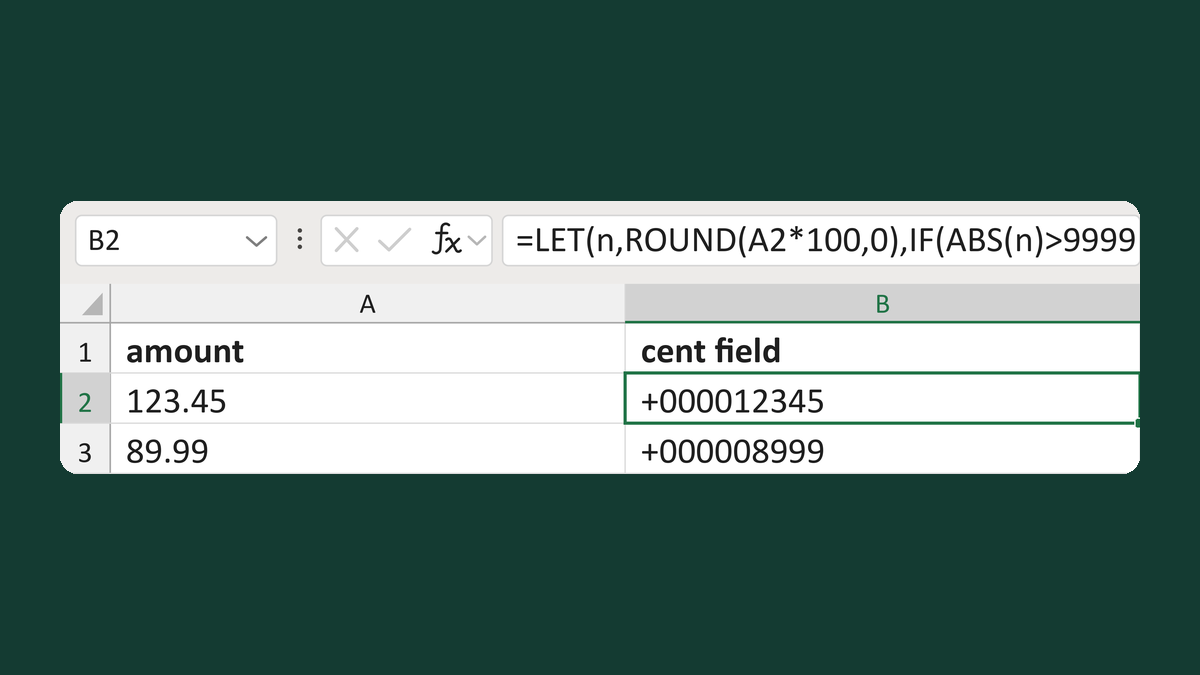
123.45 → +000012345
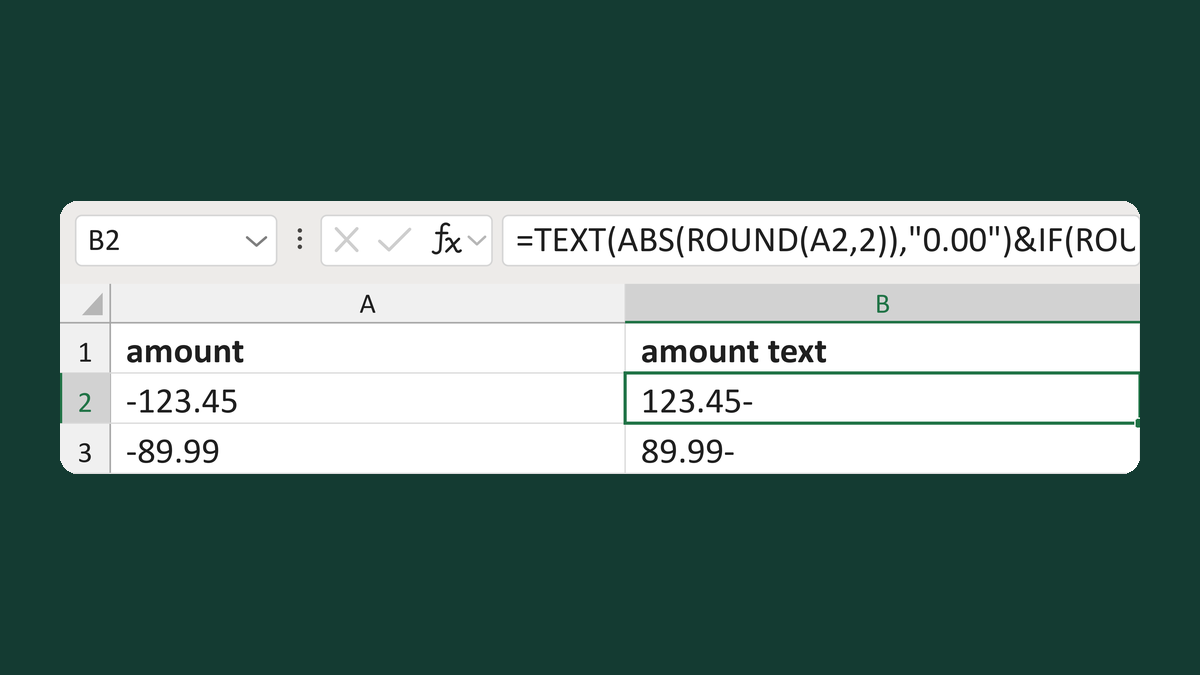
-123.45 → 123.45-
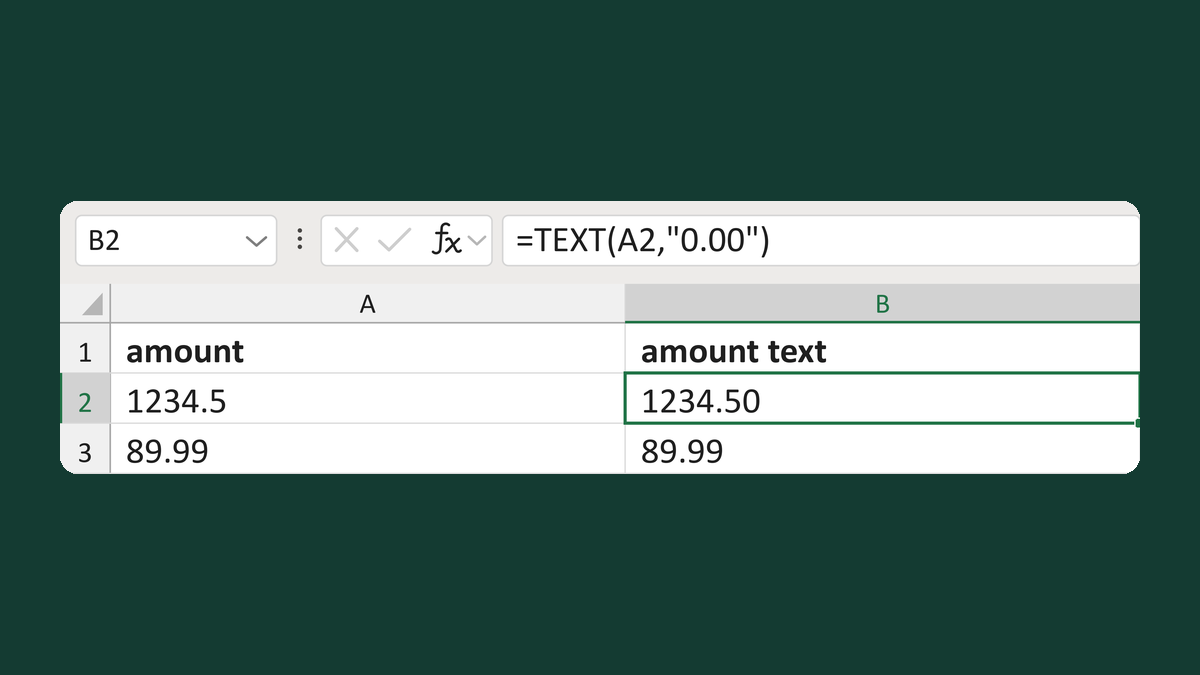
1234.5 → text 1234.50
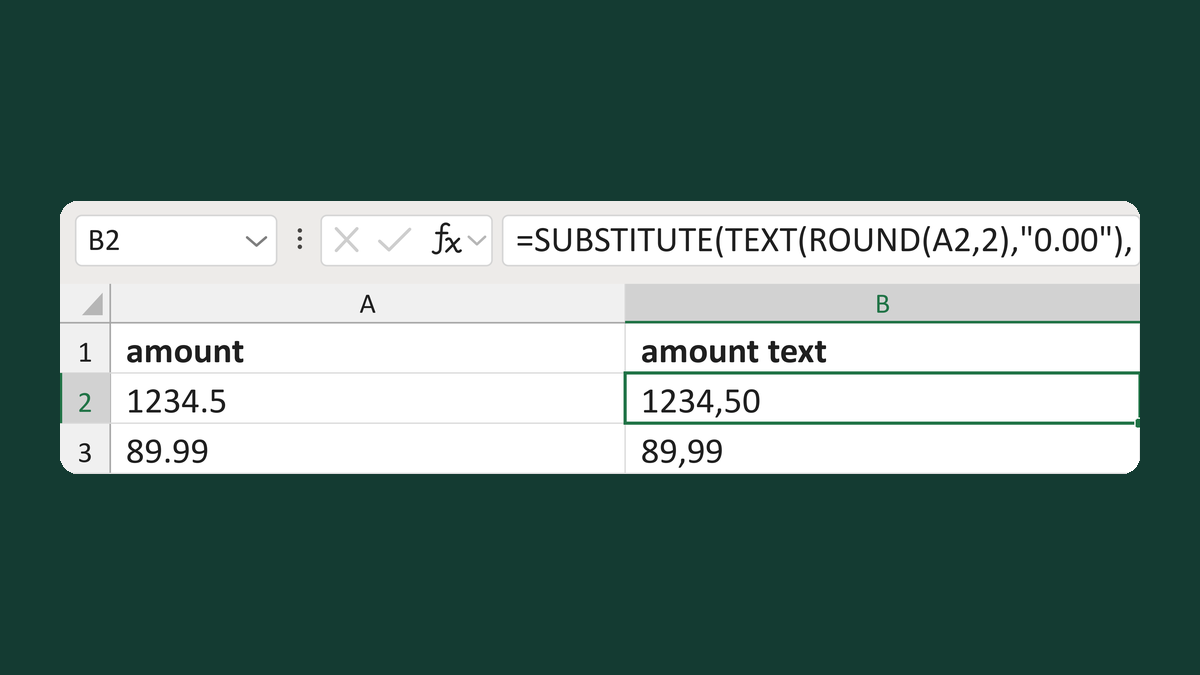
1234.5 → 1234,50
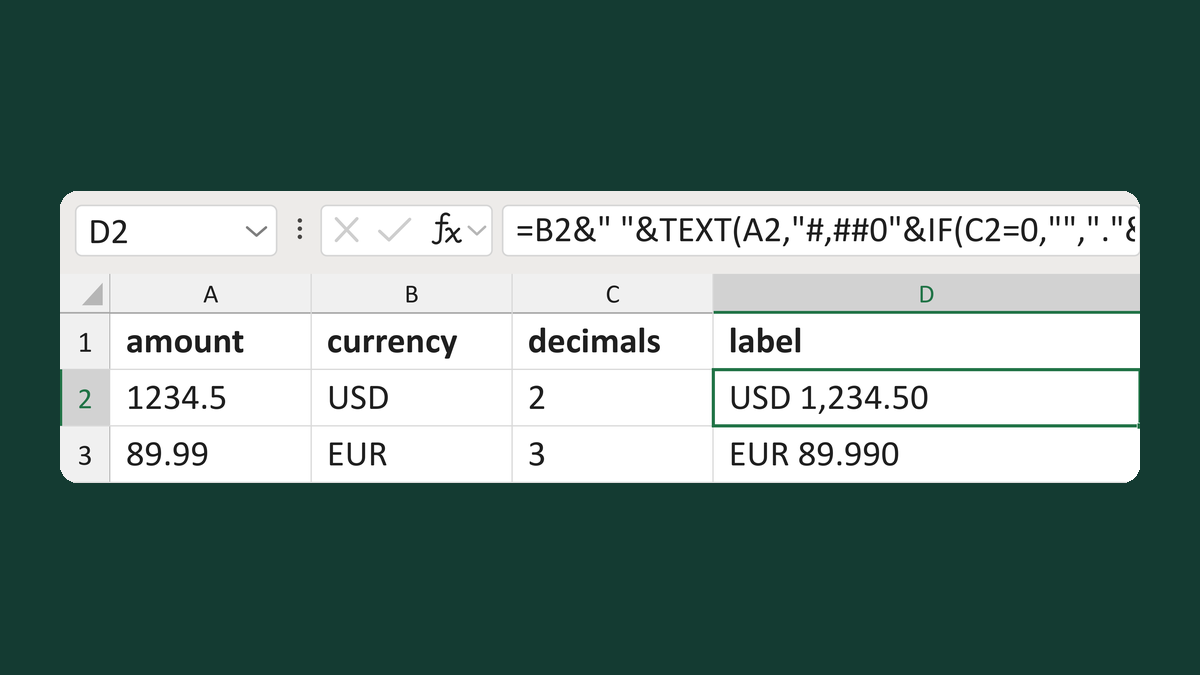
1234.5, USD, 2 decimals → USD 1,234.50
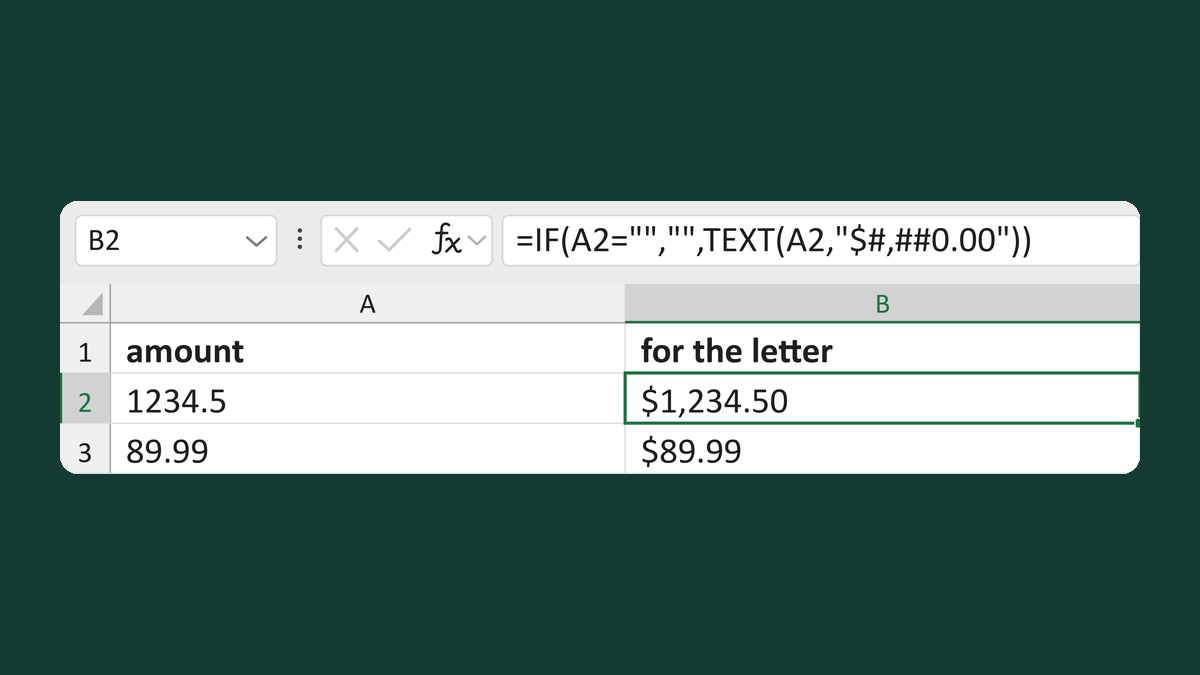
1234.5 → $1,234.50
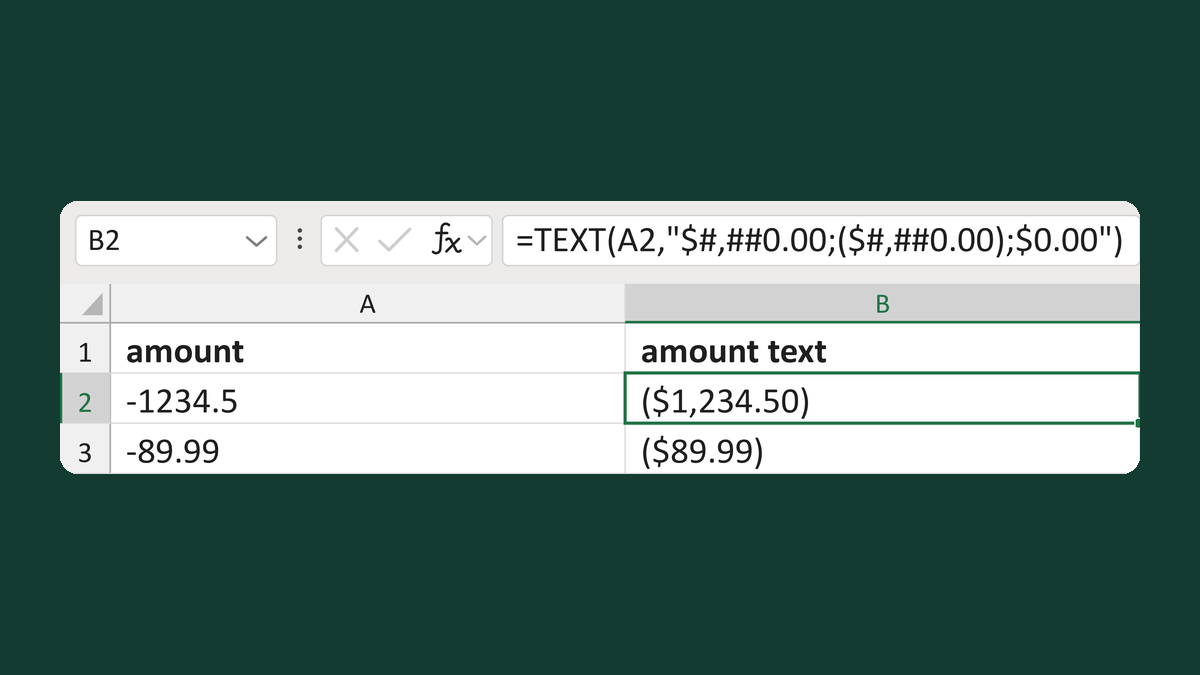
-1234.5 → ($1,234.50)
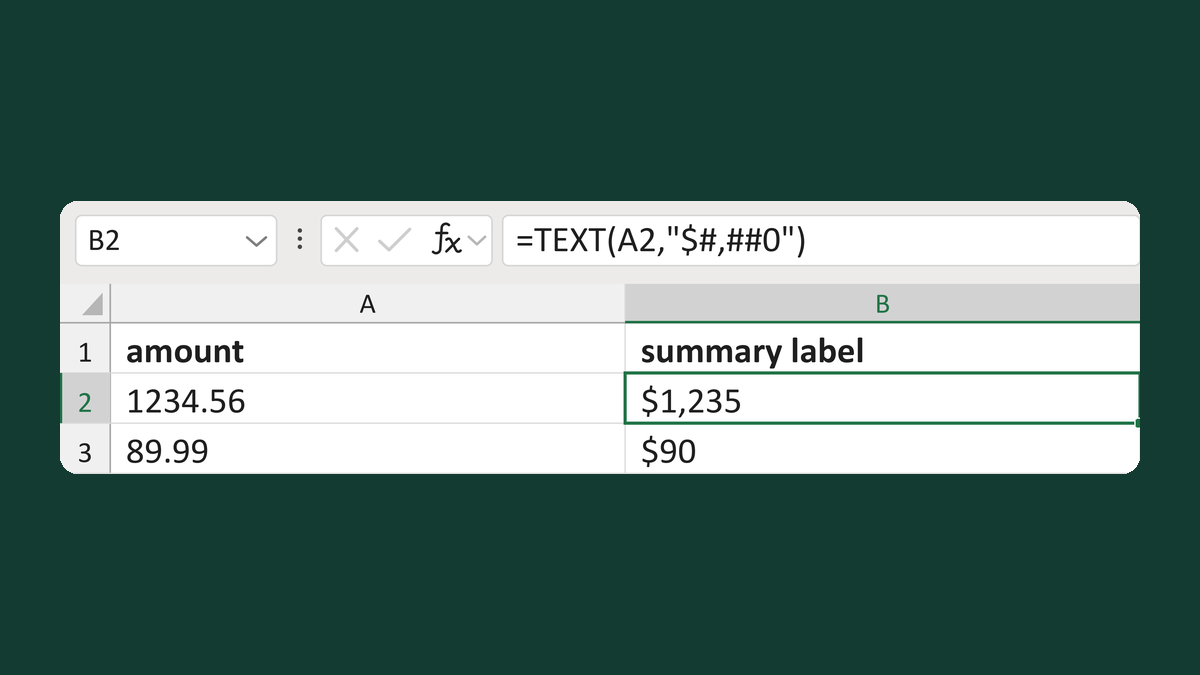
1234.56 → $1,235
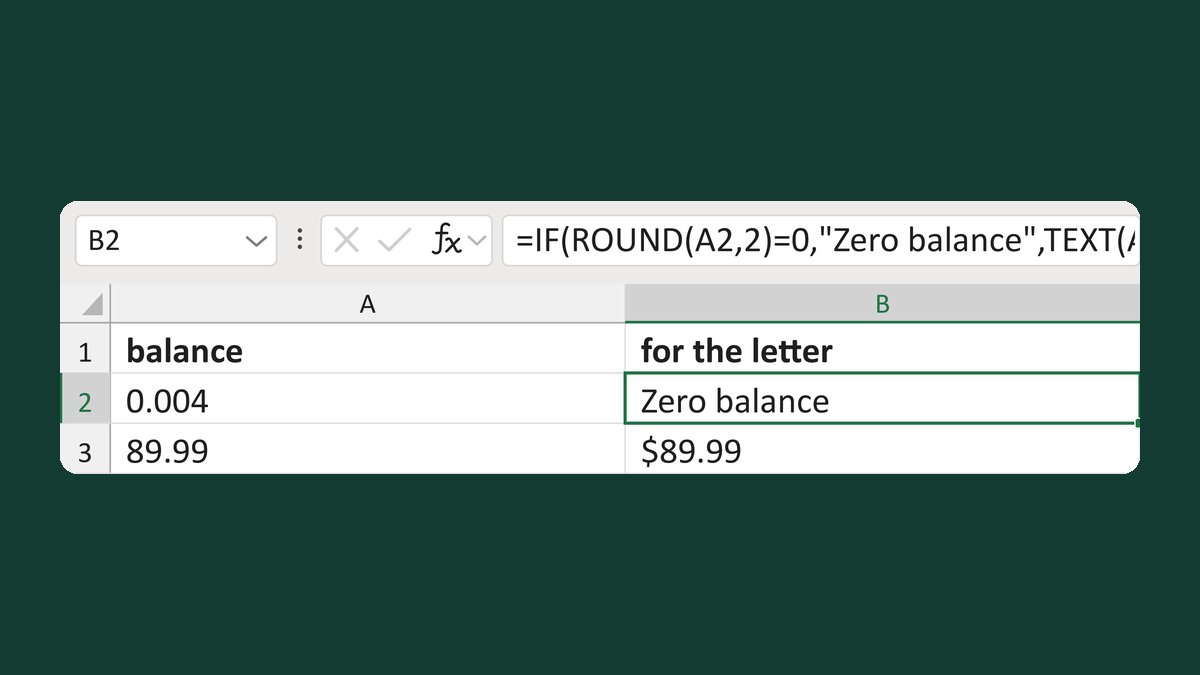
0.004 → Zero balance
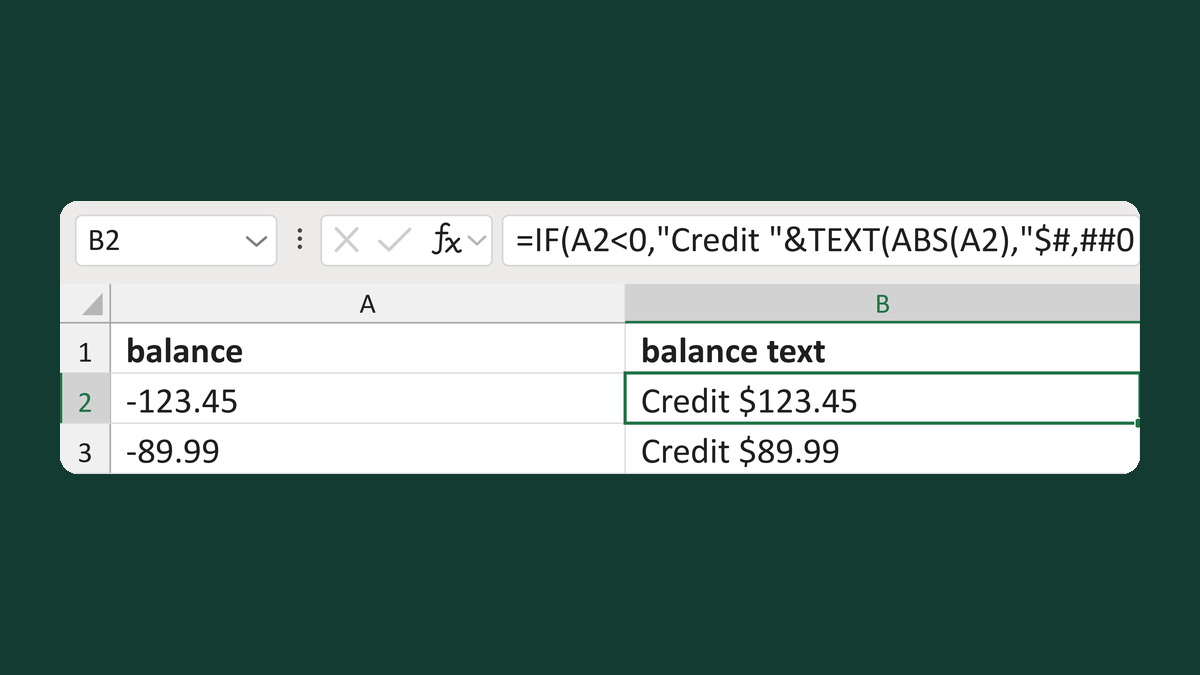
-123.45 → Credit $123.45
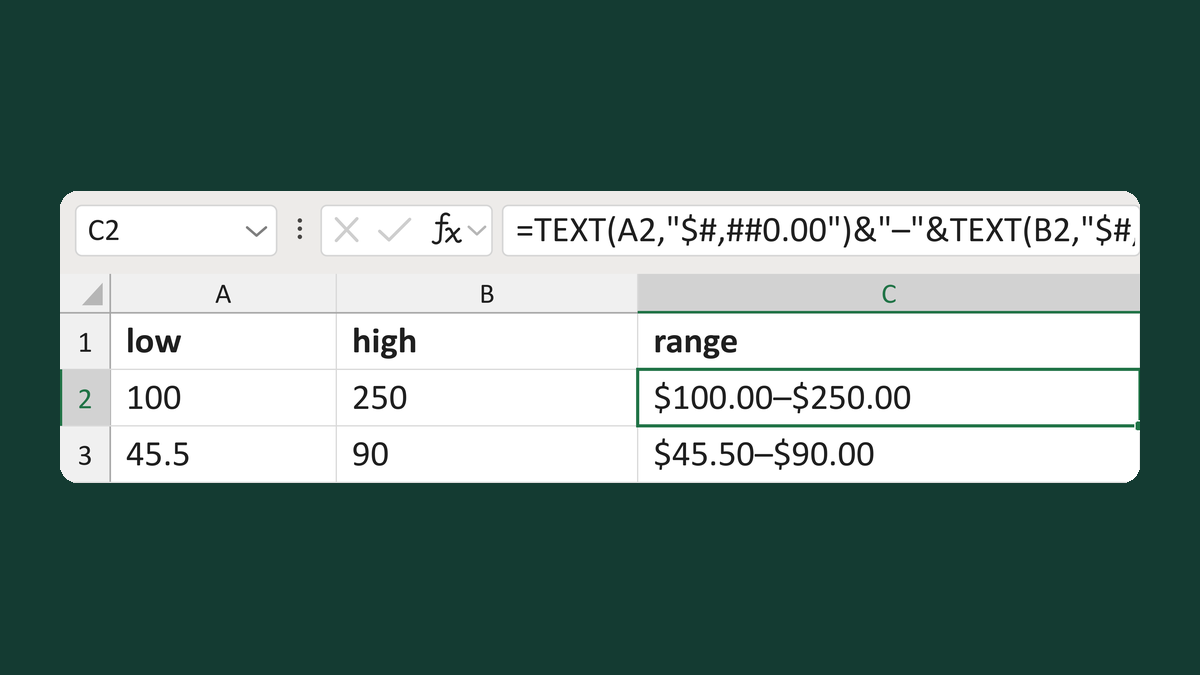
100 and 250 → $100.00–$250.00
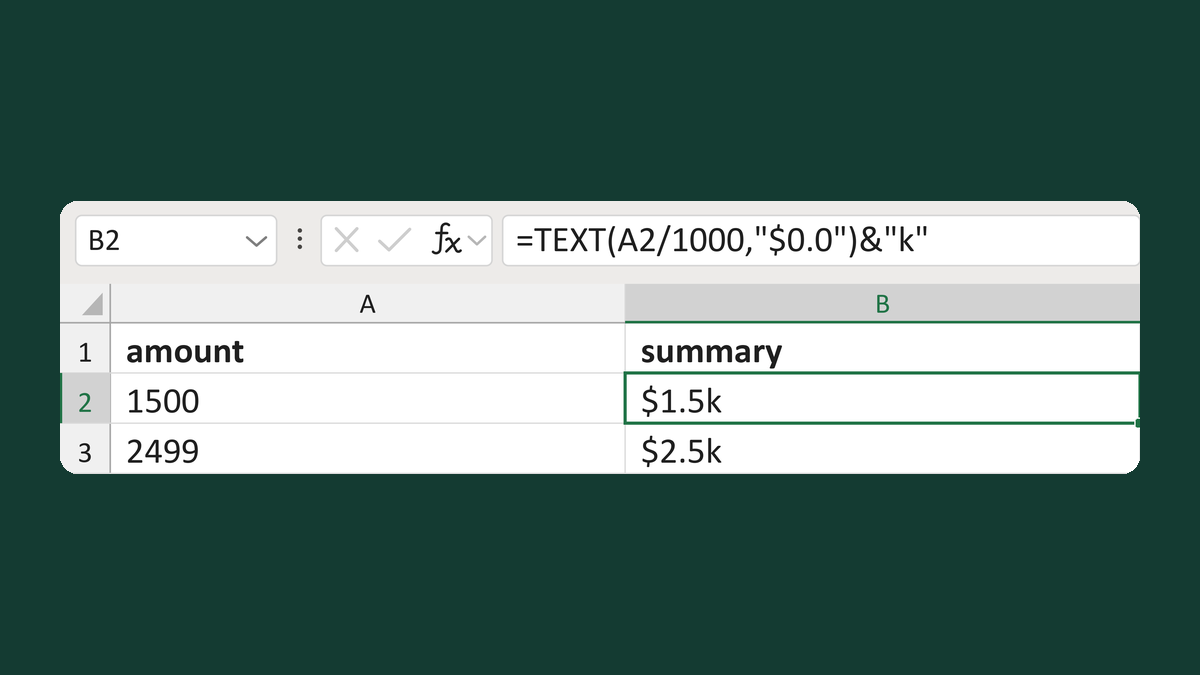
1500 → $1.5k
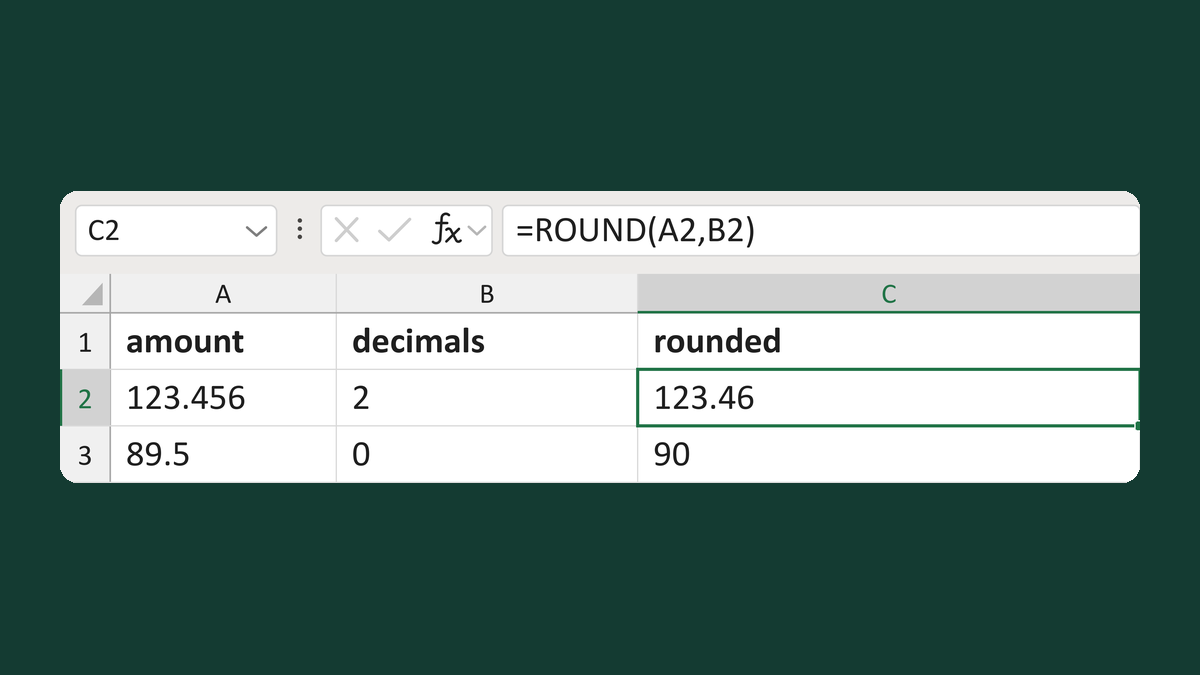
123.456 to 2 decimals → 123.46
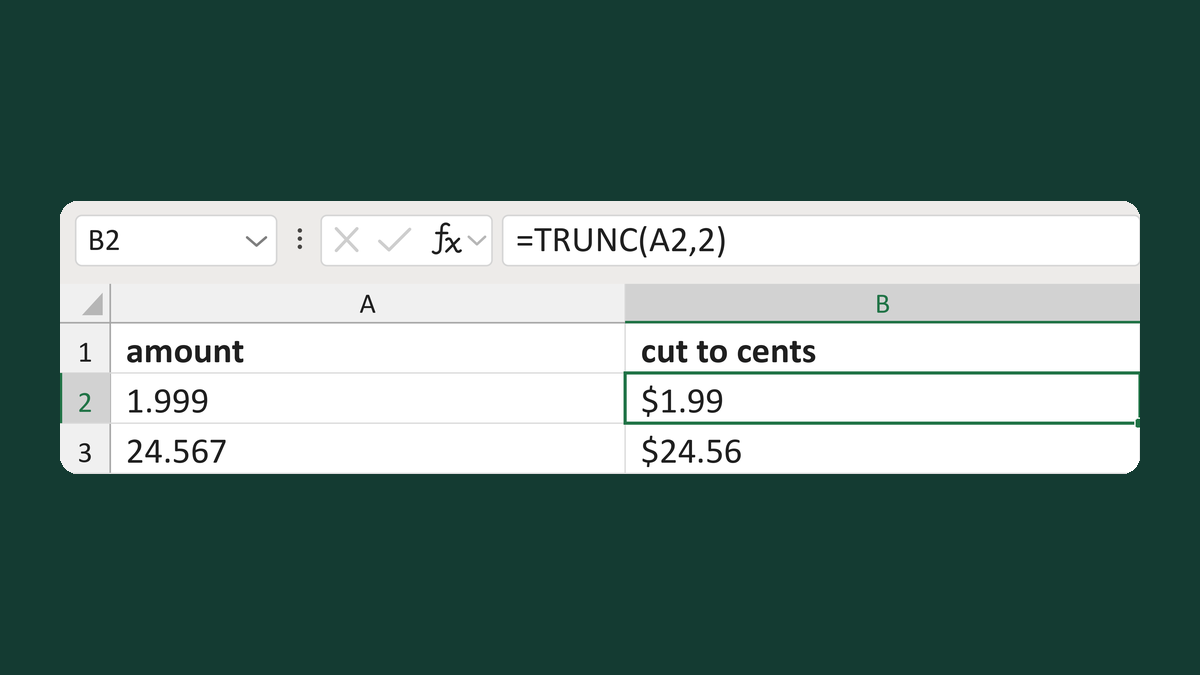
1.999 → $1.99
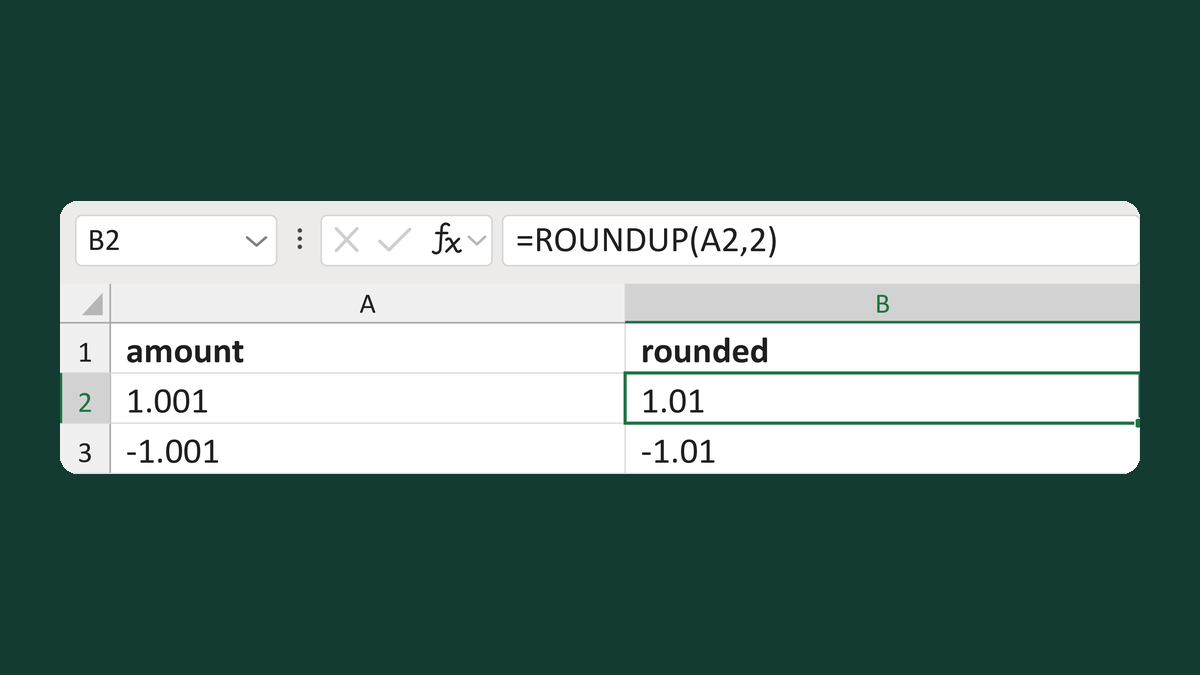
1.001 → 1.01; -1.001 → -1.01
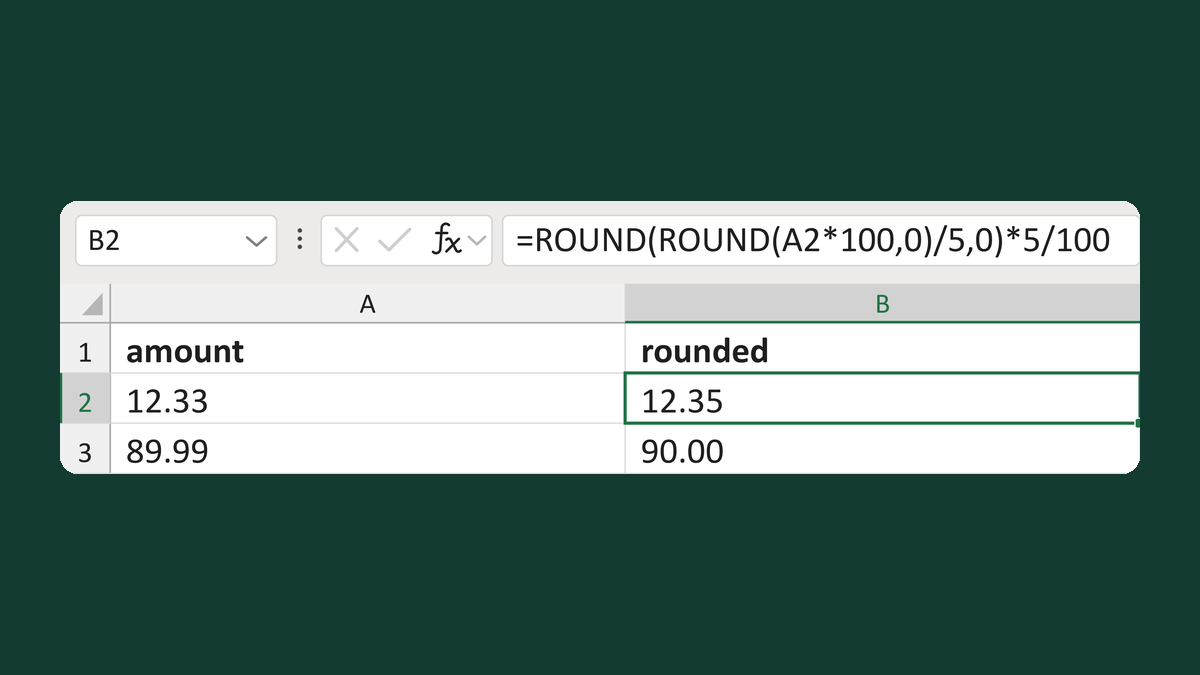
12.33 → 12.35
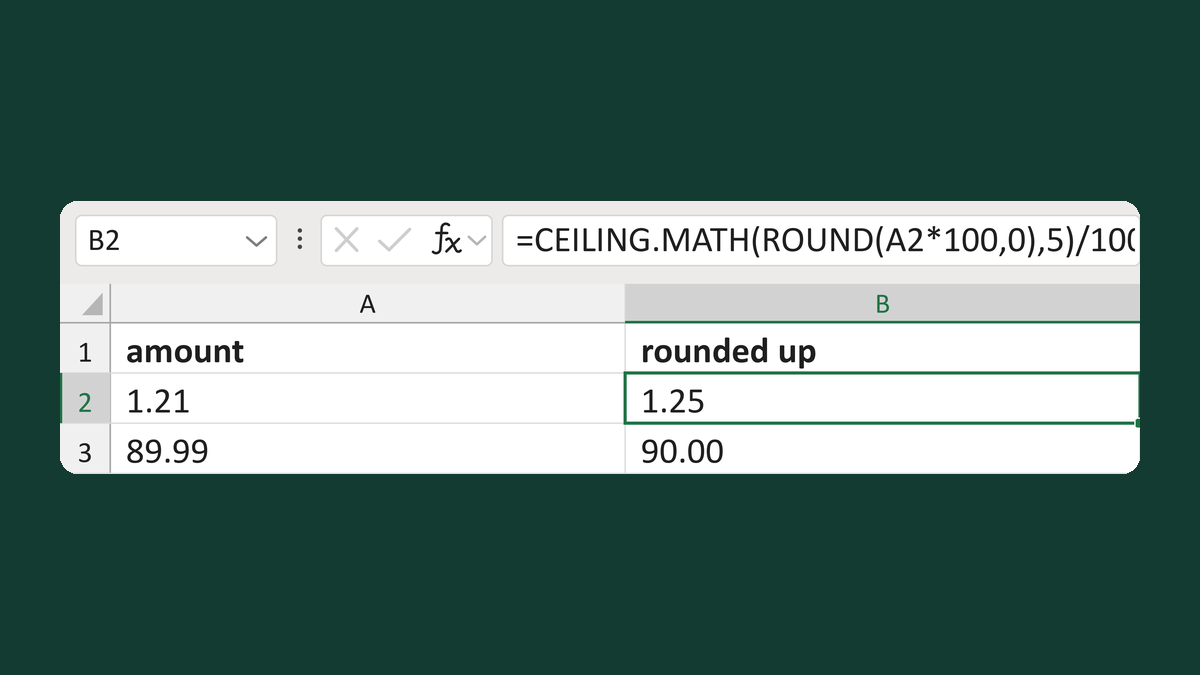
1.21 → 1.25
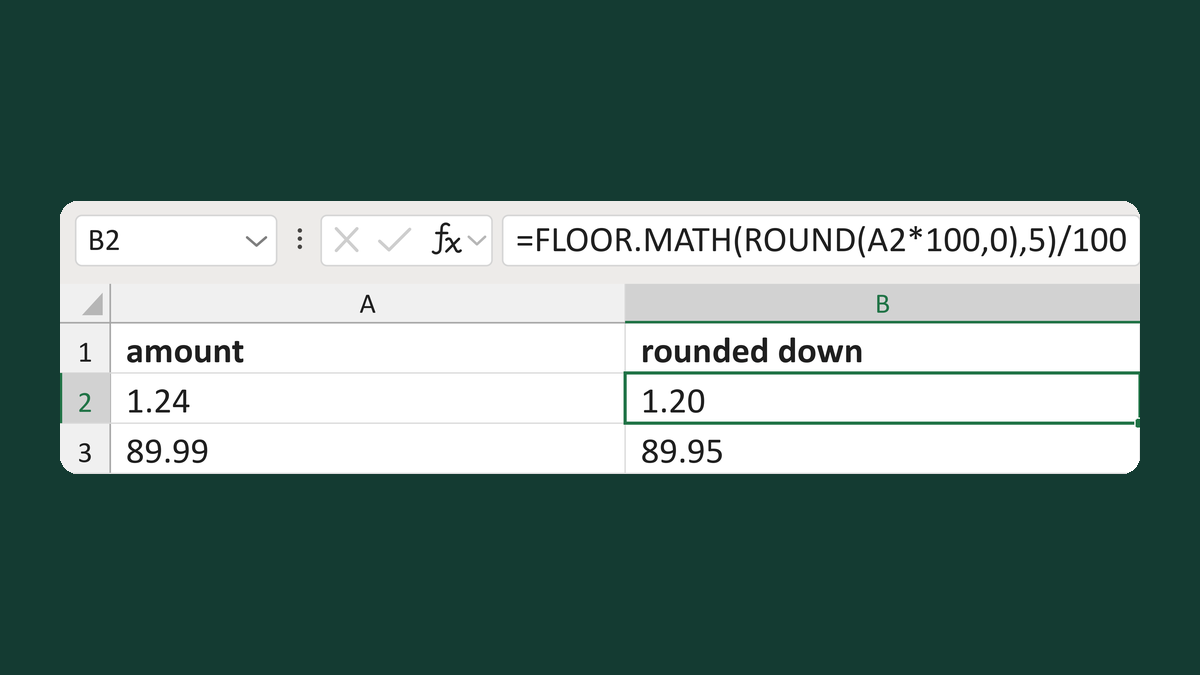
1.24 → 1.20
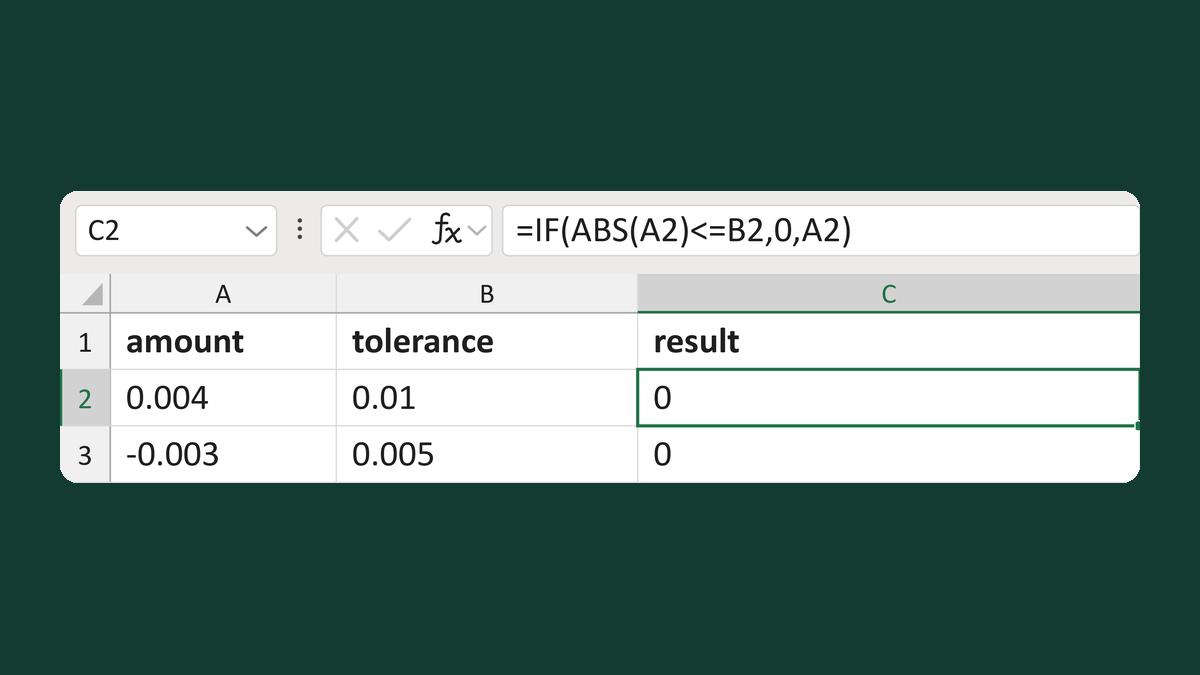
0.004 within 0.01 → 0
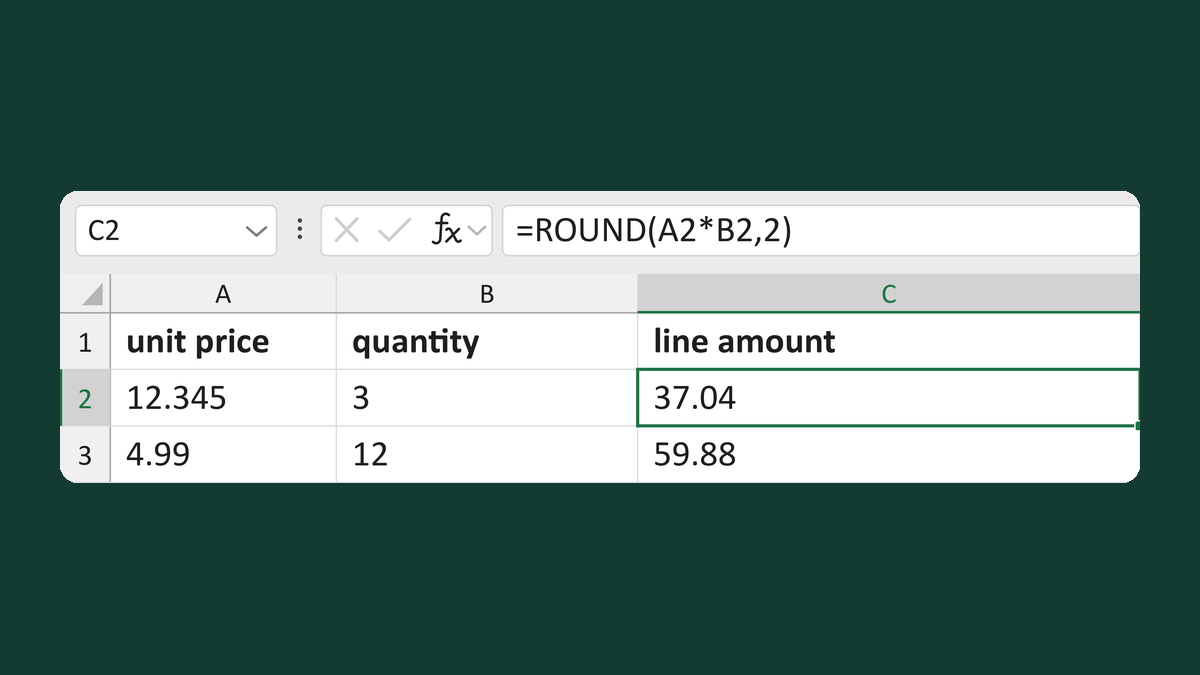
12.345 × 3 → 37.04
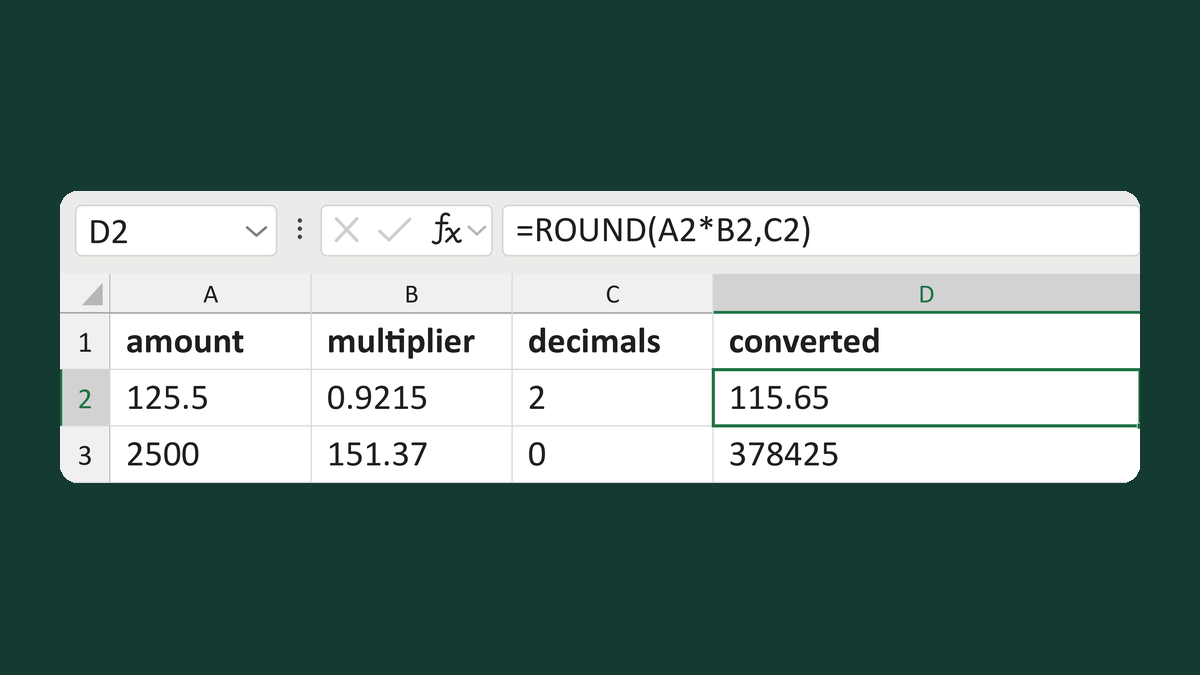
125.5 × 0.9215 to 2 decimals → 115.65
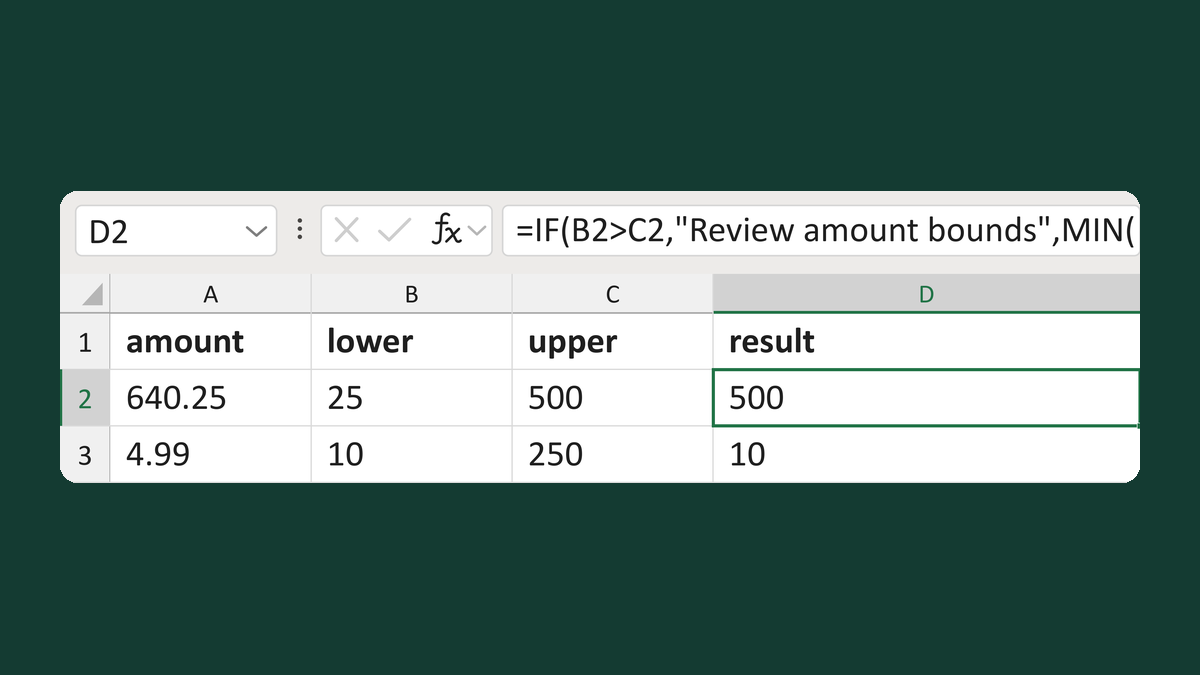
640.25 with limits 25 to 500 → 500
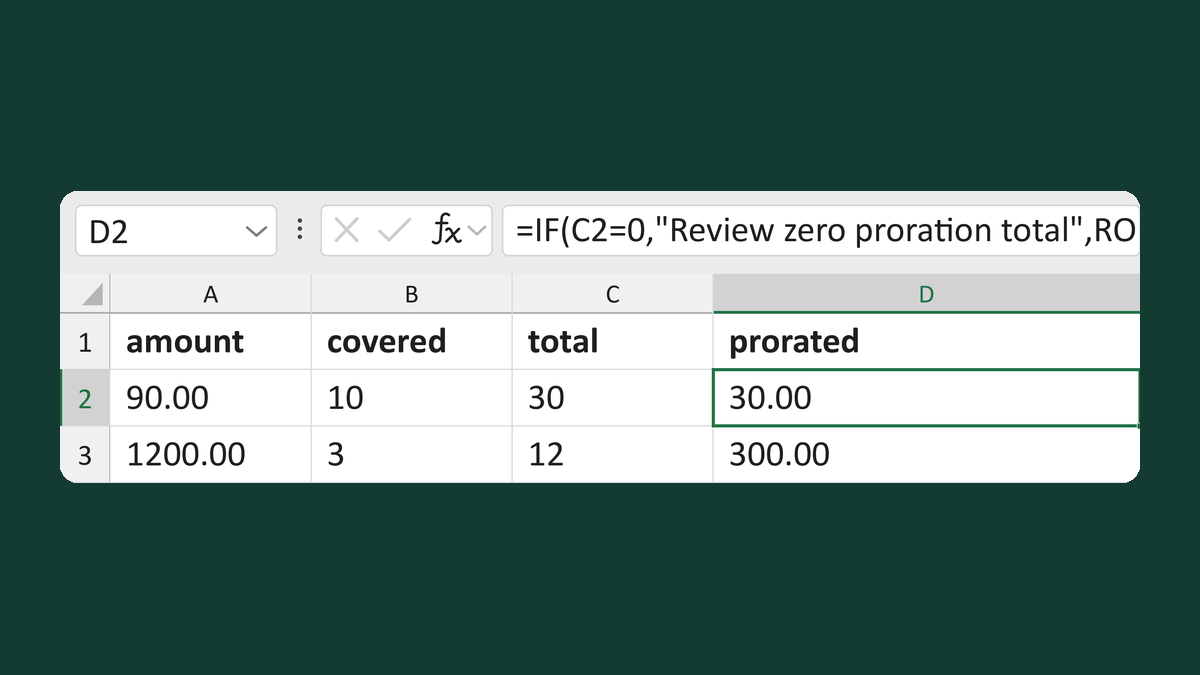
90.00 for 10 of 30 units → 30.00
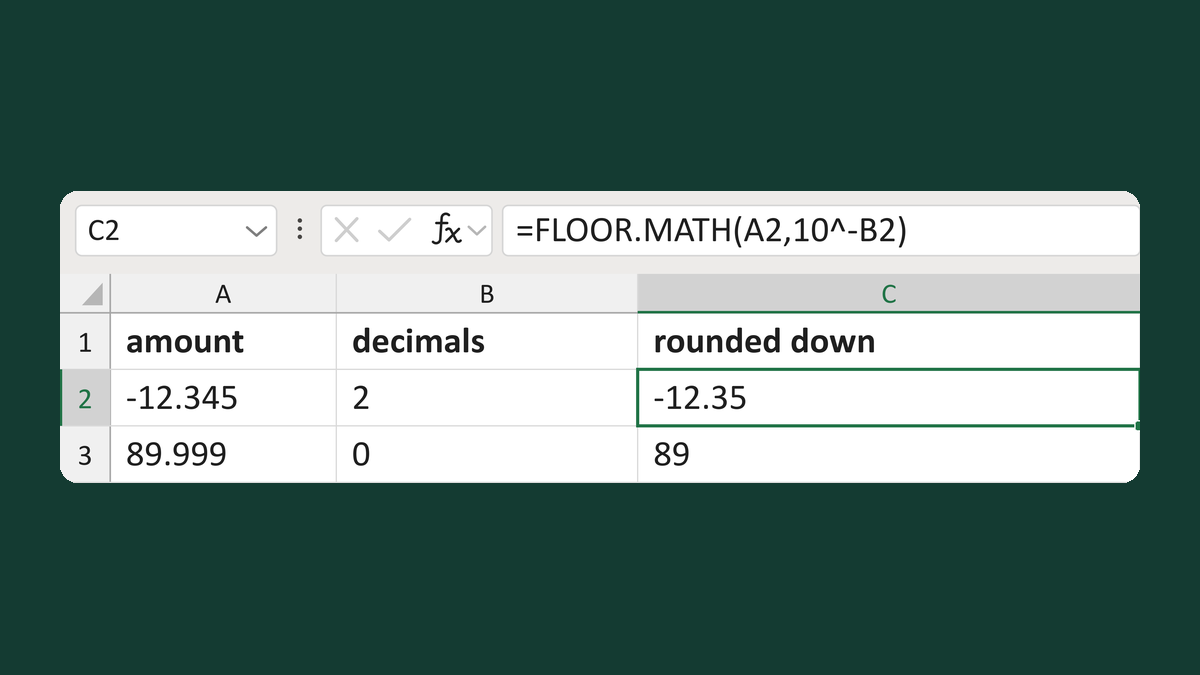
-12.345 to 2 decimals → -12.35
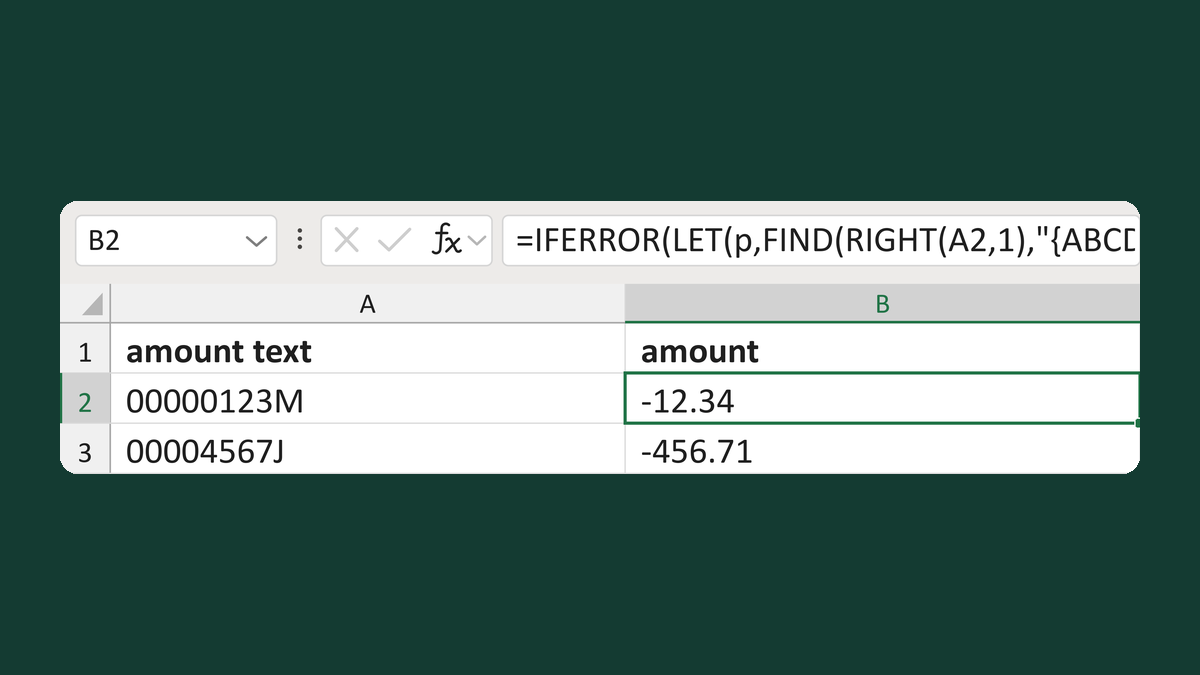
00000123M → -12.34
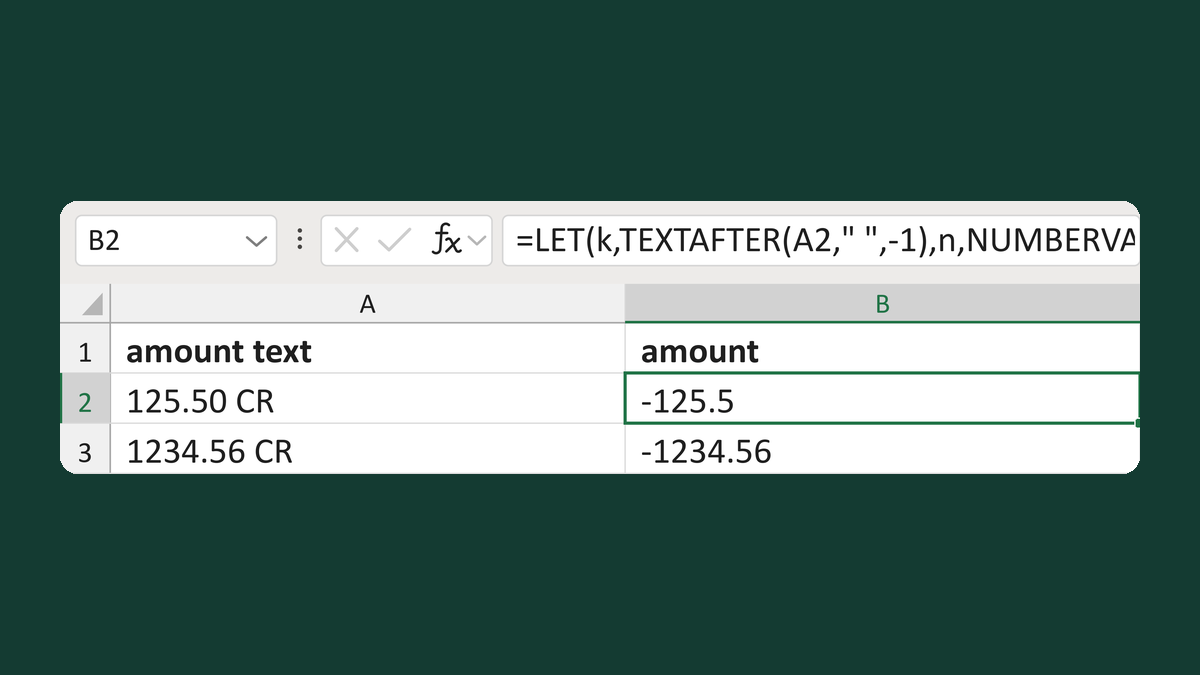
125.50 CR → -125.5
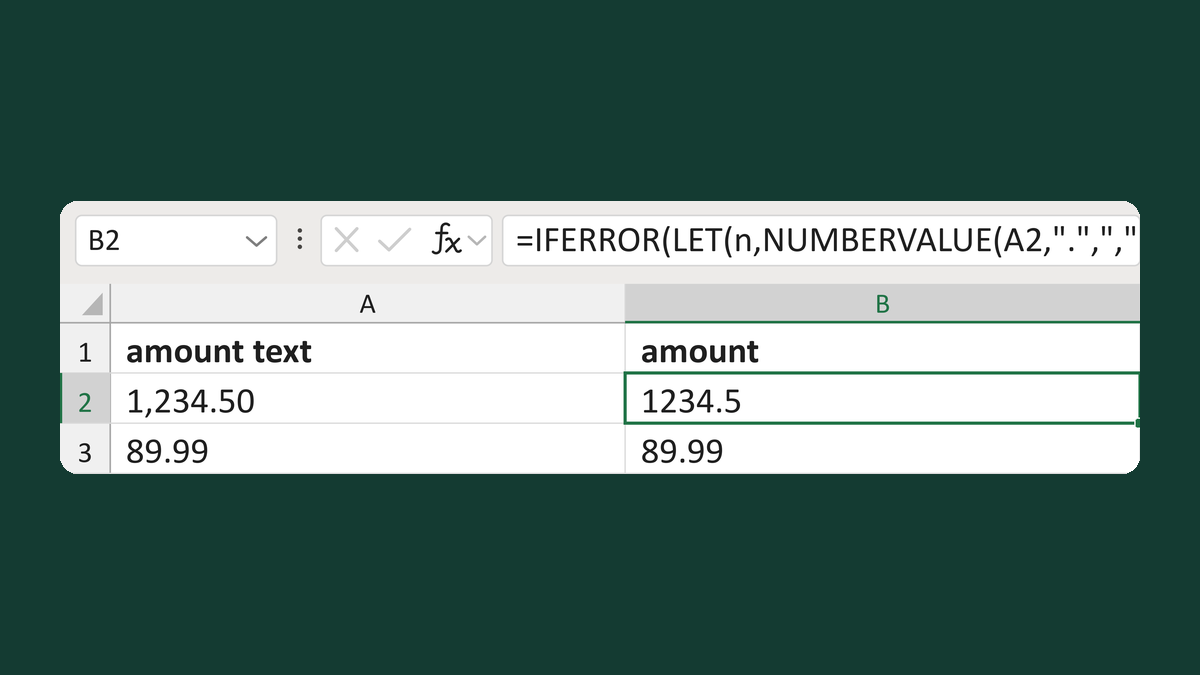
1,234.50 → 1234.5; 1,23.00 → Review amount pattern
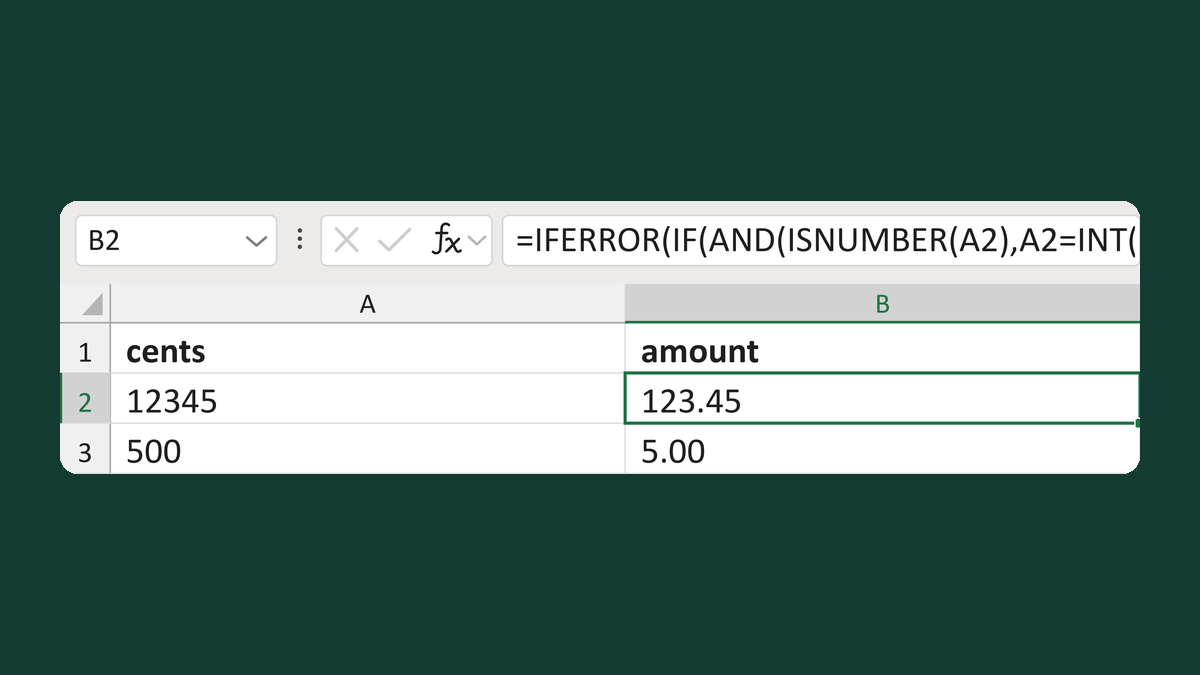
12345 cents → 123.45
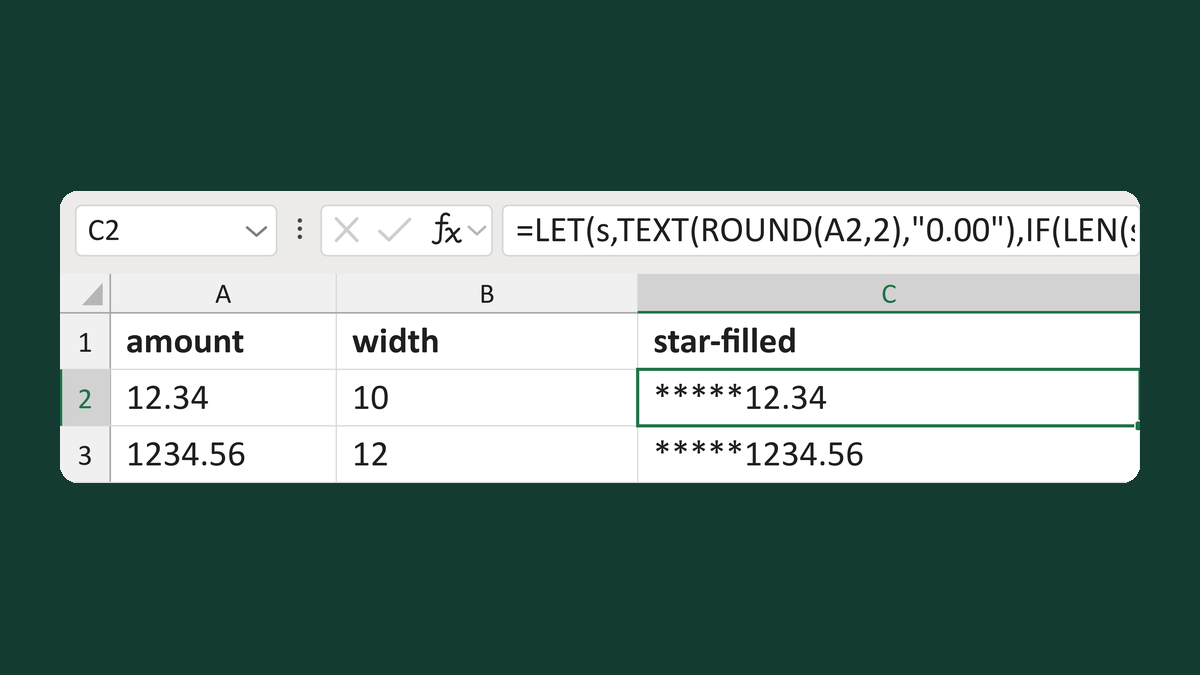
12.34 with width 10 → *****12.34
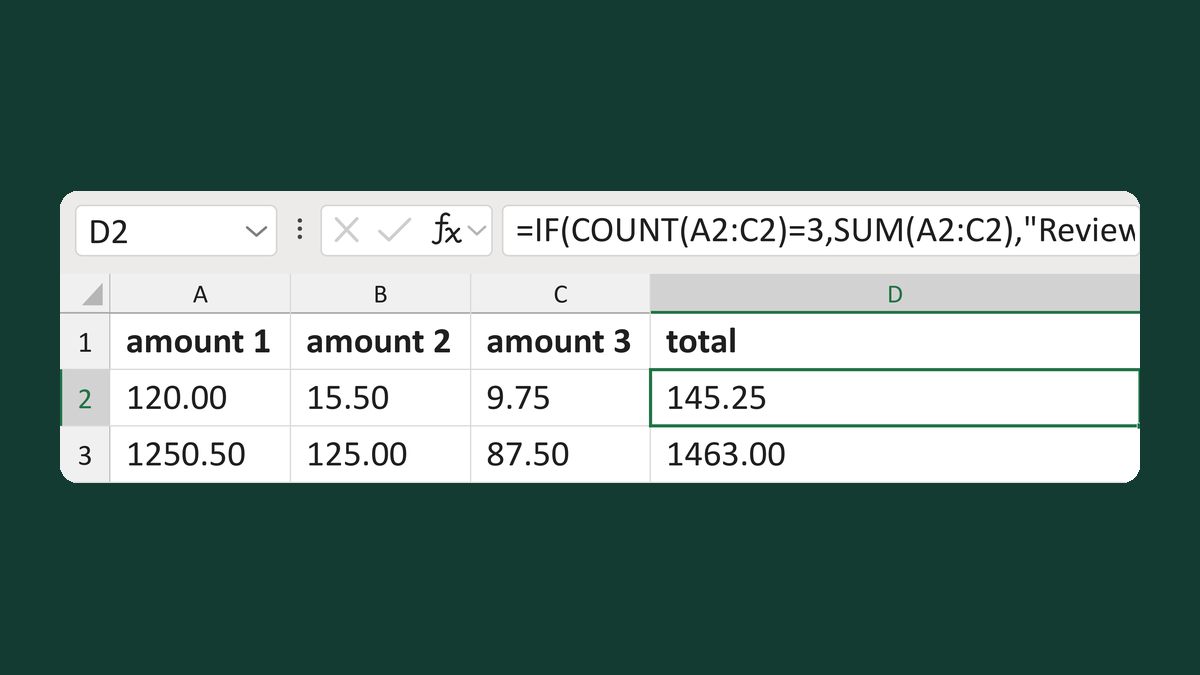
120.00 + 15.50 + 9.75 → 145.25
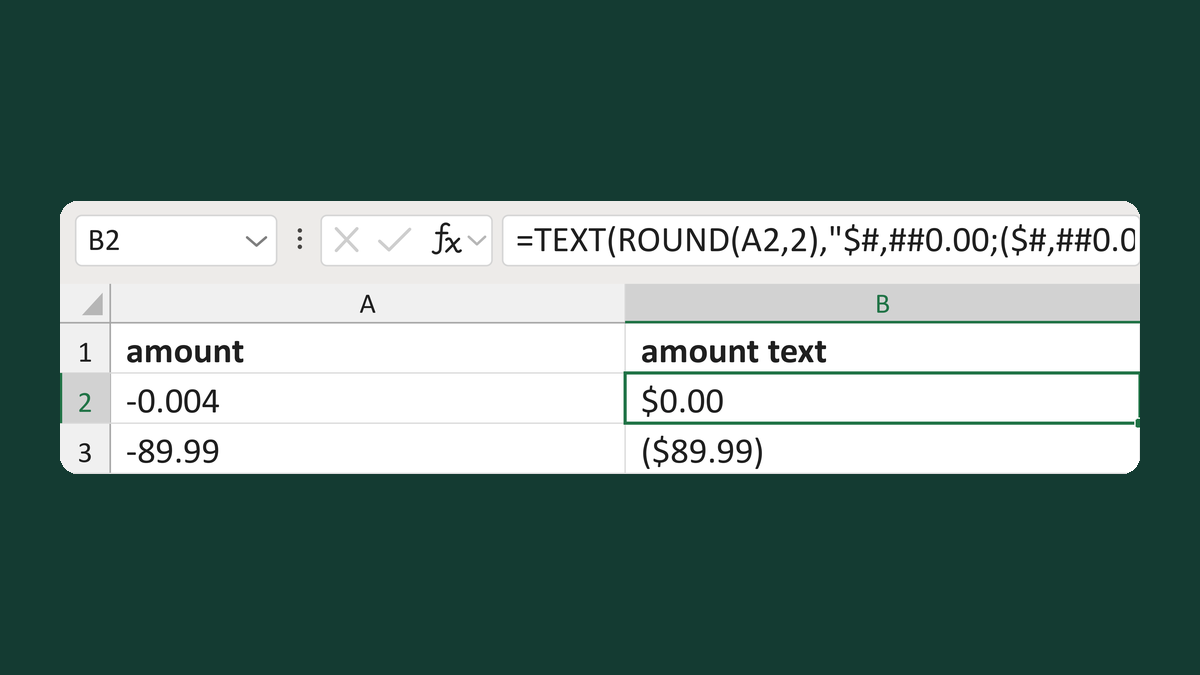
-0.004 → $0.00