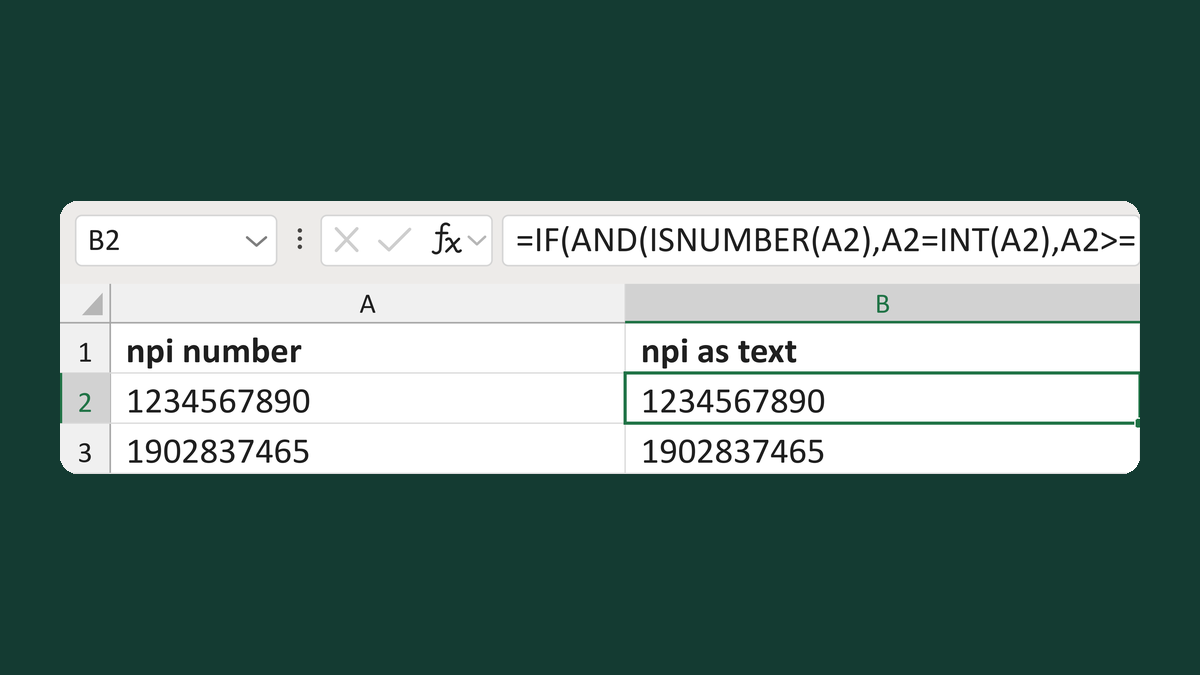
Turn a ten-digit NPI number into text
1234567890 as a number → 1234567890 as text
31 free Excel templates to keep IDs whole, zeros and all. For example, 12345678 becomes 012345678. Pick the one that matches your list, download it and paste your data in. No sign-up, no macros.
31 templates
1234567890 as a number → 1234567890 as text
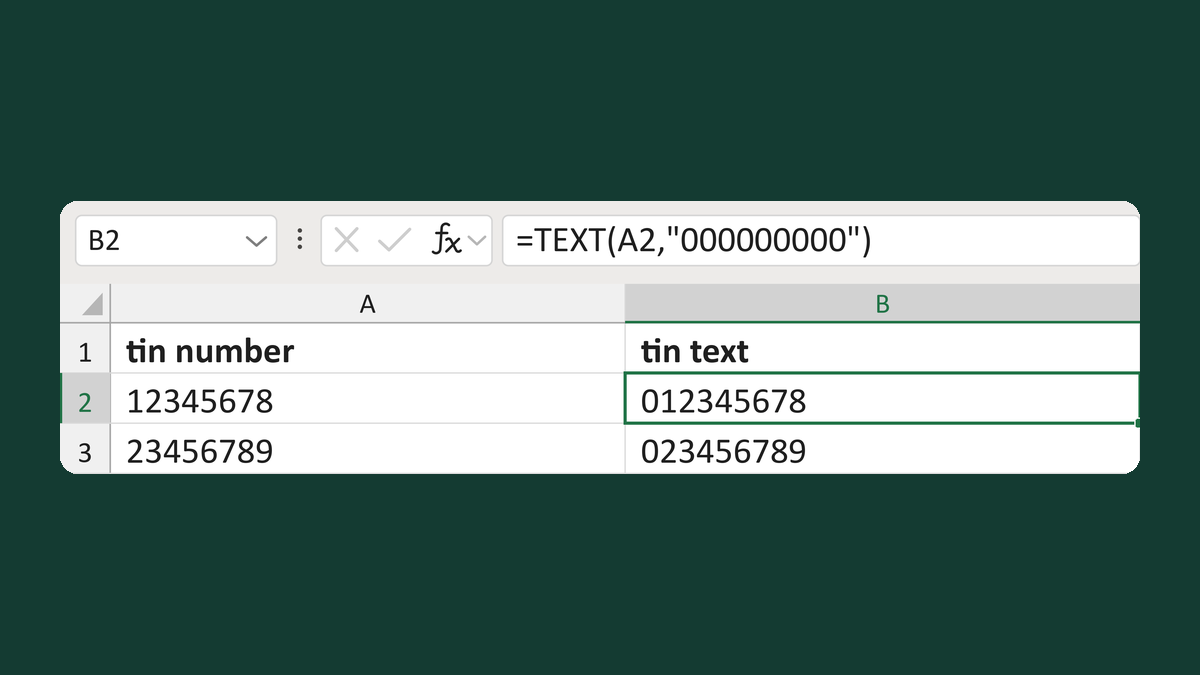
12345678 → 012345678
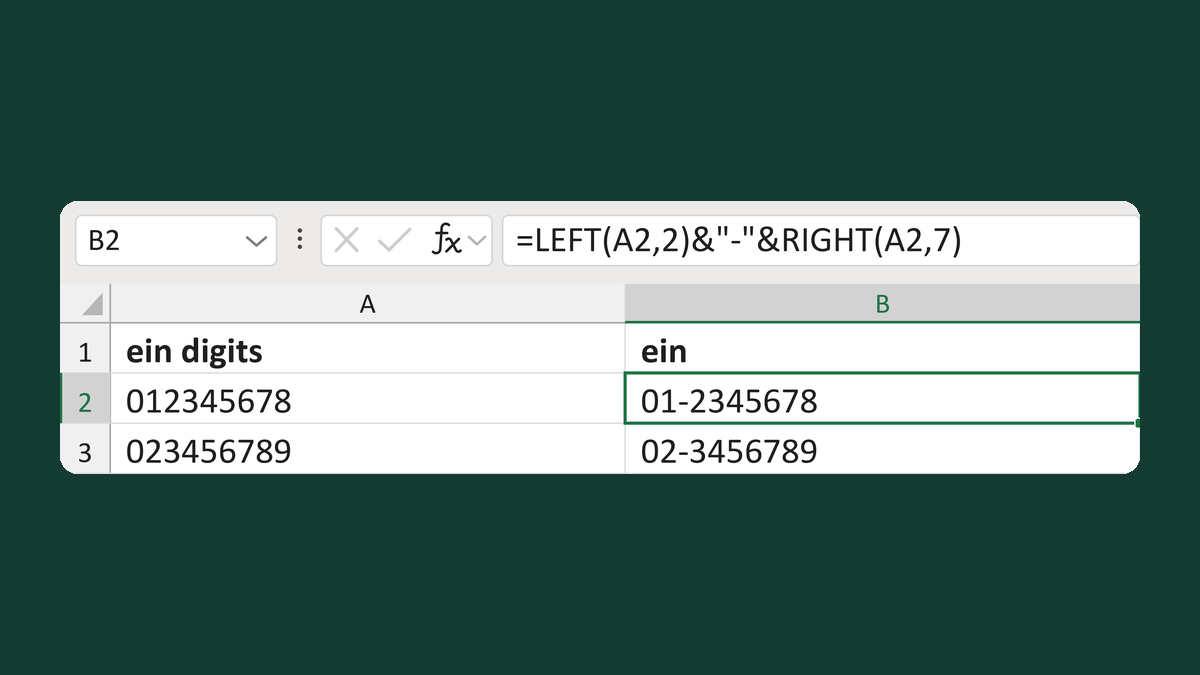
012345678 → 01-2345678
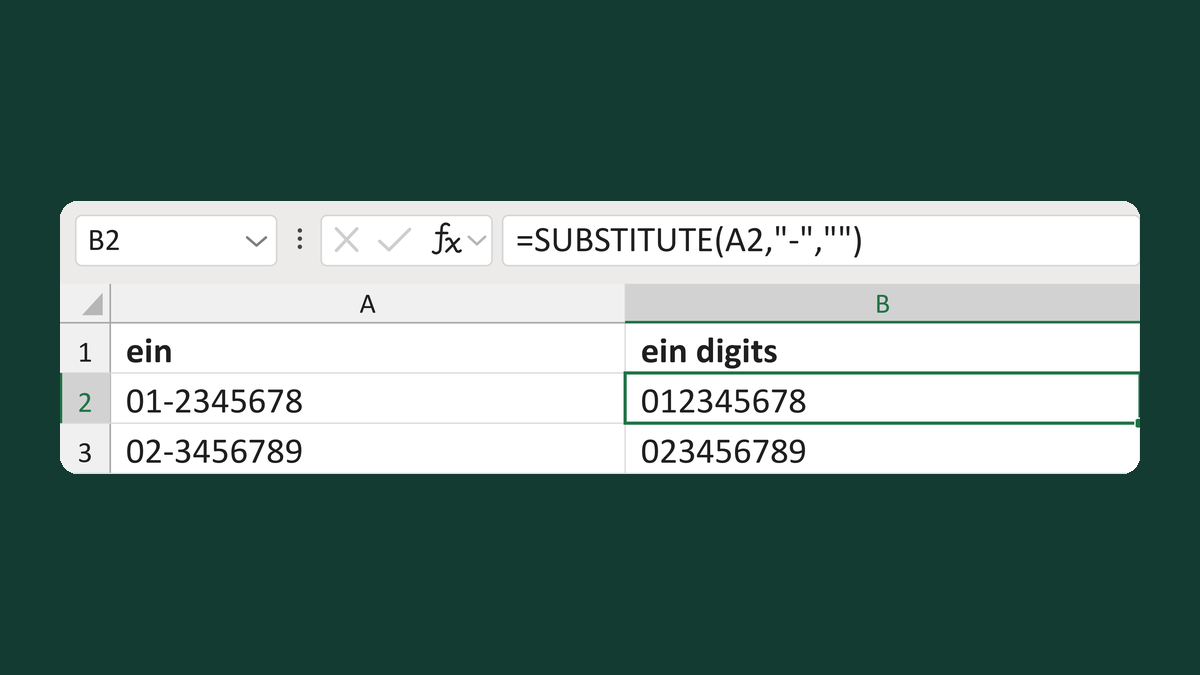
01-2345678 → 012345678
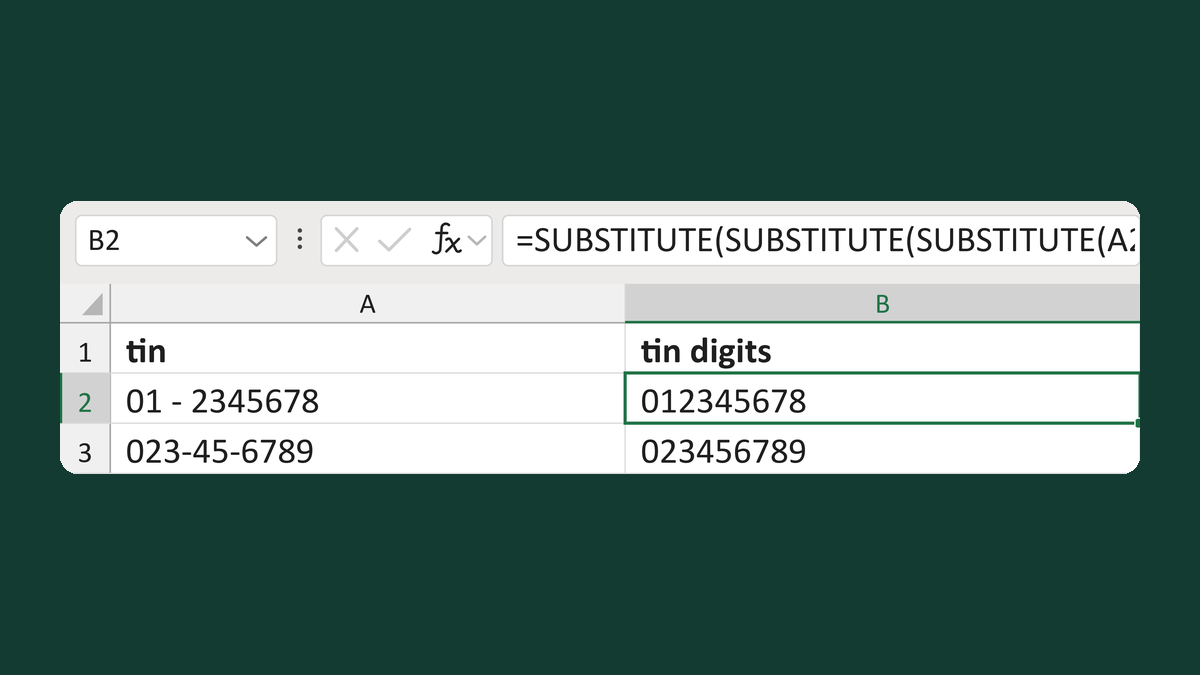
01 - 2345678 → 012345678
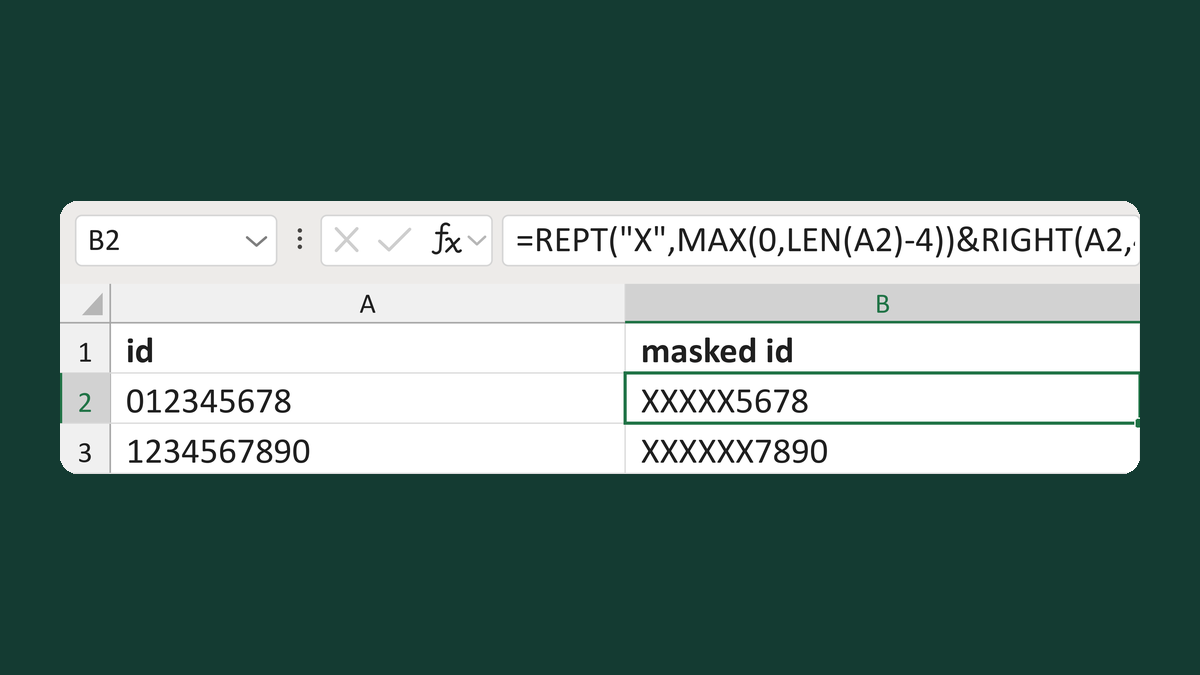
012345678 → XXXXX5678
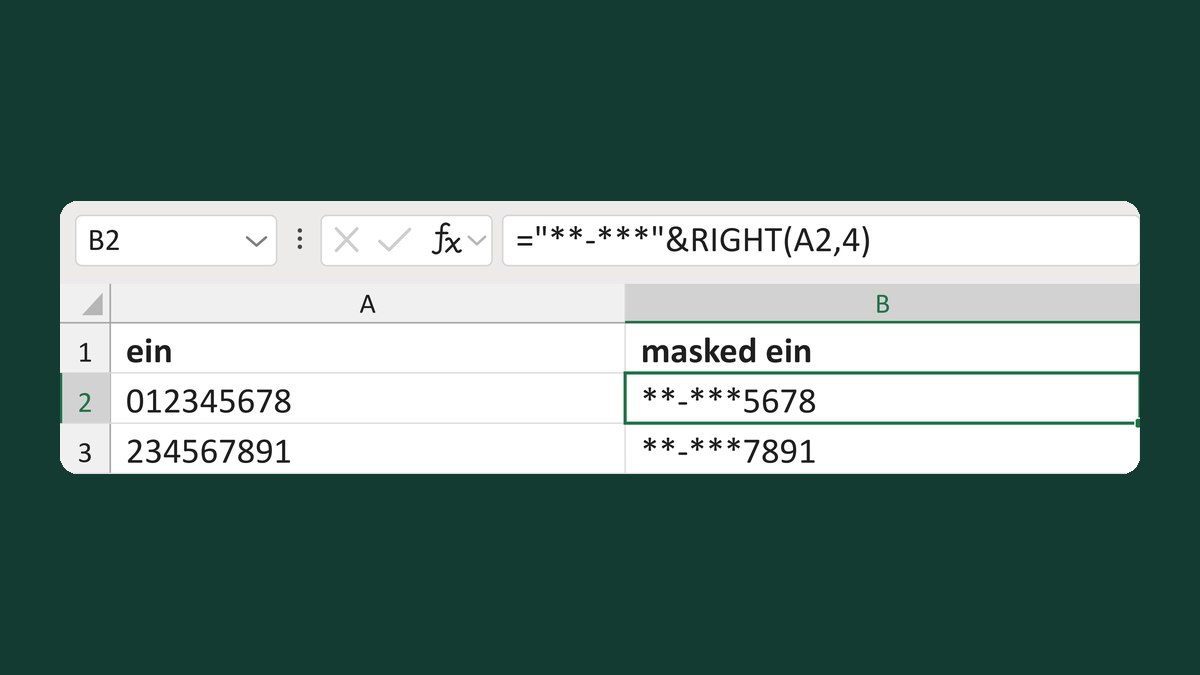
012345678 → **-***5678
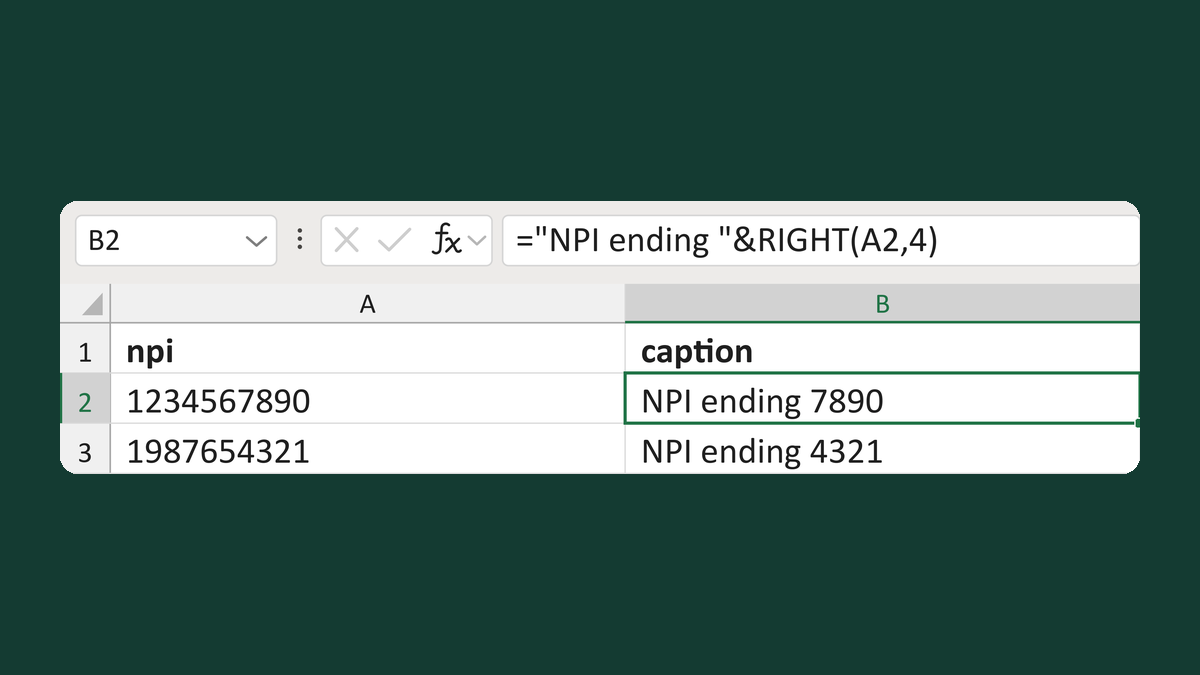
1234567890 → NPI ending 7890
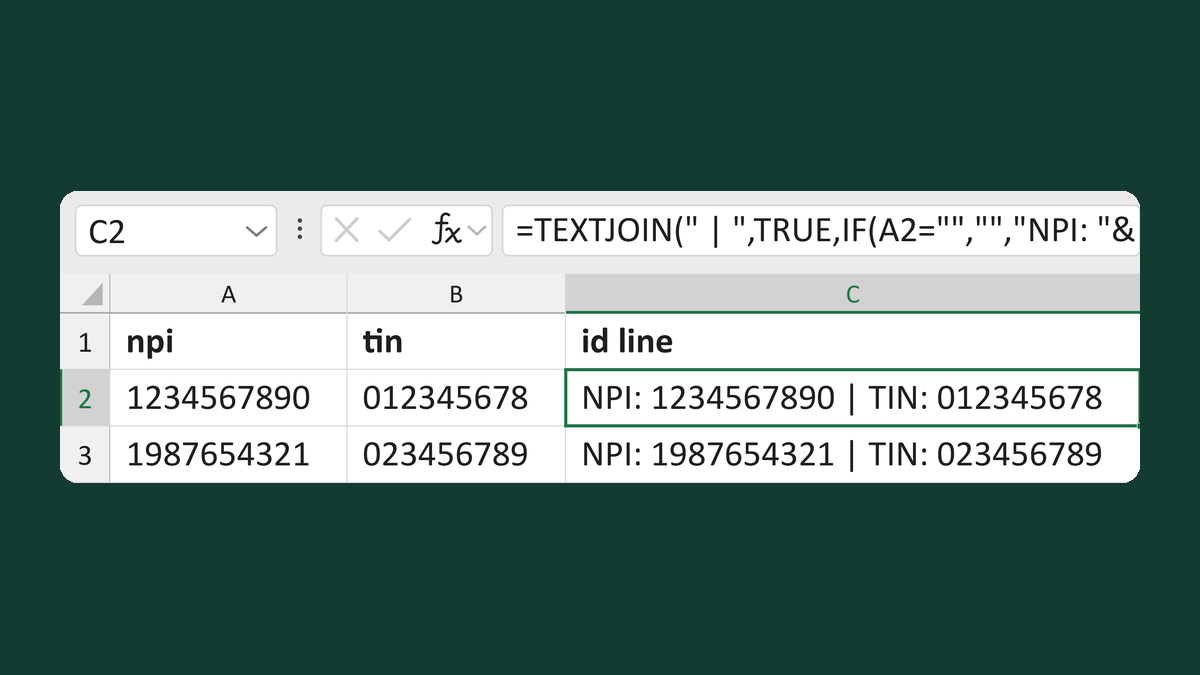
1234567890 + 012345678 → NPI: 1234567890 | TIN: 012345678
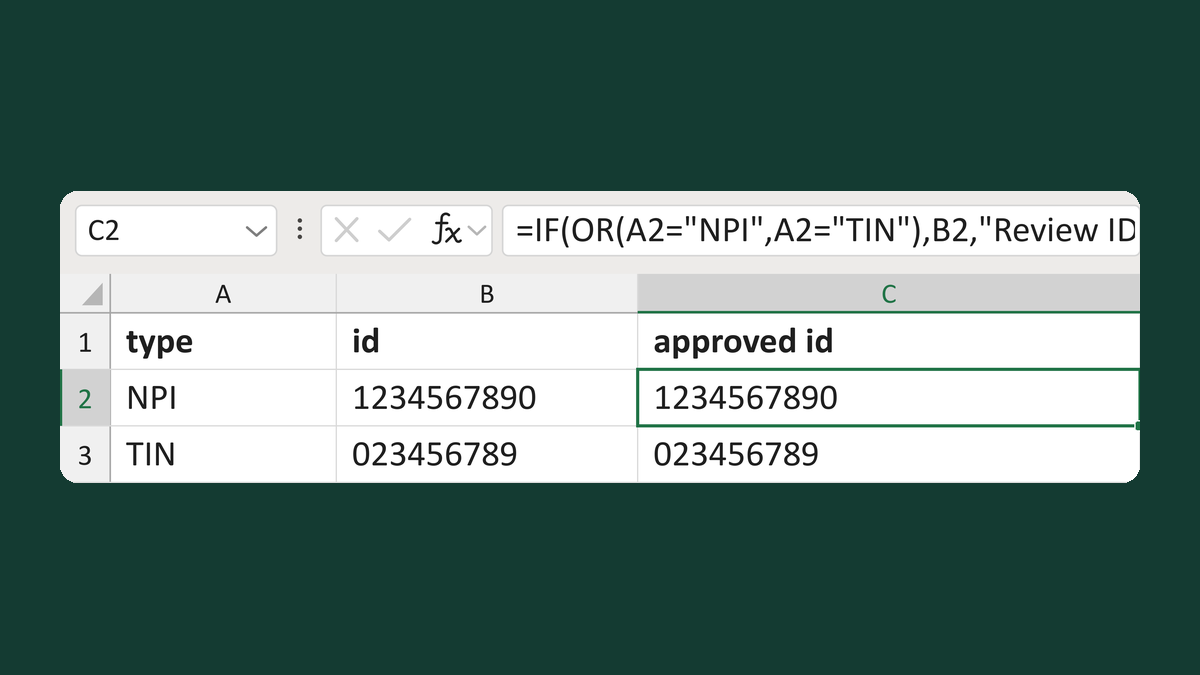
NPI + 1234567890 → 1234567890 (approved type)
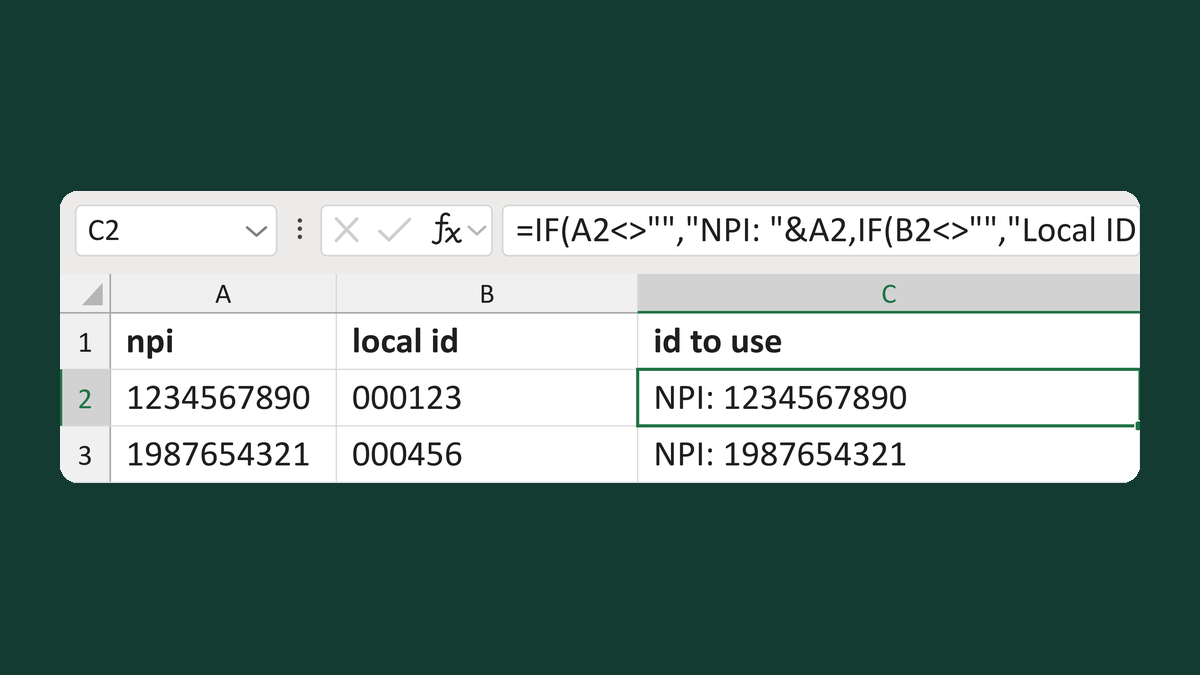
1234567890 + 000123 → NPI: 1234567890
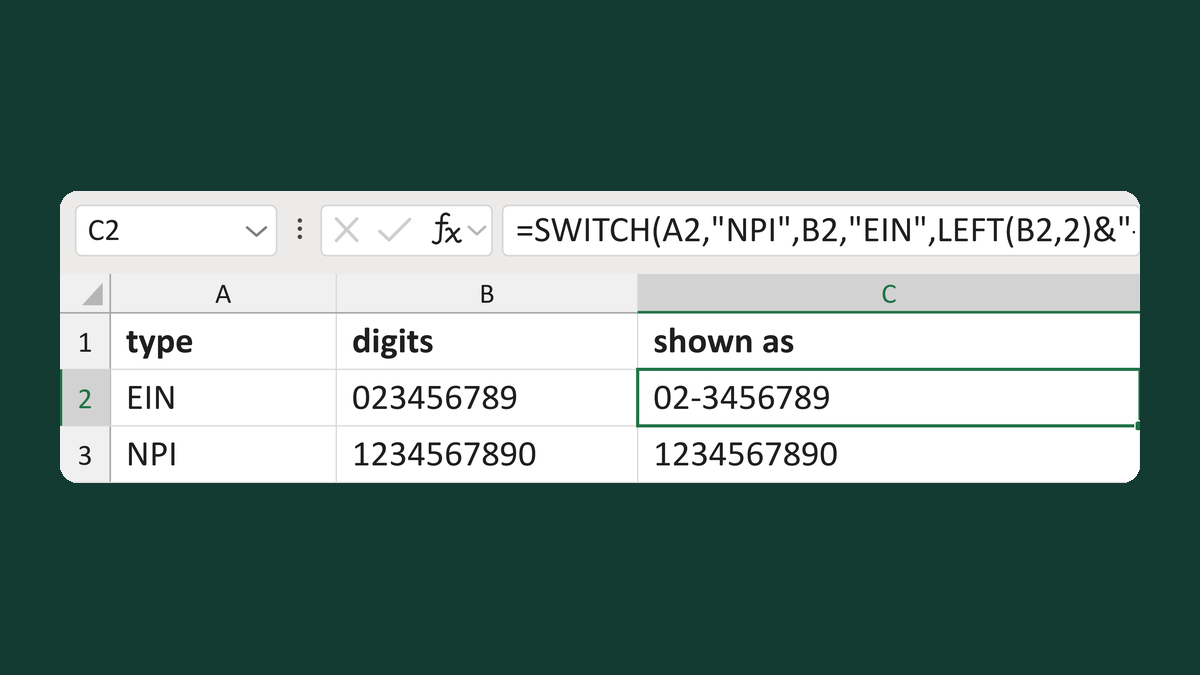
EIN + 023456789 → 02-3456789
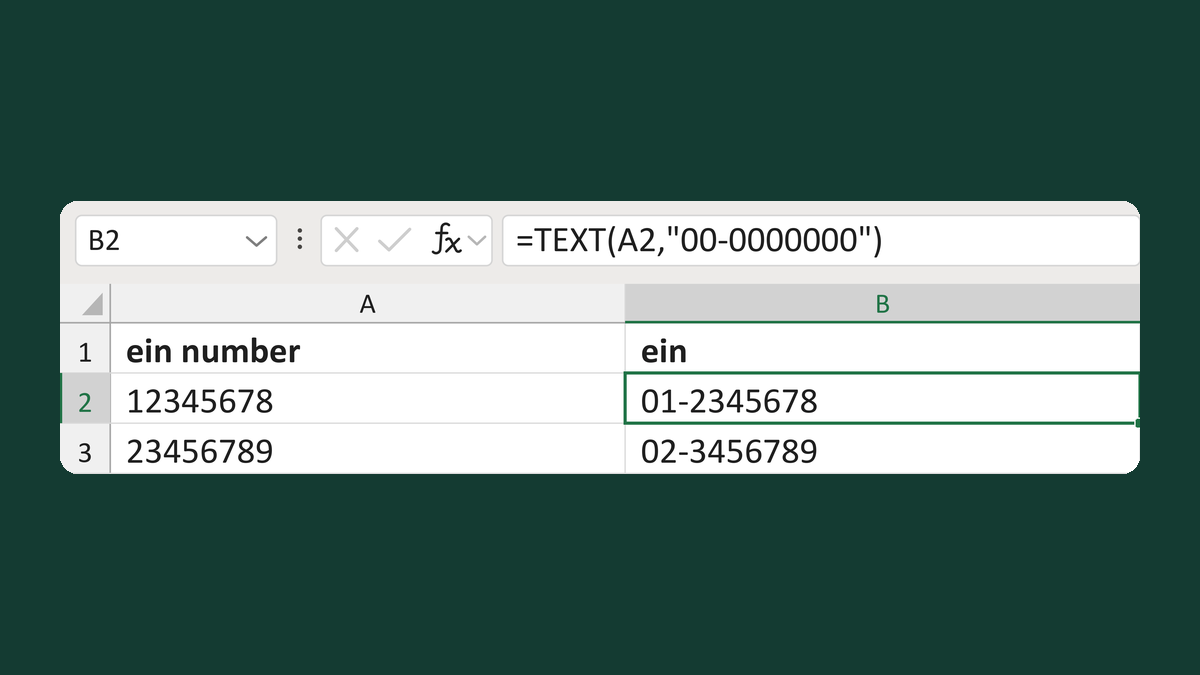
12345678 → 01-2345678
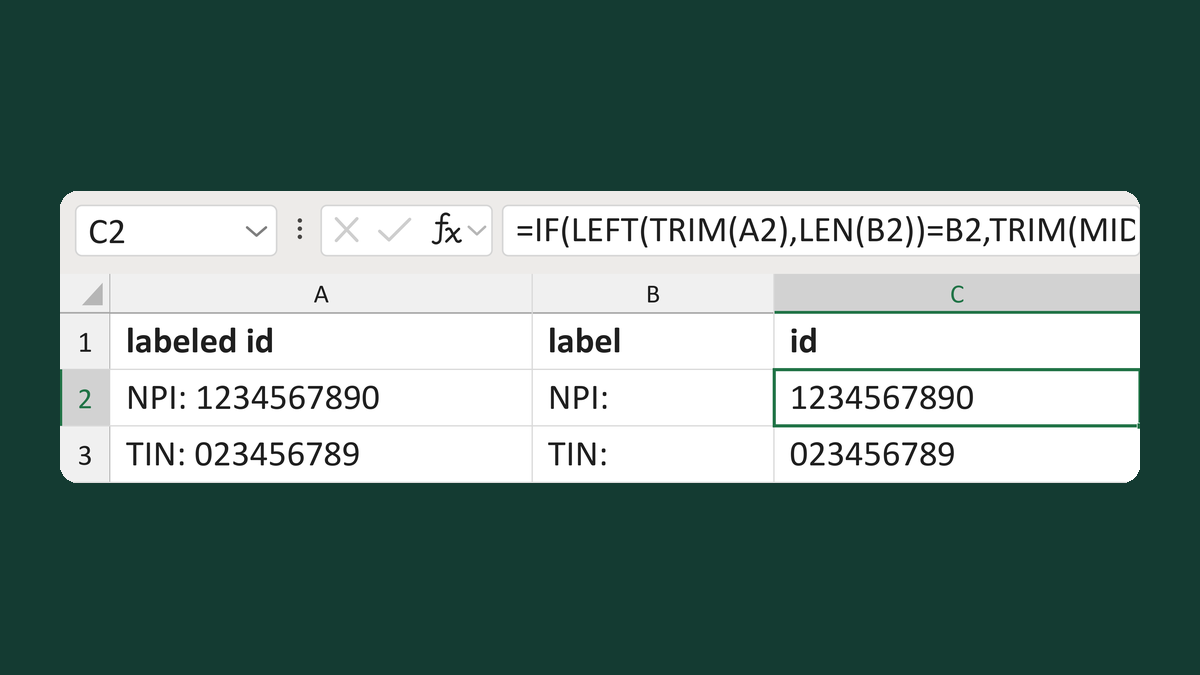
NPI: 1234567890 → 1234567890
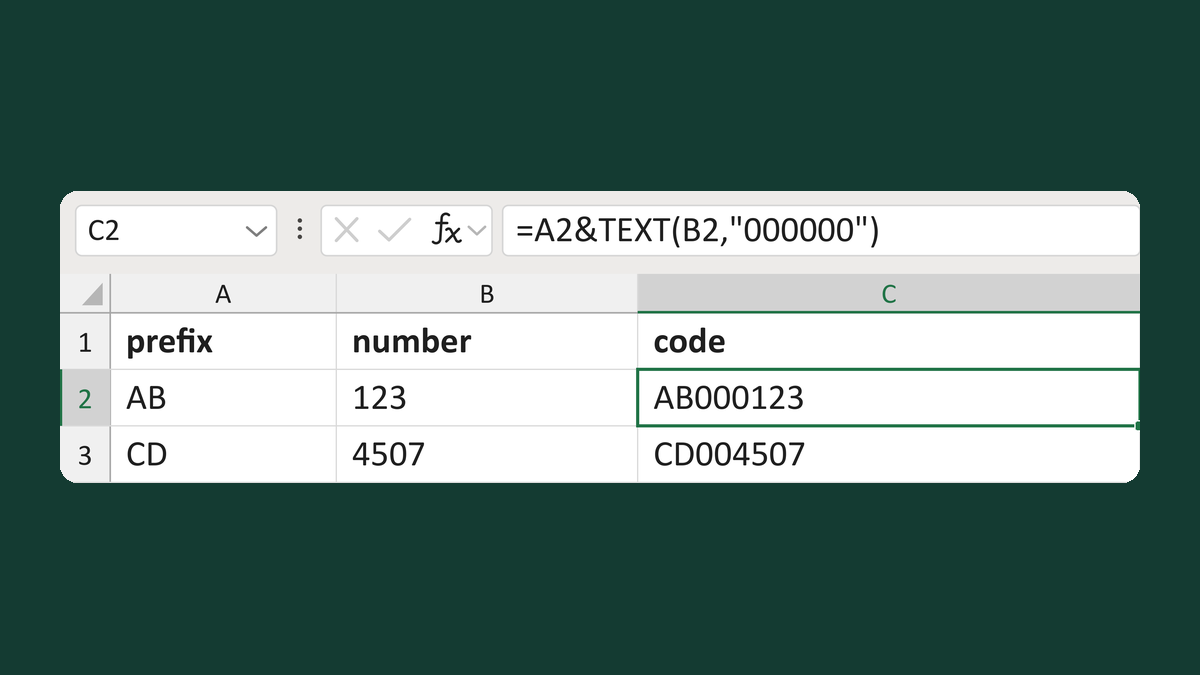
AB + 123 → AB000123
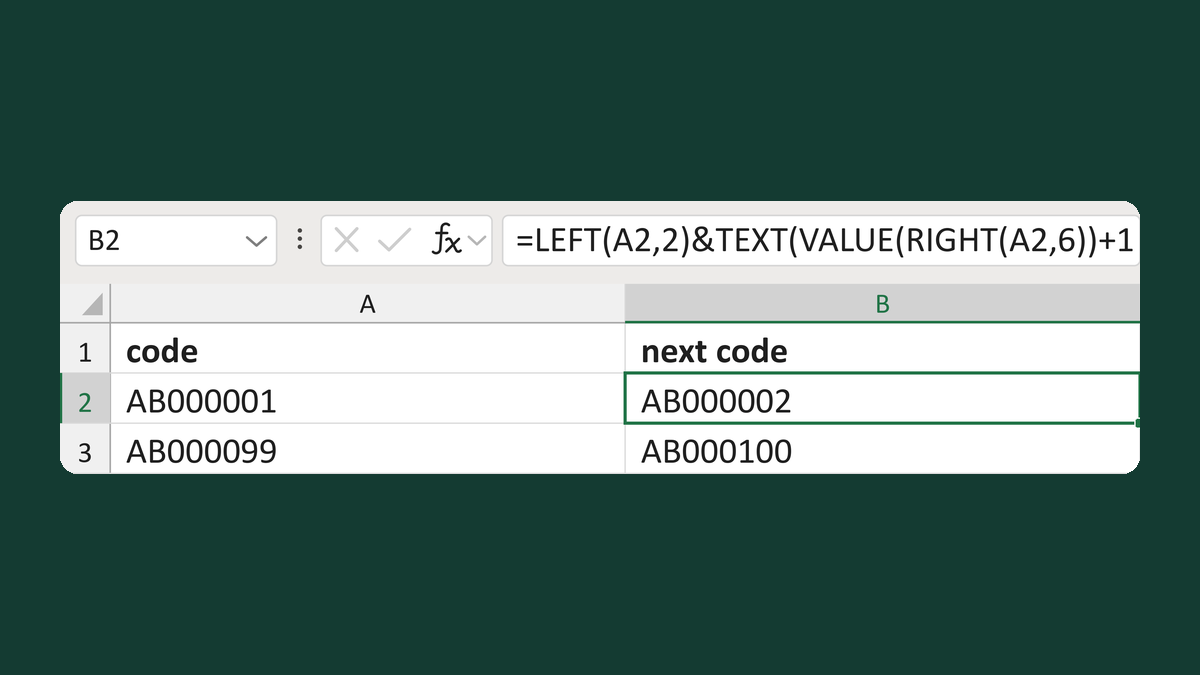
AB000001 → AB000002
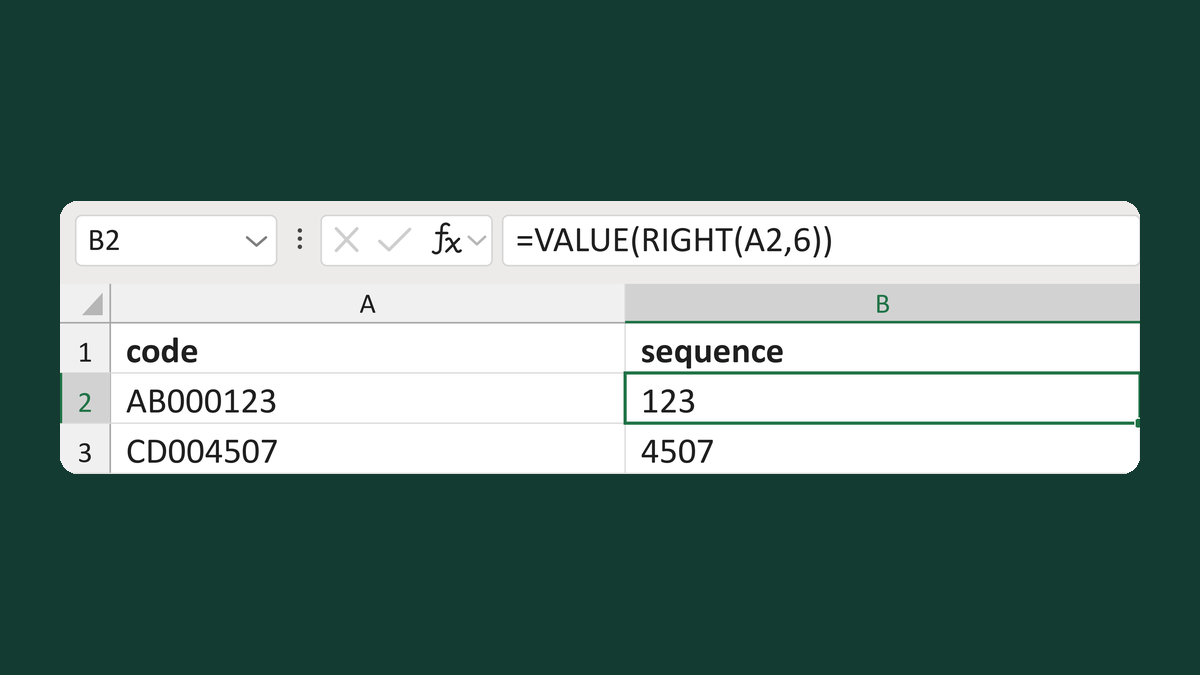
AB000123 → 123
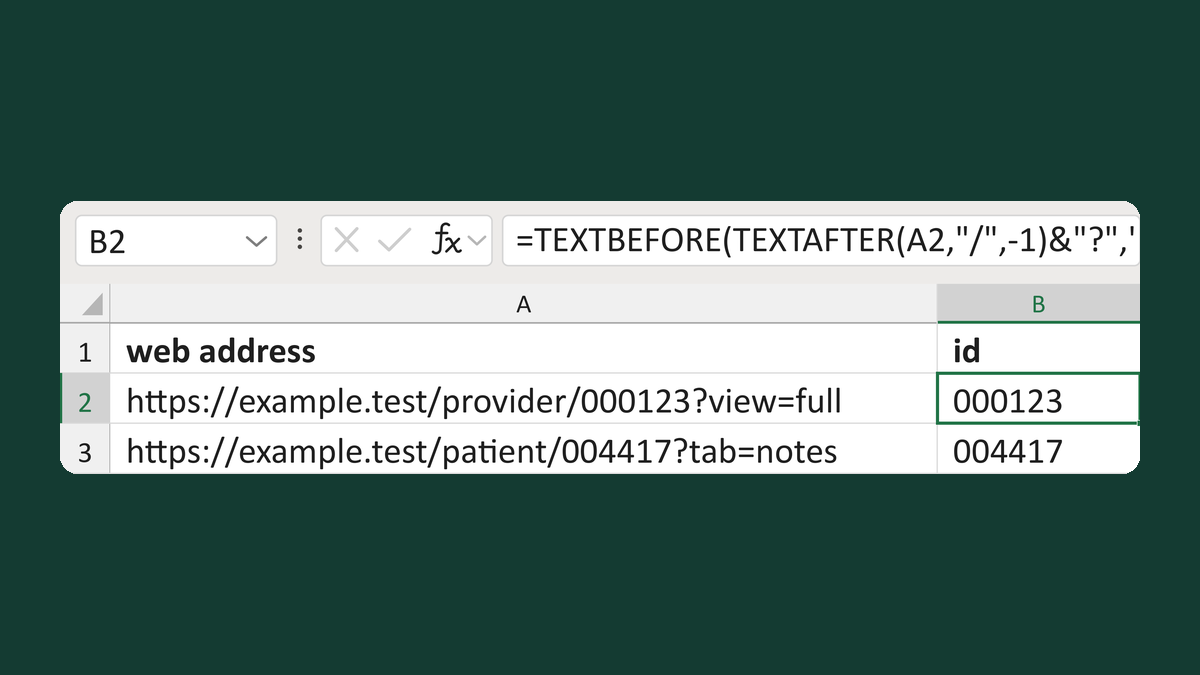
https://example.test/provider/000123?view=full → 000123
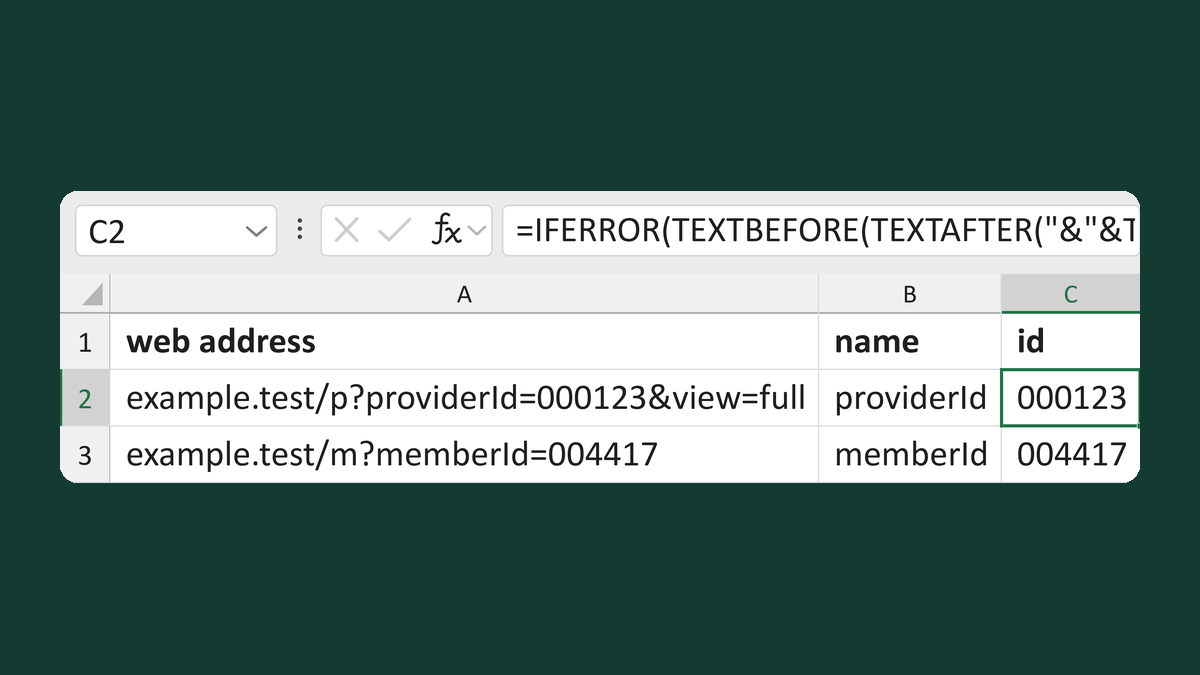
example.test/p?providerId=000123&view=full + providerId → 000123
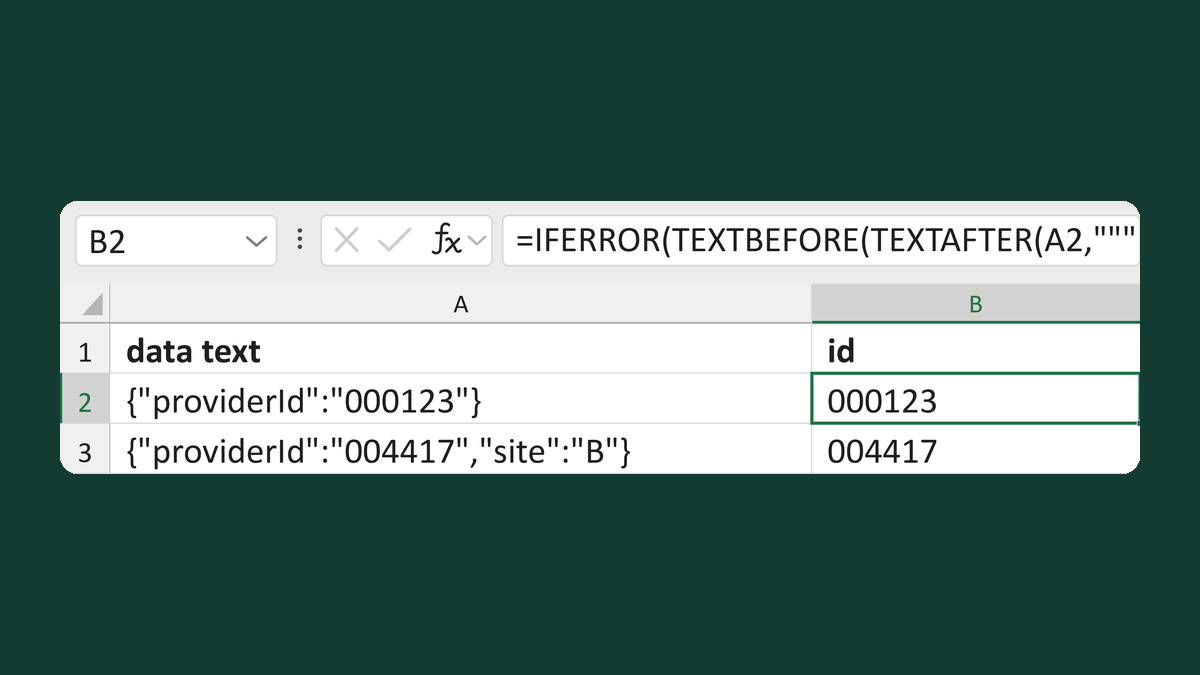
{"providerId":"000123"} → 000123
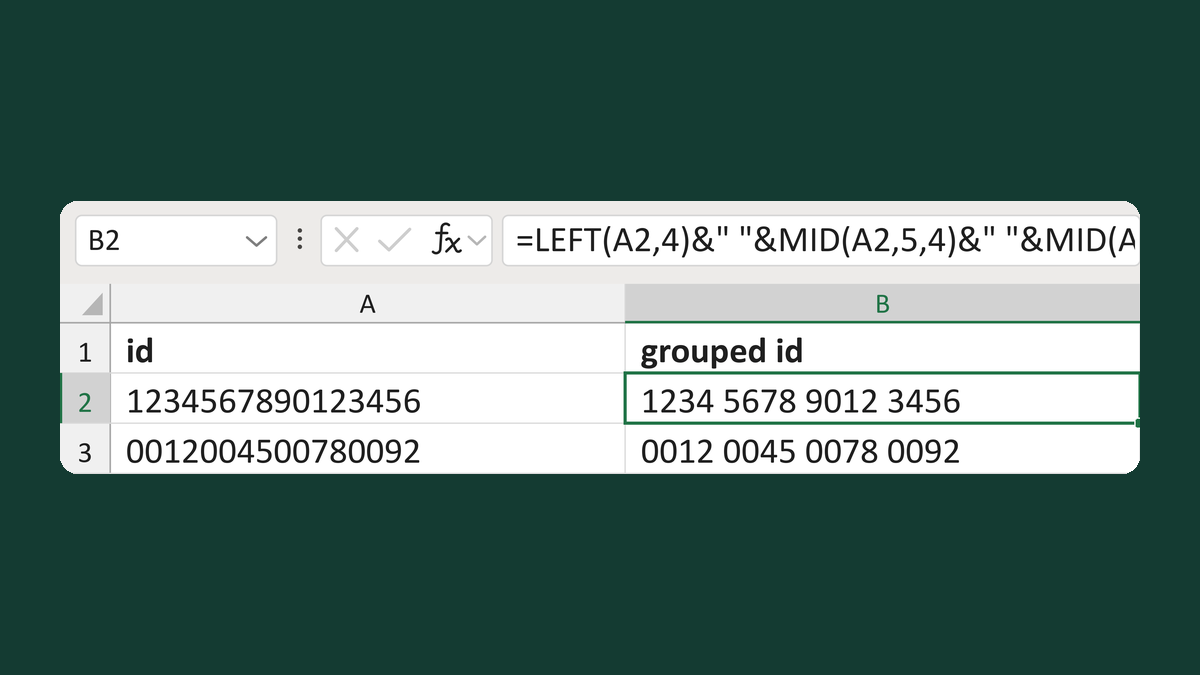
1234567890123456 → 1234 5678 9012 3456
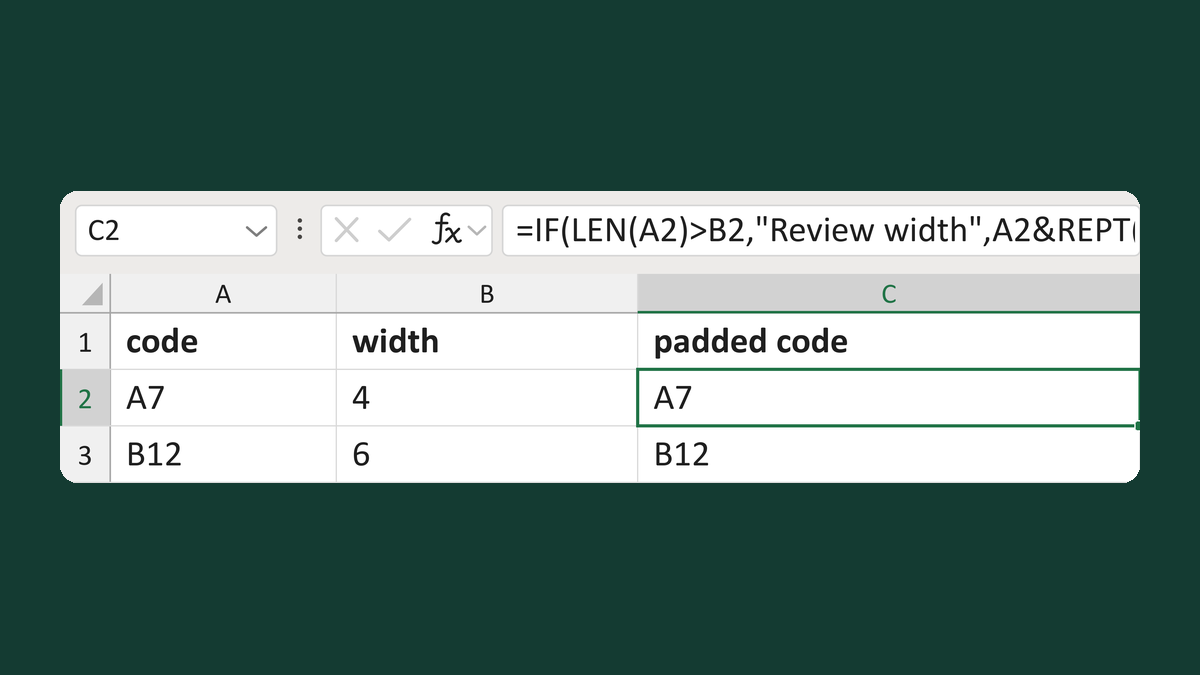
A7 with width 4 → [A7 ] (4 characters)
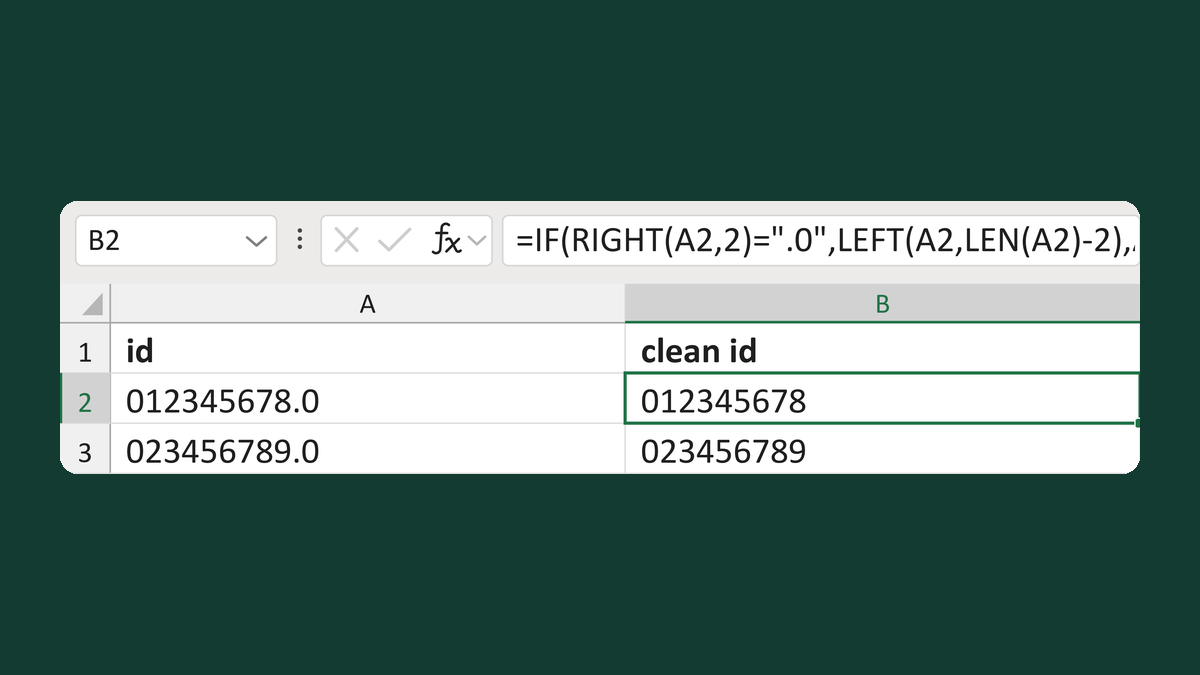
012345678.0 → 012345678
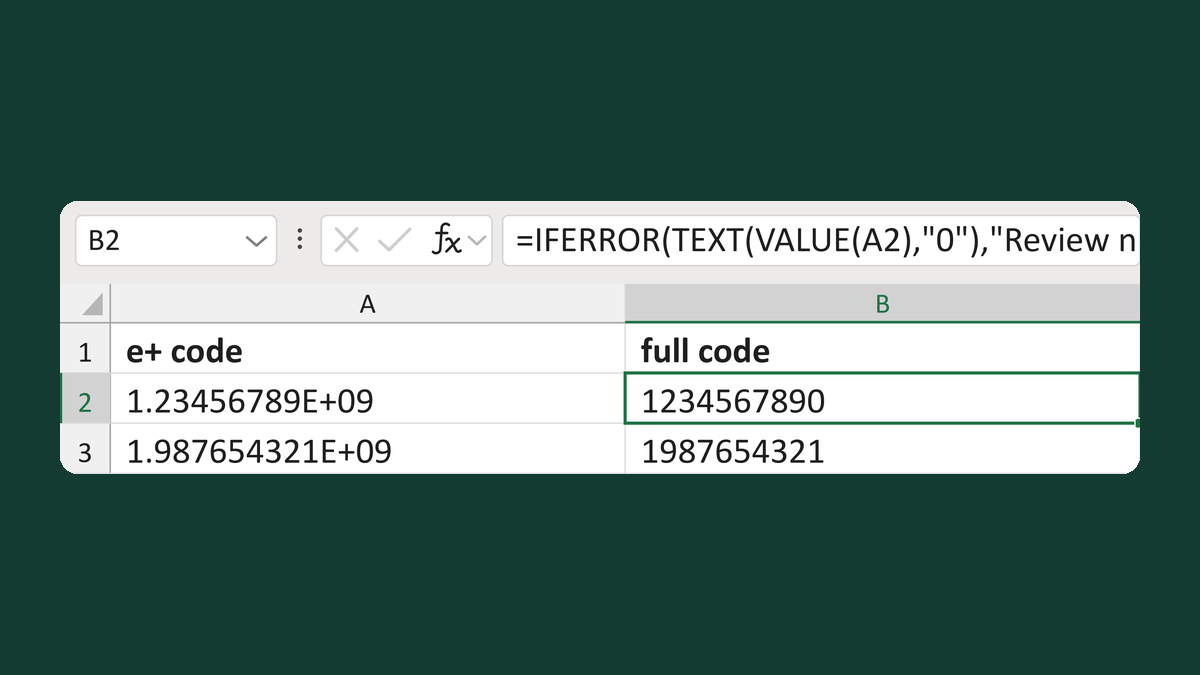
1.23456789E+09 → 1234567890
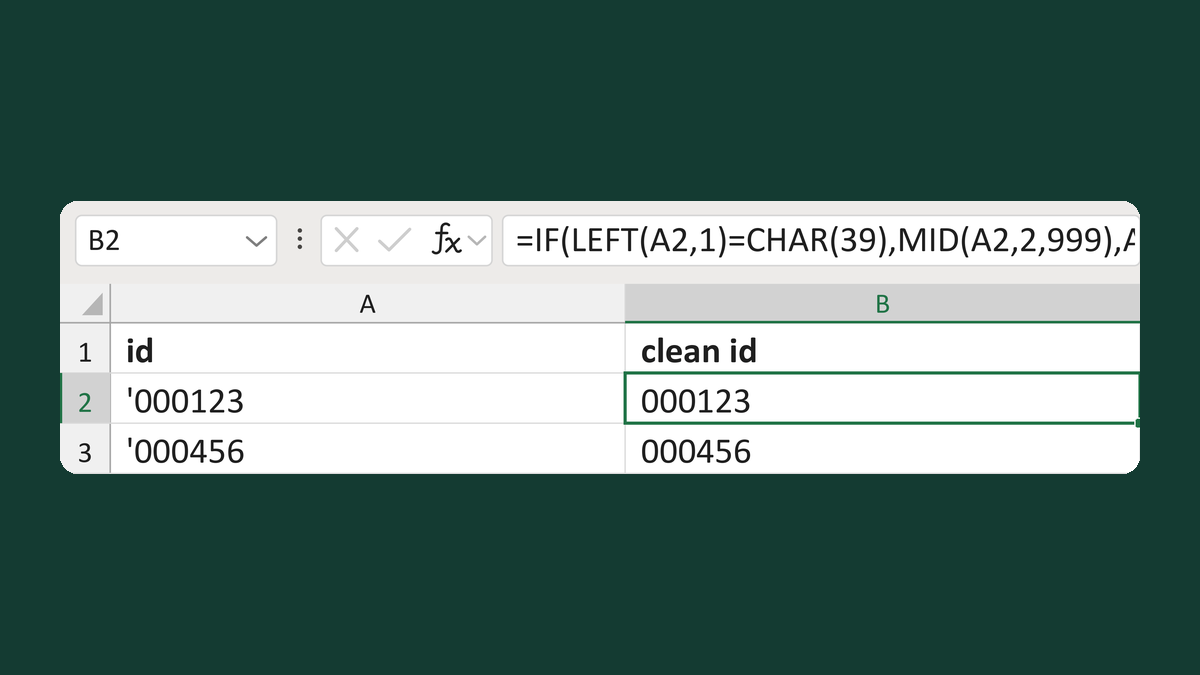
'000123 → 000123
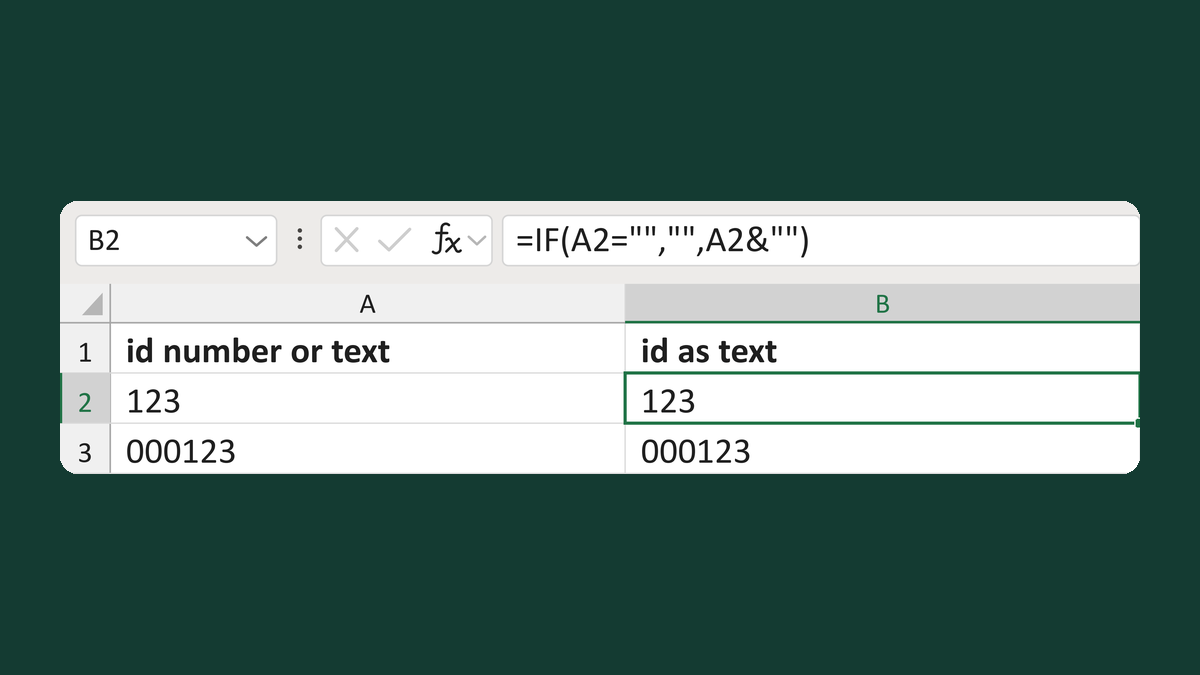
123 as a number → 123 as text
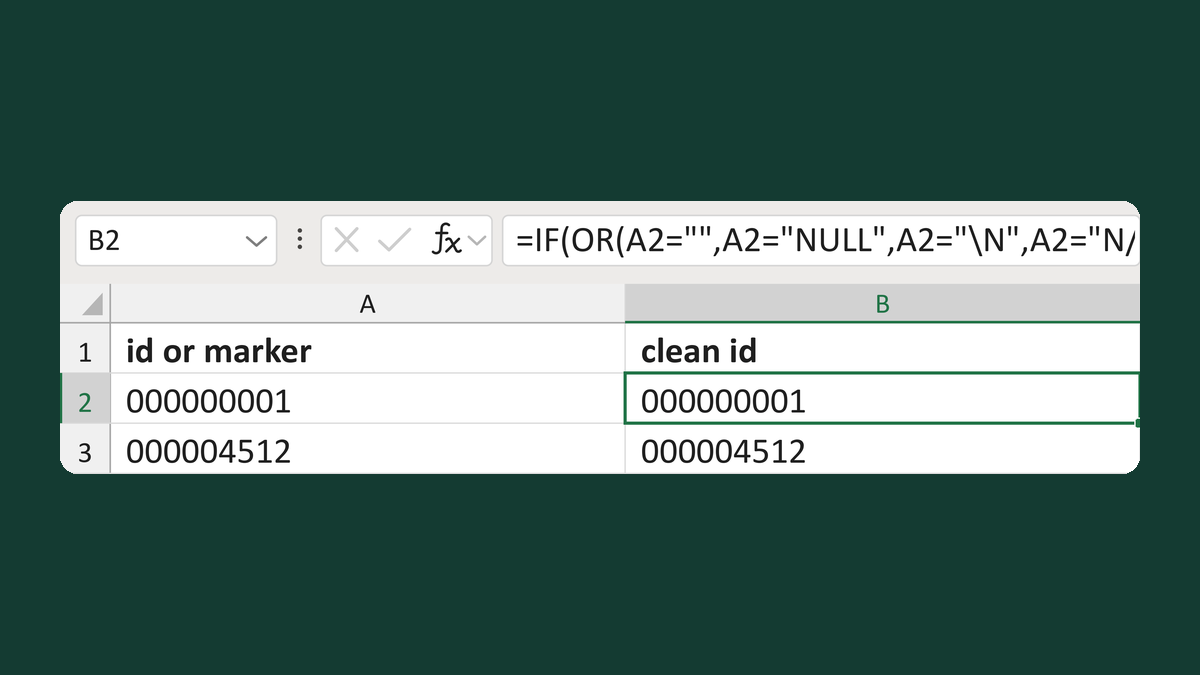
NULL → blank; 000000001 → 000000001 (zeros kept)
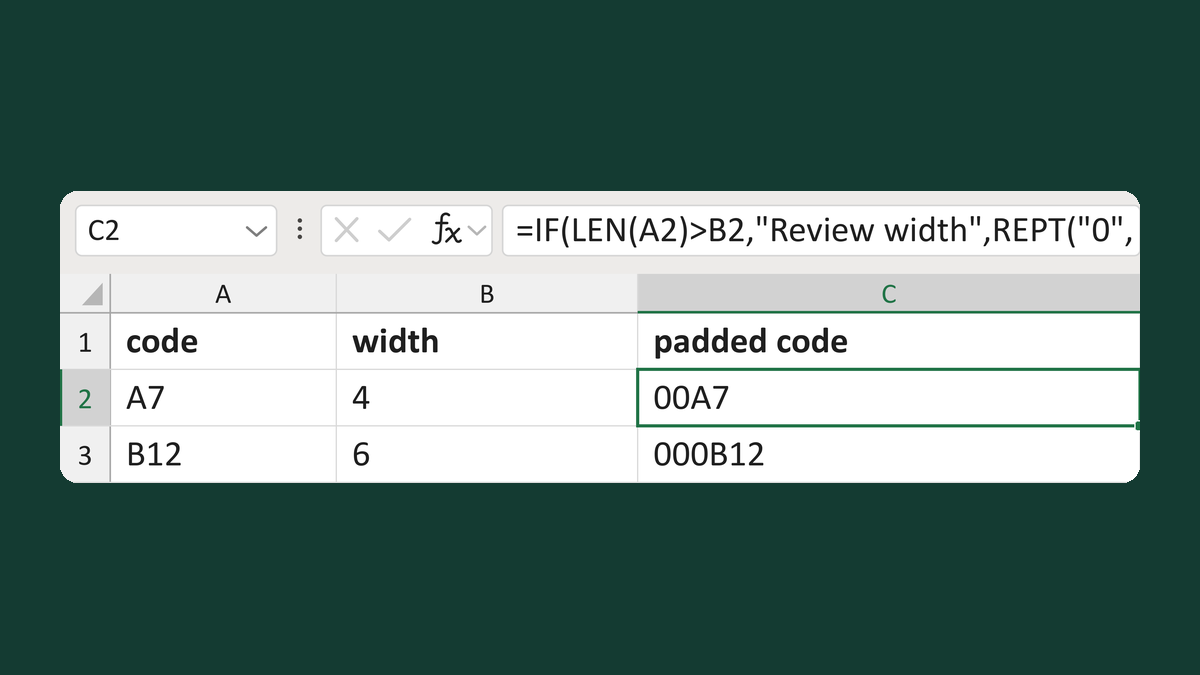
A7 + width 4 → 00A7
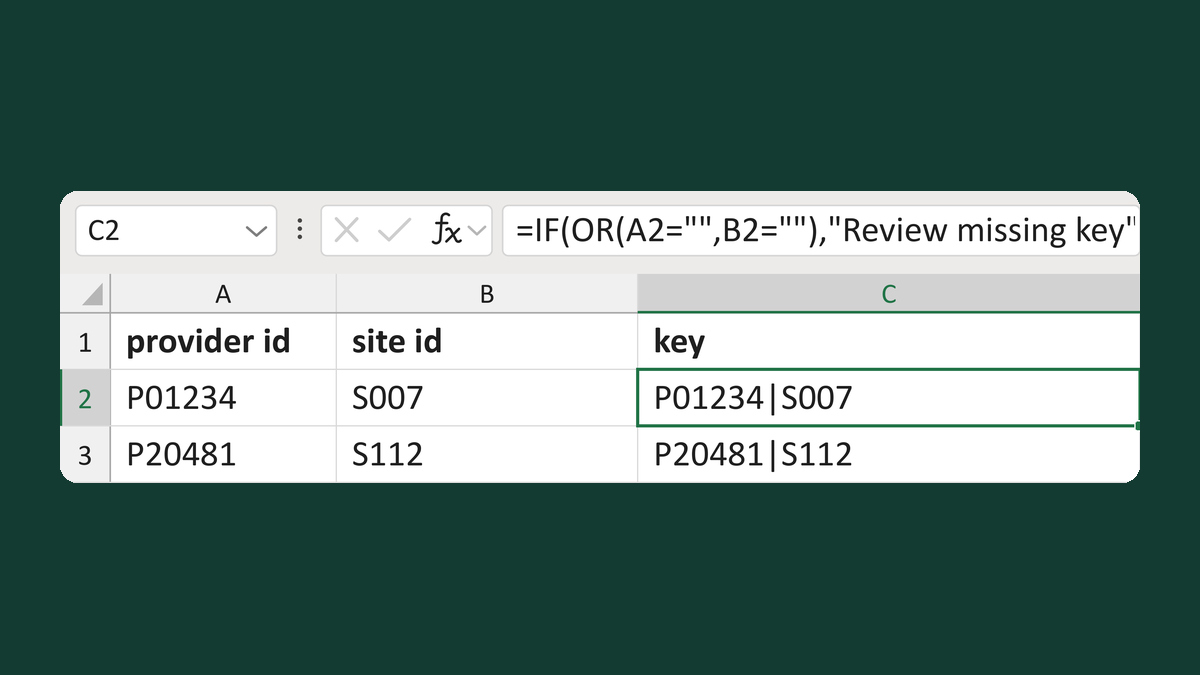
P01234 + S007 → P01234|S007
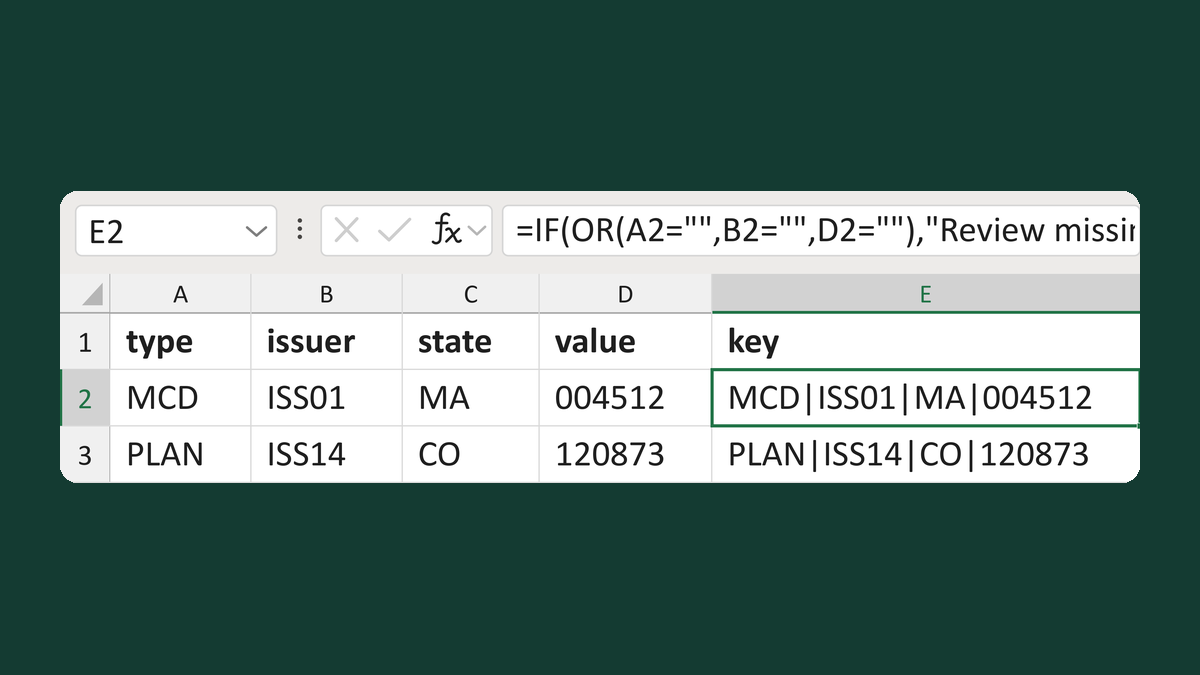
MCD + ISS01 + MA + 004512 → MCD|ISS01|MA|004512
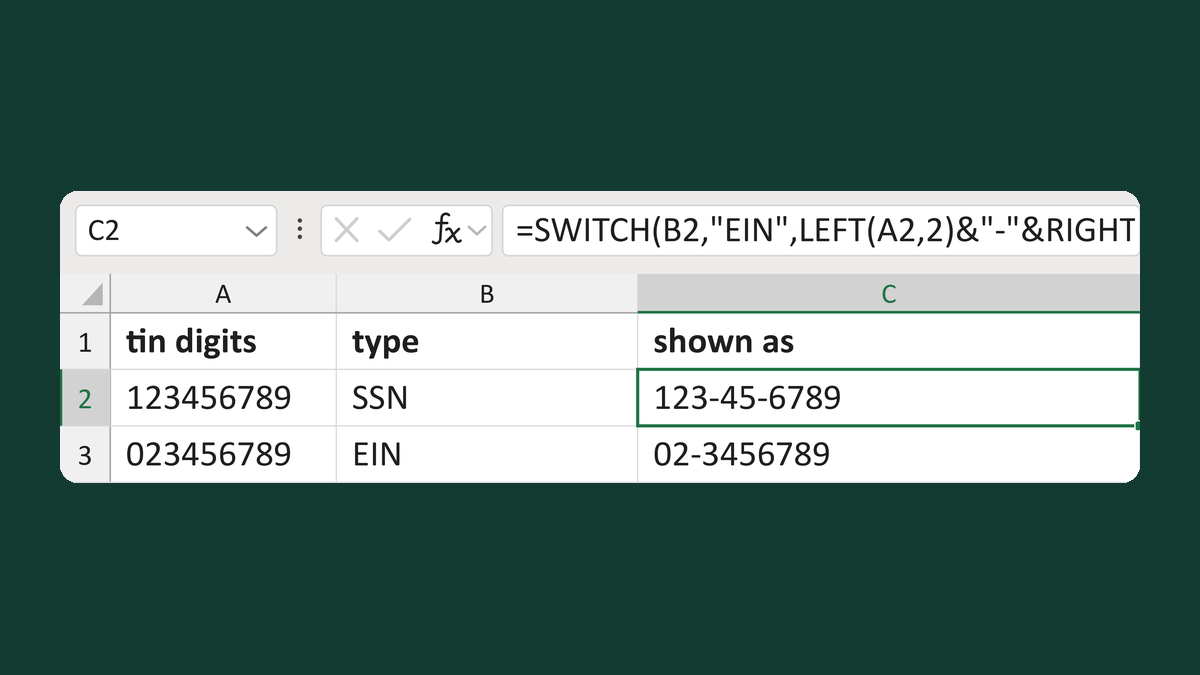
123456789 + SSN → 123-45-6789